GENERAL
4-50
Power-up options
The instrument can power-up in one of two states: with the factory settings or with the settings of
your choice stored in one of the full memory locations. Selection is made as follows:
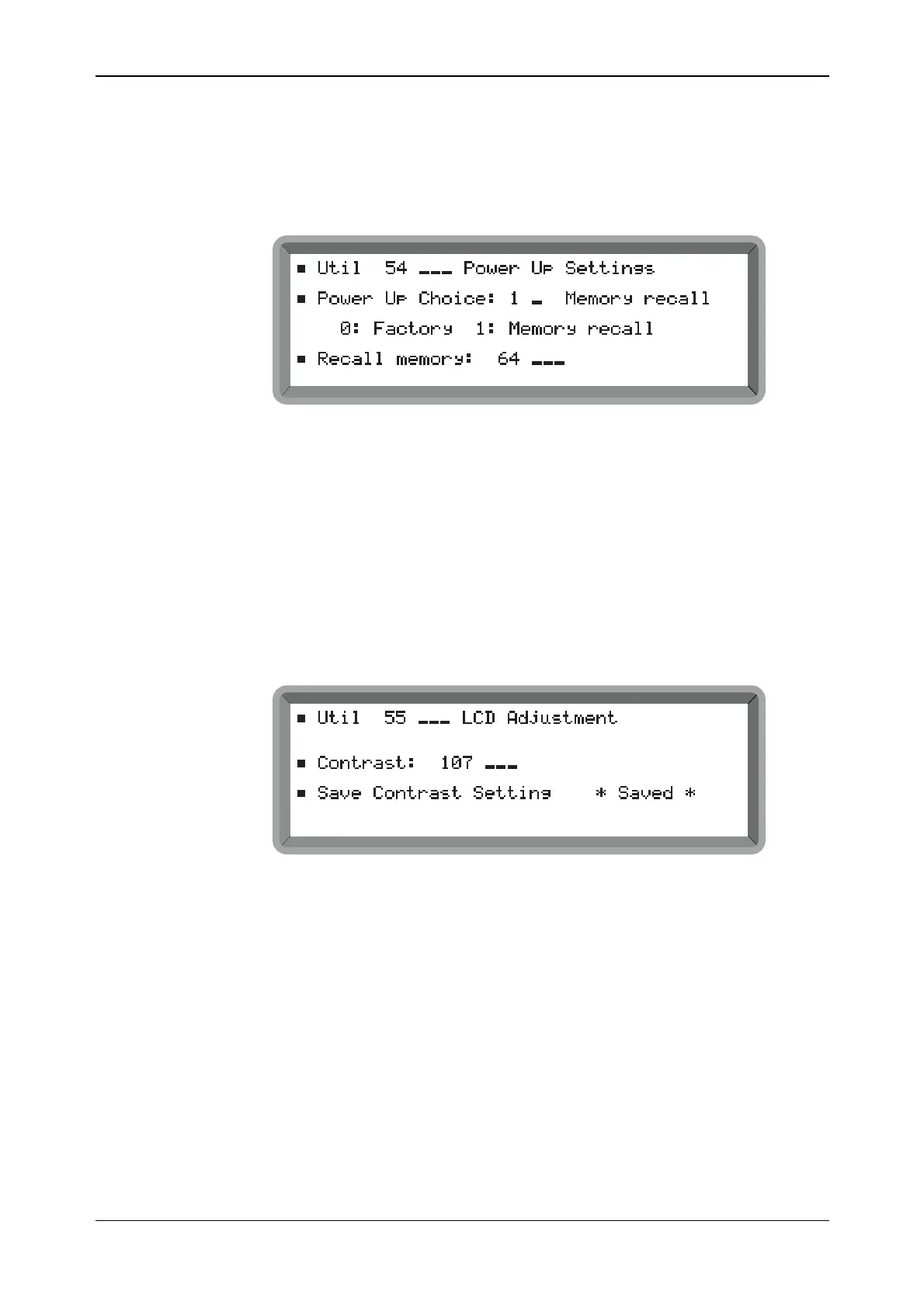
(1) Select the Util 54: Power Up Settings menu. This shows the currently selected power-up
choice (see Fig. 4-45).
B2078UT054
Fig. 4-45 Power-up settings menu
(2) Enter 1 for Memory Recall or 0 for Factory (no terminator is necessary).
(3) The current recall memory location is shown. To change, highlight Recall Memory and
enter the required location number (in the range 0 to 199) and terminate with [ENTER].
Adjusting the display
Display contrast may be set to suit different lighting conditions and the setting saved in memory as
follows:
(1) Select the Util 55: LCD Adjustment menu. This shows the currently selected contrast
setting (see Fig. 4-46).
B2079UT055
Fig. 4-46 LCD adjustment menu (with the setting saved for automatic recall at switch-on)
(2) Enter a number in the low- to high-contrast range 0−255 (the default setting is 127). The
setting can be adjusted by use of the [×÷10] and [Ø×10] keys or the control knob.
(3) If required, you can save the setting by selecting Save Contrast Setting. The instrument
responds with ** SAVED ** and from now on whenever the instrument is switched on, the
contrast is at your individual setting.



 To Next Page