DETAILED OPERATION
4-30
Pulse modulation (Option 9 fitted)
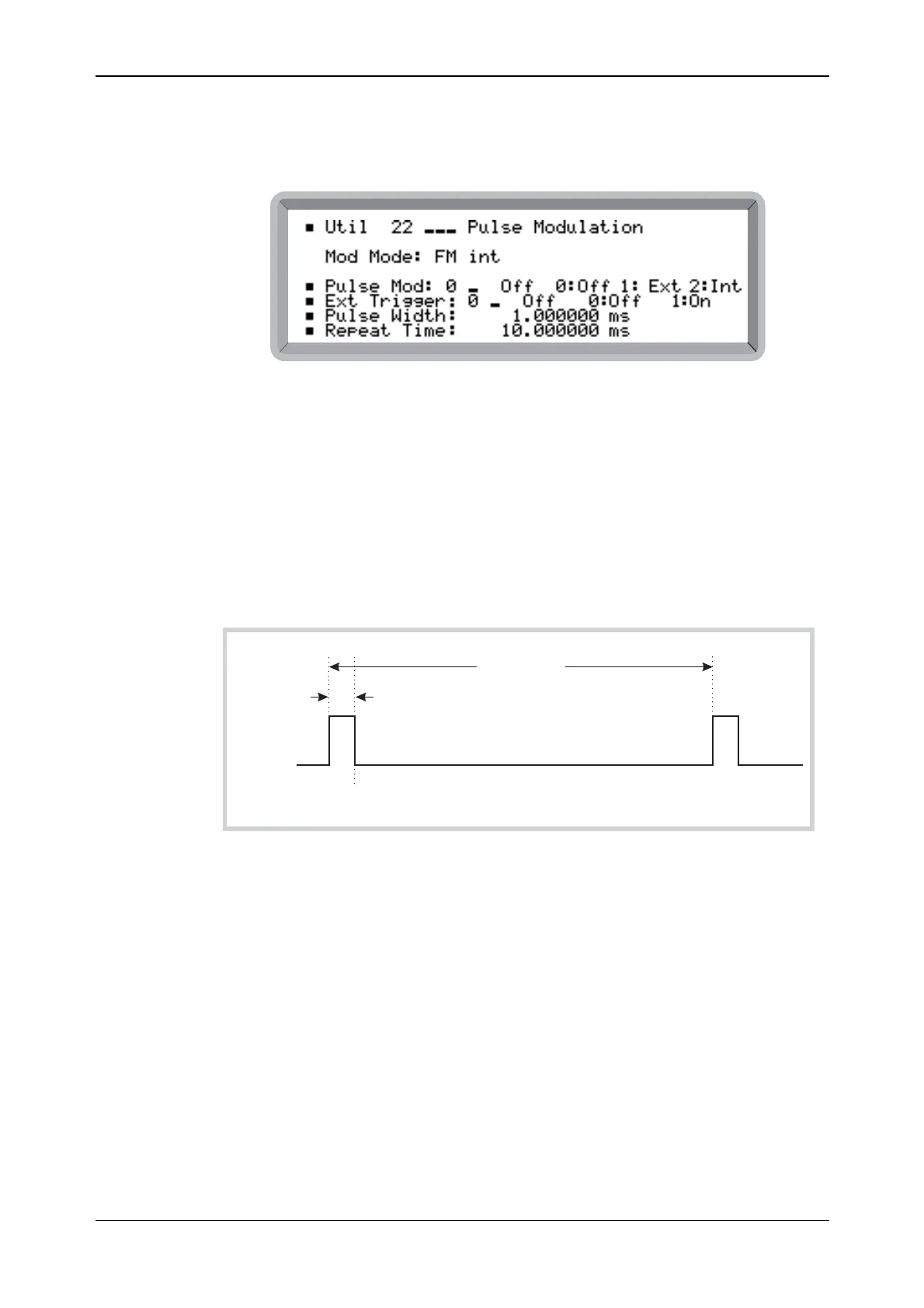
(1) Select the Util 22: Pulse Modulation menu. This shows the currently selected modulation
mode against Mod Mode: (see Fig. 4-27).
B6057
Fig. 4-27 Pulse modulation menu (Option 9)
(2) Highlight Pulse Mod: and enter 2 on the keypad (no terminator is required) to enable
internal modulation. The display changes to show the current modulation plus Pulse (for
example, Mod Mode: AM int + FM ext + Pulse int).
External trigger off
(3) Hi
ghlight Ext Trigger: and enter 0 on the keypad (no terminator is required) to disable
external triggering for internal modulation. The pulse generator now free runs.
(4) Set Pulse Width: and Repeat Time: as required (see Fig. 4-28). If Repeat Time is set less
than or equal to Pulse Width, the instrument displays an error message.
Repeat Time
Pulse Width
PULSE
OUTPUT
C6070
Fig. 4-28 Internal pulse modulation, untriggered
External trigger on
(5) Hi
ghlight Ext Trigger: and enter 1 on the keypad (no terminator is required) to enable
external triggering for internal modulation. The pulse generator is now triggered only by
pulses applied to the rear-panel TRIGGER socket.
(6) Set Pulse Width: and Pulse Delay: as required (see Fig. 4-29).



 To Next Page