GENERAL
4-52
Instrument options
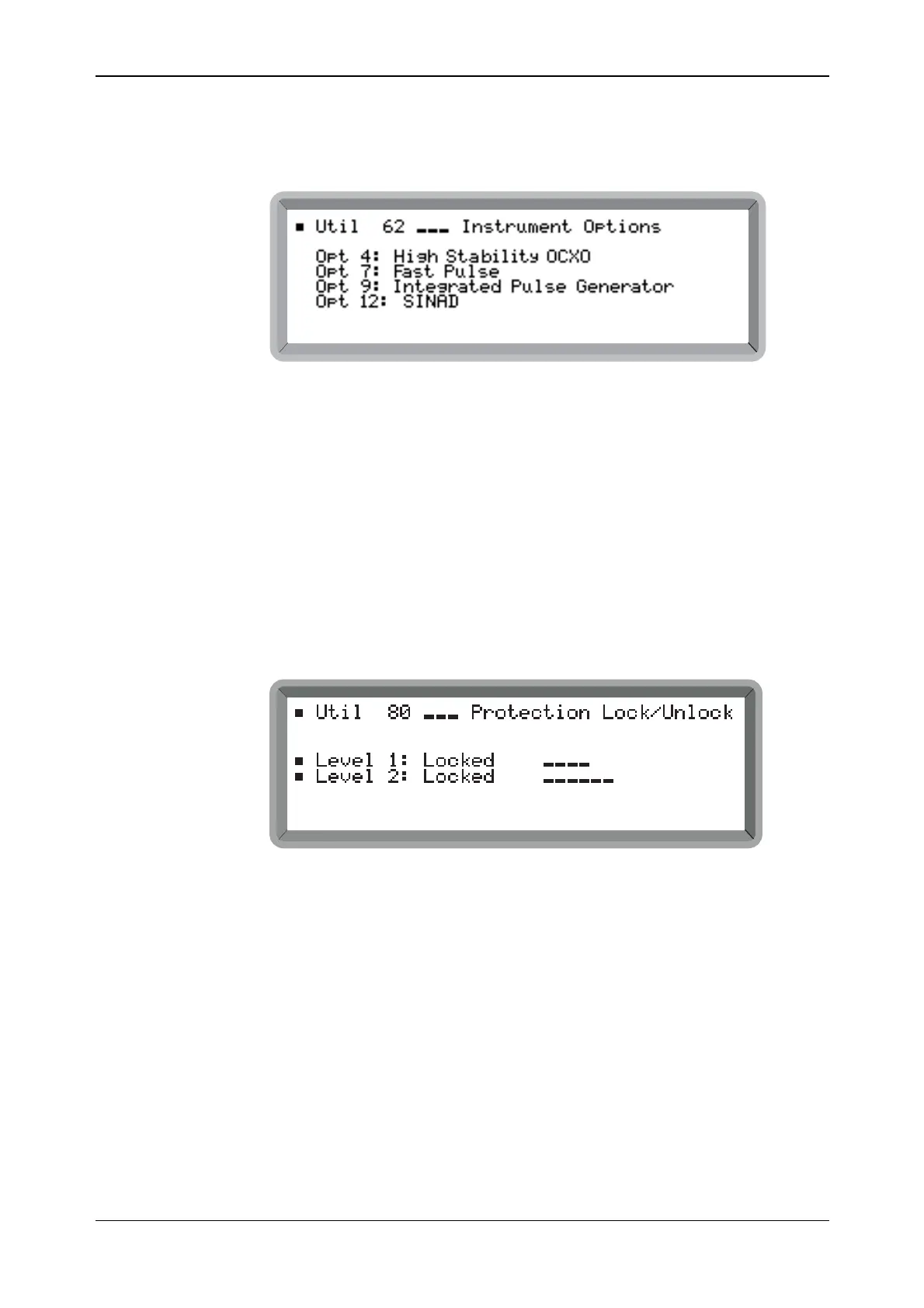
You can obtain a list of the options fitted in the instrument by selecting Util 62: Instrument
Options (see Fig. 4-49). For available options refer to ‘Options’ at the end of Chapter 1.
B6317UT062
Fig. 4-49 Instrument options display
Note that if no attenuator is fitted, reverse-power protection is not provided.
Protection locking and unlocking
To prevent accidental interference with the contents of internal memories, internal data is
protected by secure key sequences. There are two levels of protection. The most secure, Level 2,
used for servicing, is reserved for features such as altering the calibration data of the instrument.
Level 1 protection is used for locking the keyboard, blanking the display and for memory
protection. A filled-in square indicates an unprotected function. An open, unfilled square
indicates a protected function.
To lock or unlock the protection select the Util 80: Protection Lock/Unlock menu shown in
Fig. 4-50.
B2096UT080
Fig. 4-50 Protection locking and unlocking
(1) Highlight Level 1: and enter the 4-figure password on the keypad and press [ENTER].
Locked changes to Unlocked. The default password is 1234.
(2) Highlight Level 2: and enter the 6-figure password on the keypad and press [ENTER].
Locked changes to Unlocked.
(3) If the entered password is not recognized by the instrument the password has been changed
by operating personnel.
(4) To lock the instrument, highlight either Level 1: or Level 2: and enter an incorrect
password. Both levels then become locked.



 To Next Page