REMOTE OPERATION
5-6
GPIB operation
The instrument can be operated remotely from a personal computer fitted with a GPIB interface
card or a dedicated GPIB controller. All functions can be controlled by coded messages sent over
the interface bus via the 24-way socket on the rear panel of the instrument. IEEE Standard 488.2
(1987) is implemented, which defines the protocols and syntax of commands.
The instrument can function either as a talker or a listener. In the listen mode, it responds to IEEE
488.2 common commands and queries and device-specific commands and queries. These allow
various device functions to be controlled and operating parameters to be set. In the talk mode,
device status information and parameter settings can be read from the instrument.
For full information on the IEEE protocols and syntax the IEEE 488.2 standard should be
consulted.
GPIB control port
The connections required between the GPIB interface port and the controlling device are described
in Chapter 2 under ‘General Purpose Interface Bus (GPIB)’.
Setting GPIB address
The instrument must be given an address code before it can be used by remote control over the
GPIB. This address is selected as follows:
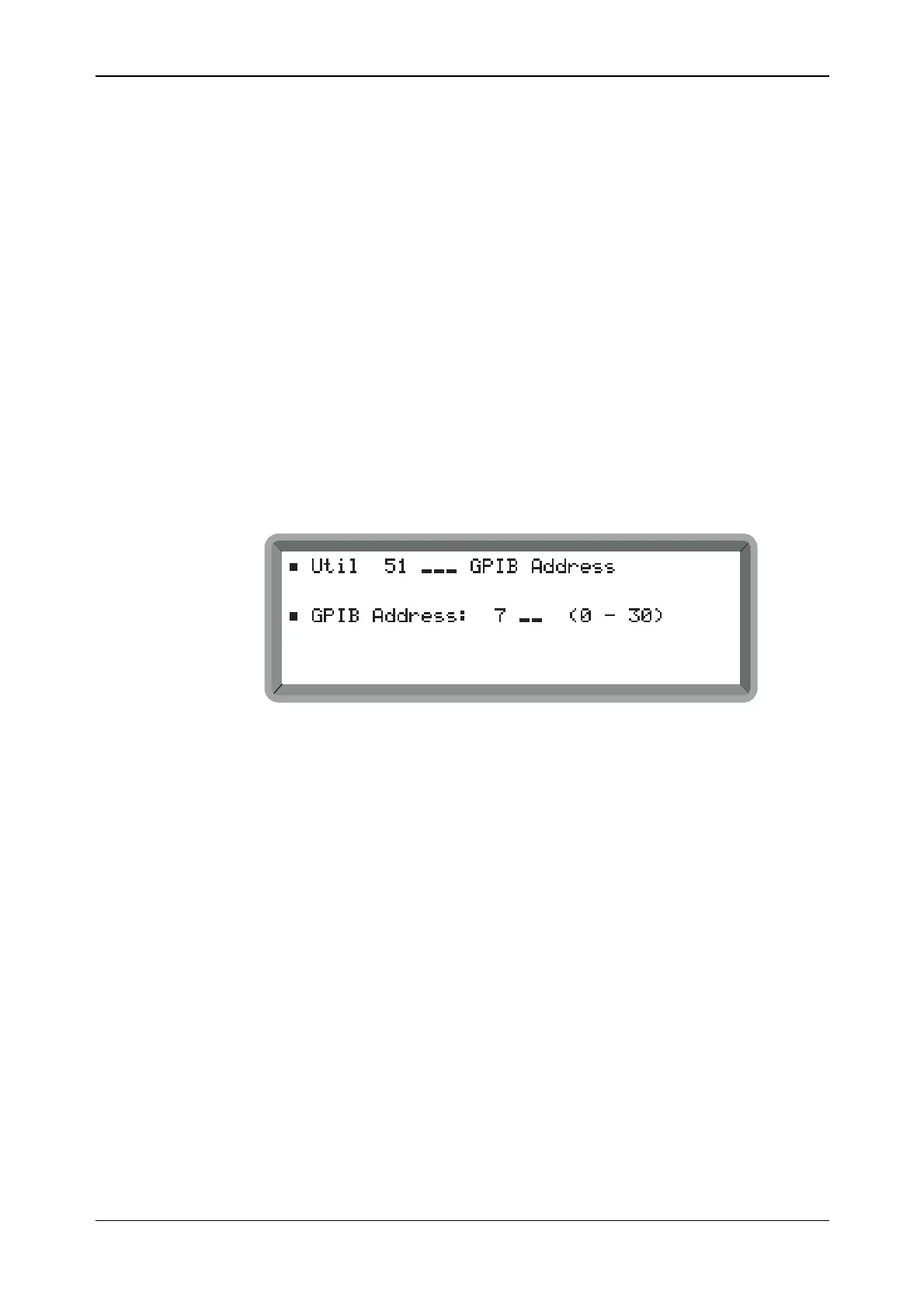
(1) Select the Util 51: GPIB Address menu. This shows the current GPIB address (see Fig. 5-3).
B2075UT051
Fig. 5-3 GPIB address menu
(2) Enter the address, which must be unique on the system to the instrument and within the range
0 to 30.
GPIB functions
The IEEE 488.1 interface functions offered by the instrument are as follows:
Source handshake (SH1) complete capability.
Acceptor handshake (AH1) complete capability.
Talker (T6) basic talker, serial poll, unaddress if MLA.
Listener (L4) basic listener, unaddress if MTA.
Service Request (SR1) complete capability.
Remote/Local (RL1) complete capability.
Device clear (DC1) complete capability.
Device trigger (DT1) complete capability
Parallel Poll (PP0) no capability.
Controller (C0) no capability.
Tri-state drivers (E2) as opposed to open-collector drivers.



 To Next Page