MEMORY
4-39
Memory cloning
You can transfer the stored settings from one signal generator to another by using either the GPIB
or the RS-232 interface. These stored settings are the full and carrier stores together with their
currently protected states. This means that after cloning has been performed all of the
non-protected memory stores on the receiving instrument have been overwritten.
For GPIB operation the transmitting instrument is automatically configured as a talker sending to
one or more automatically configured listeners. It does not matter which addresses the instruments
are set to.
For RS-232 operation the transmitting instrument can only send to one receiving instrument. The
settings of the serial ports of the two instruments do not matter except that data transfer is at the
higher baud rate.
To use this utility first of all ensure that the instrument is unlocked to Level 1 using Util 80:
Protection Lock/Unlock. Then proceed as follows:
(1) Ensure that the correct mode of operation, either GPIB or RS-232, has been selected for
both instruments using Util 50: Remote Operation Select.
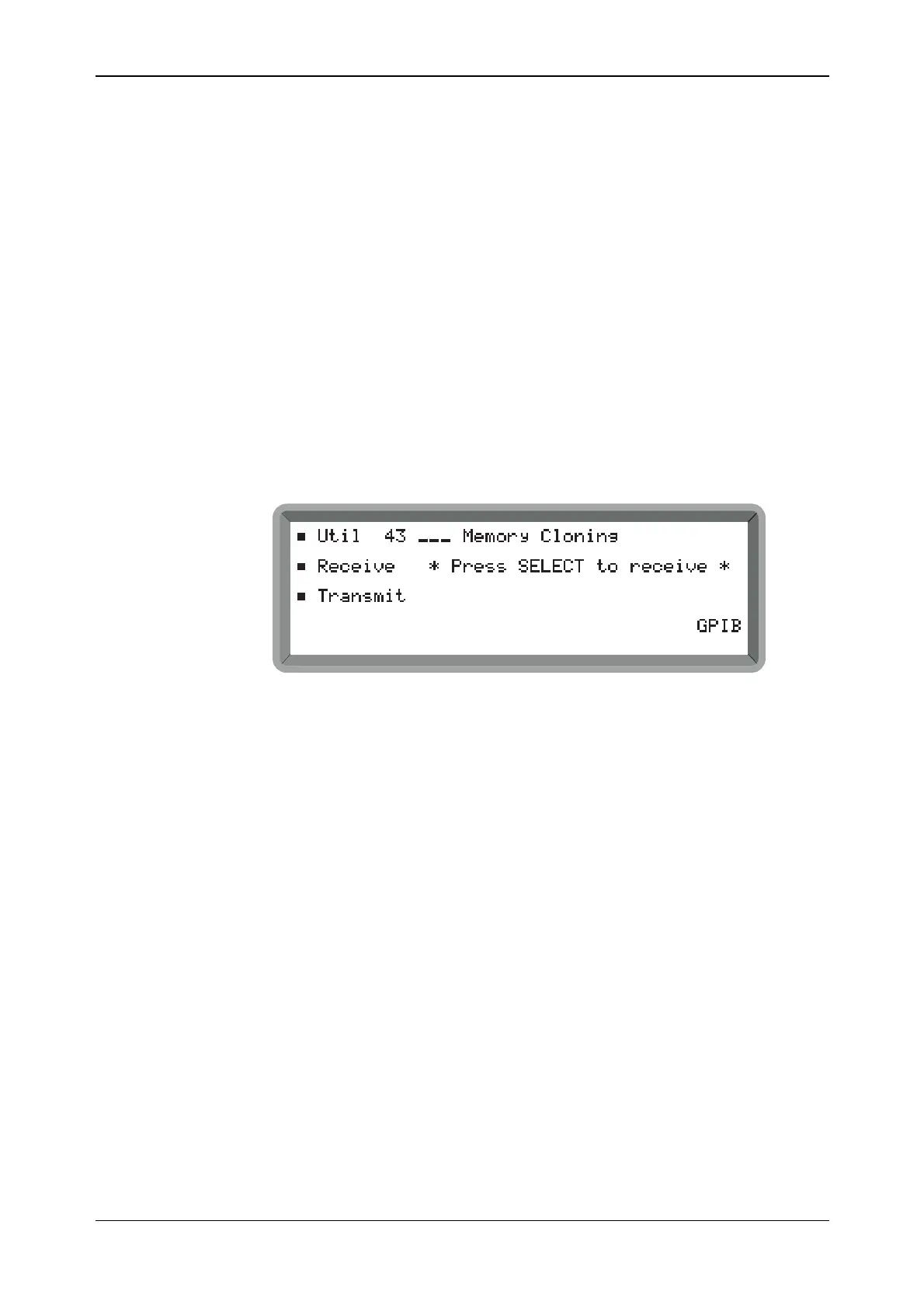
(2) Select Util 43: Memory Cloning on transmitting and receiving instruments to display the
menu shown in Fig. 4-34. Check that all instruments show the same remote mode − either
GPIB or RS232.
B2071UT043A
Fig. 4-34 Memory cloning menu (showing instrument ready to receive via the GPIB)
(3) On the receiving instrument highlight Receive and press [SELECT]. The message * Press
SELECT to receive * changes to * Ready to receive * and the instrument enters the remote
mode (displays REM).
(4) On the transmitting instrument highlight Transmit and press [SELECT]. The message
* Press SELECT * changes to * Transmitting *, REM is displayed and data transfer takes
place. Cloning times via GPIB and RS-232 are approximately 4 s and 14 s respectively.
(5) At the end of the data transfer process * Transfer complete * is displayed by all
participating instruments.



 To Next Page