GENERAL
4-43
RF level limit
To use the RF level limit utility first ensure that the instrument is unlocked to Level 1 using
Util 80: Protection Lock/Unlock. This utility enables you to set your own maximum output power
limit which allows you to protect sensitive devices connected to the RF OUTPUT socket.
Proceed as follows:
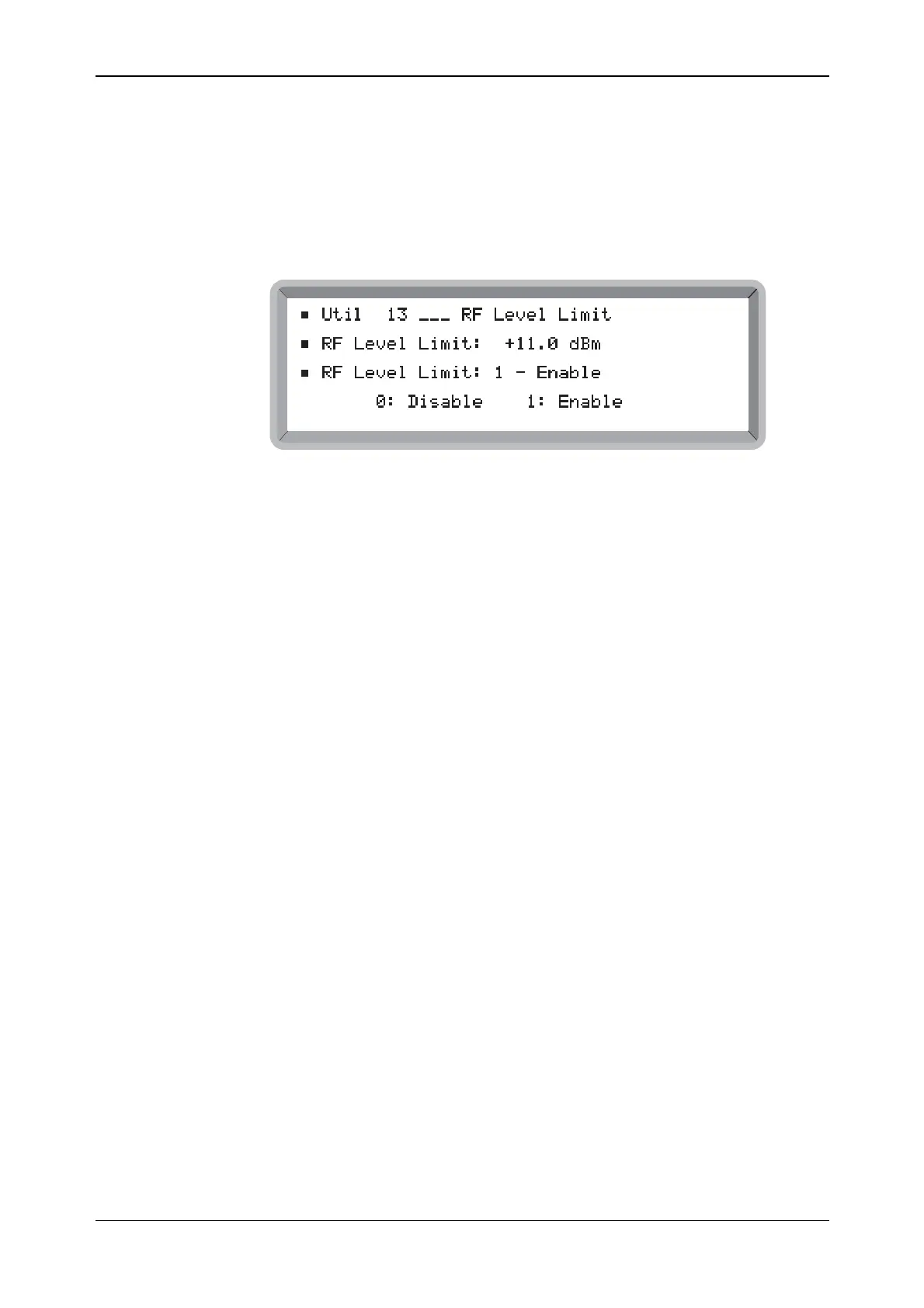
(1) Select the Util 13: RF Level Limit menu. This shows the currently selected RF level limit
(see Fig. 4-37).
B6313UTIL13
Fig. 4-37 RF level limit menu
(2) Set the required RF Level Limit in the range −125 to +13 dBm to a resolution of 0.1 dB.
For the High Power Option (Option 3), the maximum calibrated output level is +25.1 dBm
up to 1.2 GHz and +19 dBm above this frequency. Above 1.2 GHz an uncalibrated level up
to +25.1 dBm is allowed but an RF Level Uncalibrated message is displayed.
(3) Enter 0 to disable or 1 to enable the function.
The setting is saved in non-volatile memory so that when subsequently the instrument is switched
on again it is set with your specified RF level limit.



 To Next Page