DETAILED OPERATION
4-20
Carrier phase adjustment
The phase offset of the carrier can be adjusted in degrees as follows:
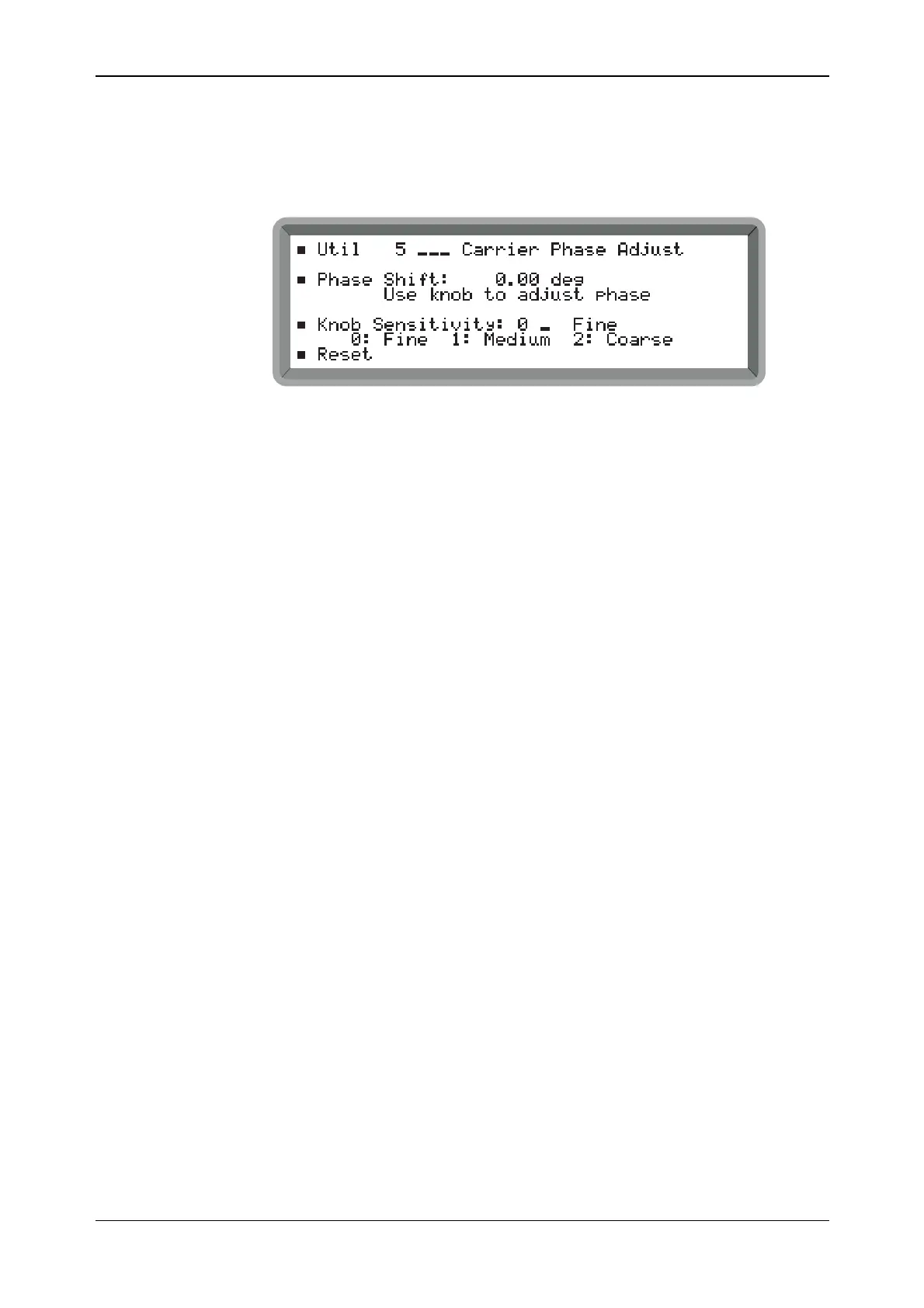
(1) Select the Util 5: Carrier Phase Adjust menu. This shows the currently selected phase shift
setting (see Fig. 4-15).
B2053UT005
Fig. 4-15 Carrier phase adjust menu
(2) Select the required control knob sensitivity between Fine (0.09°), Medium (0.9°) and
Coarse (2.7°).
(3) Highlight Phase Shift and adjust the phase using the control knob. Adjustment is in the
range -359.91° to +359.91° (fine sensitivity). Note that if you have set the carrier phase and
subsequently adjusted the carrier frequency, the menu Phase Shift value is blanked. This is
because the value is then indeterminate due to the adjustment.
(4) To establish a reference the displayed phase shift can be reset to 0° by highlighting Reset
and pressing [SELECT].



 To Next Page