DETAILED OPERATION
4-24
Source selection − internal
Having previously selected internal modulation from the Util 20: Modulation Mode menu, select
the waveform and modulating frequency as follows:
(1) Press [MOD SOURCE] to highlight the current modulation source selection.
(2) Repeatedly press [MOD SOURCE] to cycle through and select a sine, square or triangular
waveform.
(3) Enter the required modulating frequency on the keypad and terminate with the [Hz] or
[kHz] key. If the modulation requested exceeds 100 kHz the modulation is set to the
maximum value.
The output waveform can be switched in a different sequence to that allowed by the [MOD
SOURCE] key. For instance it may be required to switch from sine to square wave without the
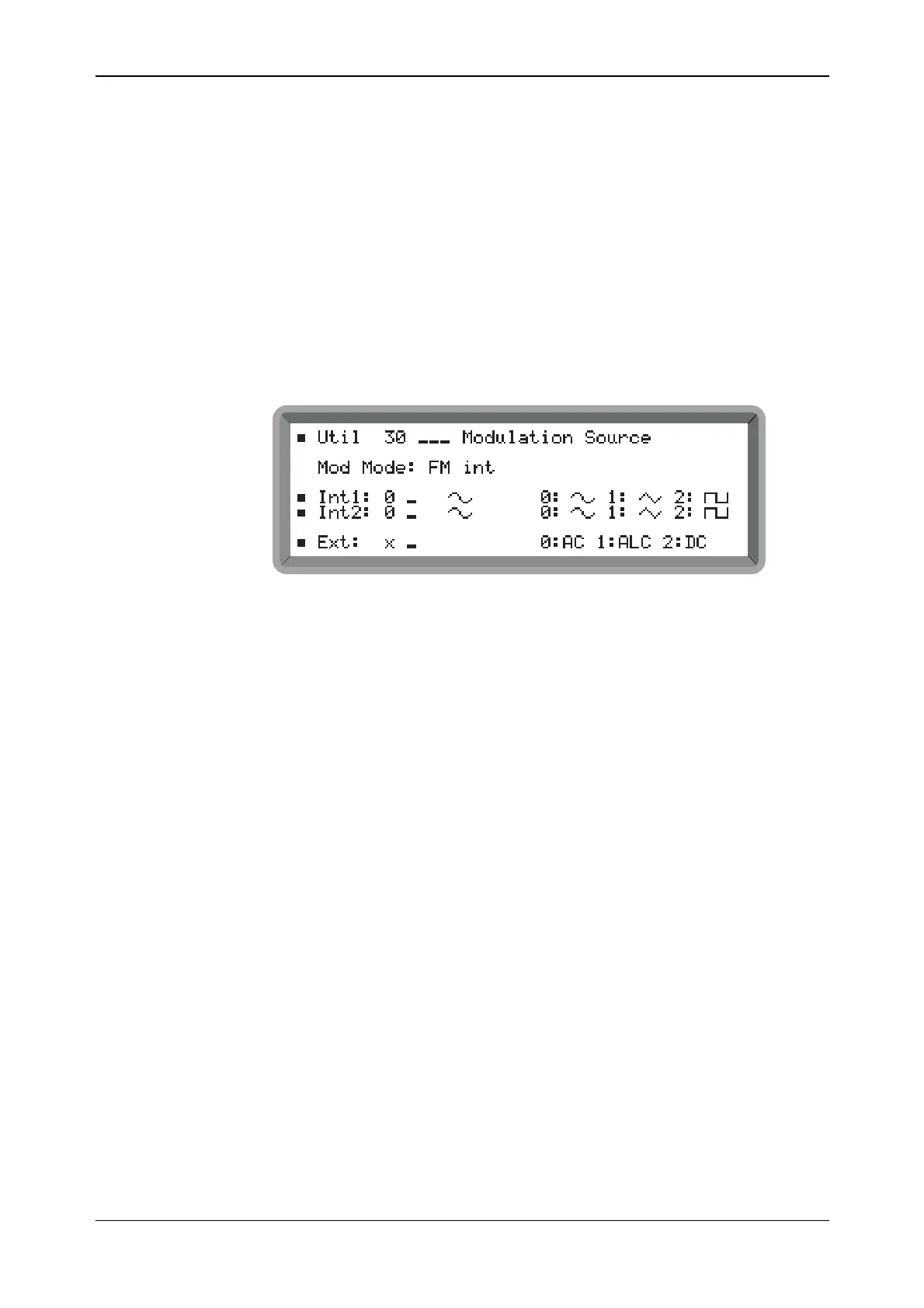
necessity of switching via the triangular wave. For this requirement, use the Util 30: Modulation
Source menu shown in Fig. 4-21.
B2064UT030a
Fig. 4-21 Modulation source menu



 To Next Page