DETAILED OPERATION
4-22
RF level linear units
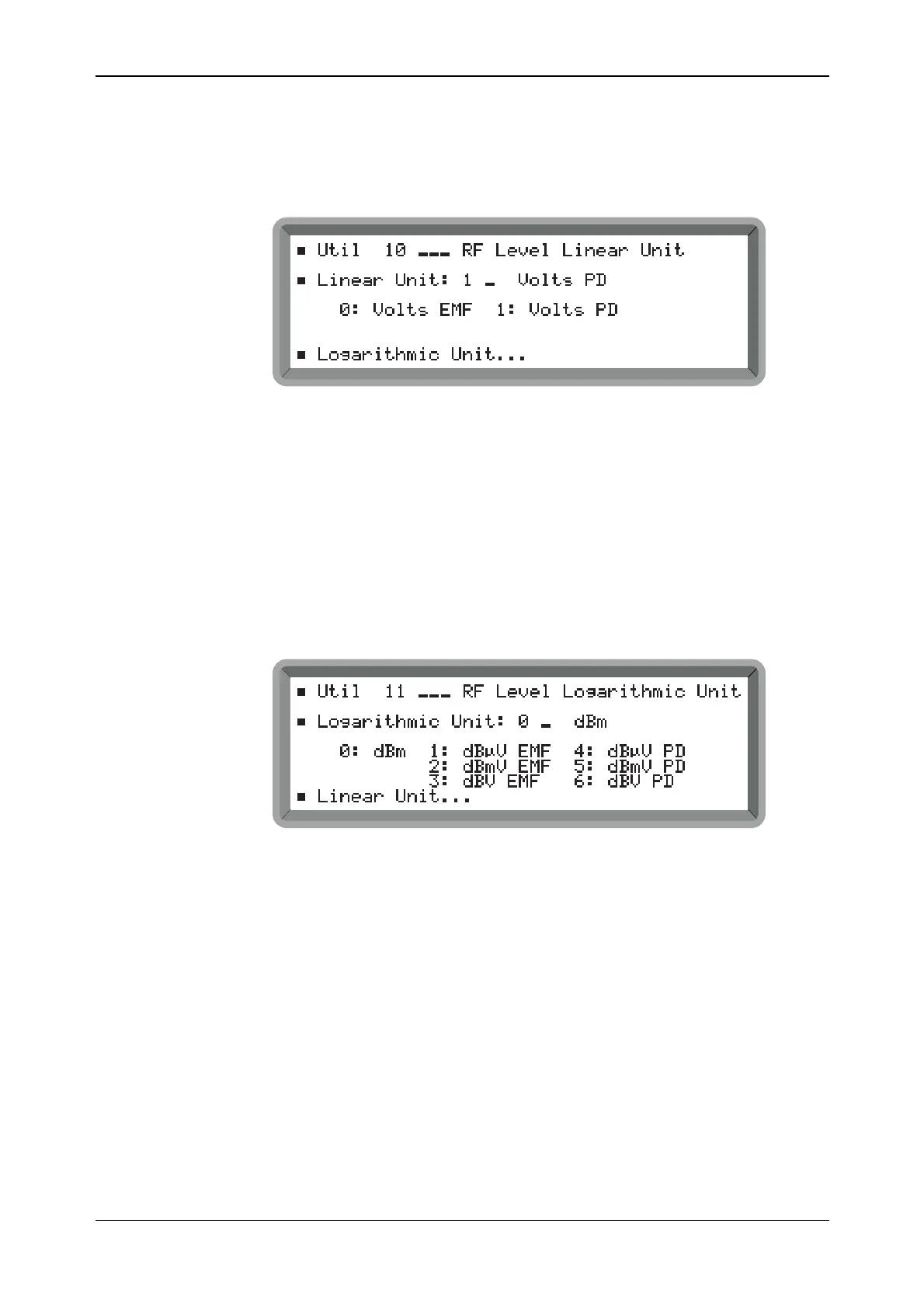
You can set the RF level in linear units of volts PD or volts EMF as follows:
(1) Select the Util 10: RF Level Linear Unit menu. This shows the currently selected linear
unit (see Fig. 4-17).
B2054UT010
Fig. 4-17 RF level linear units menu
(2) Enter 1 for Volts PD or 0 for Volts EMF (no terminator is necessary).
(3) To select a logarithmic unit, highlight Logarithmic Unit... and press [SELECT]. This gives
you immediate access to the Util 11: RF Level Logarithmic Unit menu shown below.
RF level logarithmic units
You can set the RF level in logarithmic units as follows:
(1) Select the Util 11: RF Level Logarithmic Unit menu. This shows the currently selected
logarithmic unit (see Fig. 4-18).
B2055UT011
Fig. 4-18 RF level logarithmic units menu
(2) Enter a number in the range 0 to 6 (no terminator is necessary) to select between volts
(dBV), millivolts (dBmV), microvolts (dBμV) − in EMF or PD − and 1 milliwatt into 50 Ω
(dBm).
(3) To select a linear unit, highlight Linear Unit... and press [SELECT]. This gives you
immediate access to the Util 10: RF Level Linear Unit menu shown above.



 To Next Page