GENERAL
4-42
50 Ω/75 Ω impedance selection
The performance specification of the instrument assumes operation into 50 Ω loads. By means of
this menu in association with a 75 Ω adapter, you can select operation into 75 Ω loads whilst
maintaining correct voltage calibration. It also enables the reverse power protection circuit to
function correctly. But note that in the event of an overload the RPP functions but the adapter is
NOT protected. To use this utility ensure that the instrument is unlocked to Level 1 using
Util 80:Protection Lock/Unlock. Then proceed as follows:
(1) First of all connect the 50 Ω/75 Ω adapter to the front-panel RF OUTPUT socket.
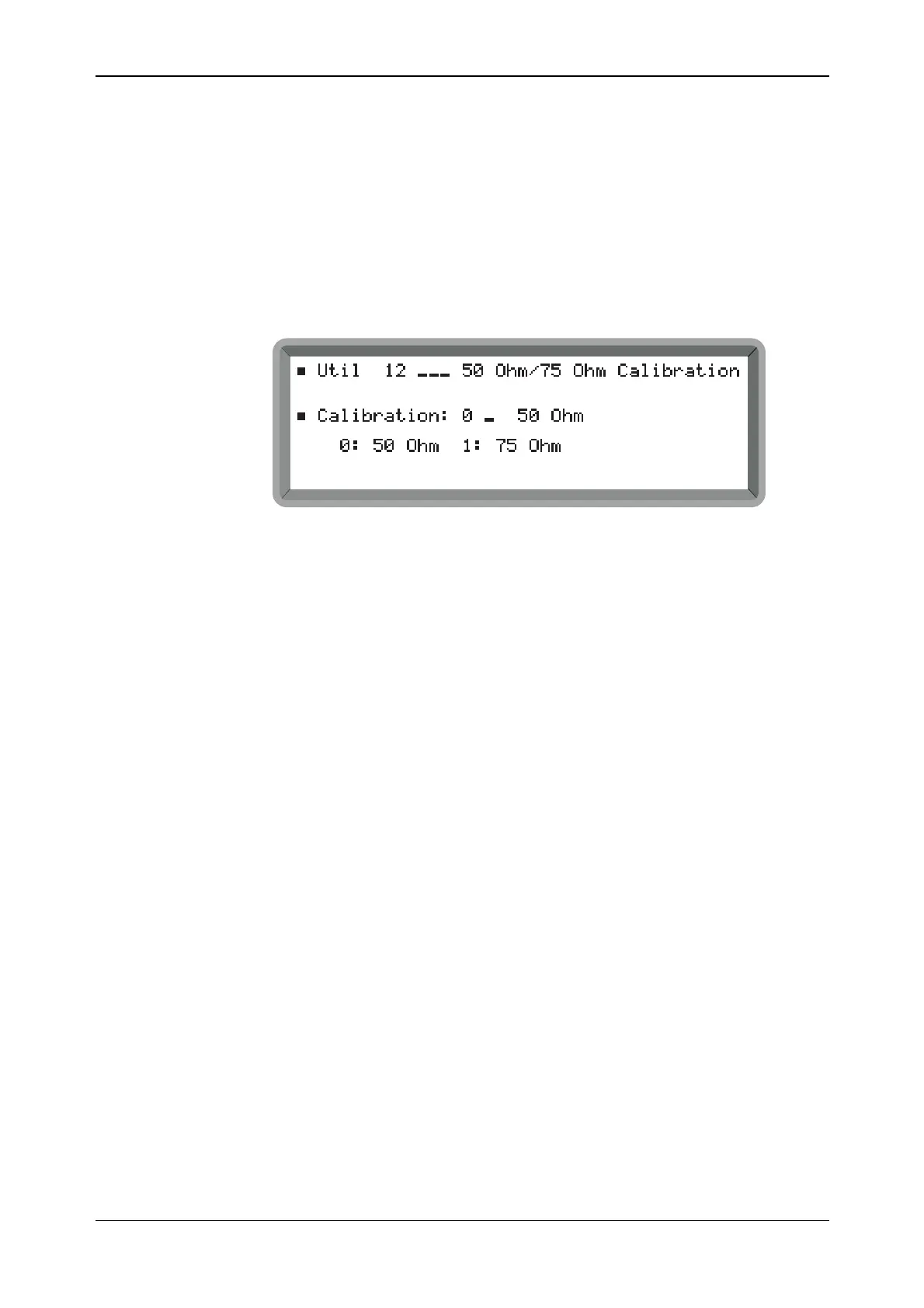
(2) Select the Util 12: 50 Ohm/75 Ohm Calibration menu. This shows the currently selected
impedance (see Fig. 4-36).
B2056UT012
Fig. 4-36 50
Ω
/75
Ω
calibration menu
(3) Select 1 for 75 Ω or 0 for 50 Ω (no terminator is necessary). When 75 Ω is selected, the
value of the displayed output level is reduced by 5.7 dB to compensate for the 50 Ω/75 Ω
adapter loss.



 To Next Page