FIRST-TIME USE
4-14
With steps
(8) Press [KNOB/STEP] to disable the control knob (as indicated by the bracket no longer
being displayed).
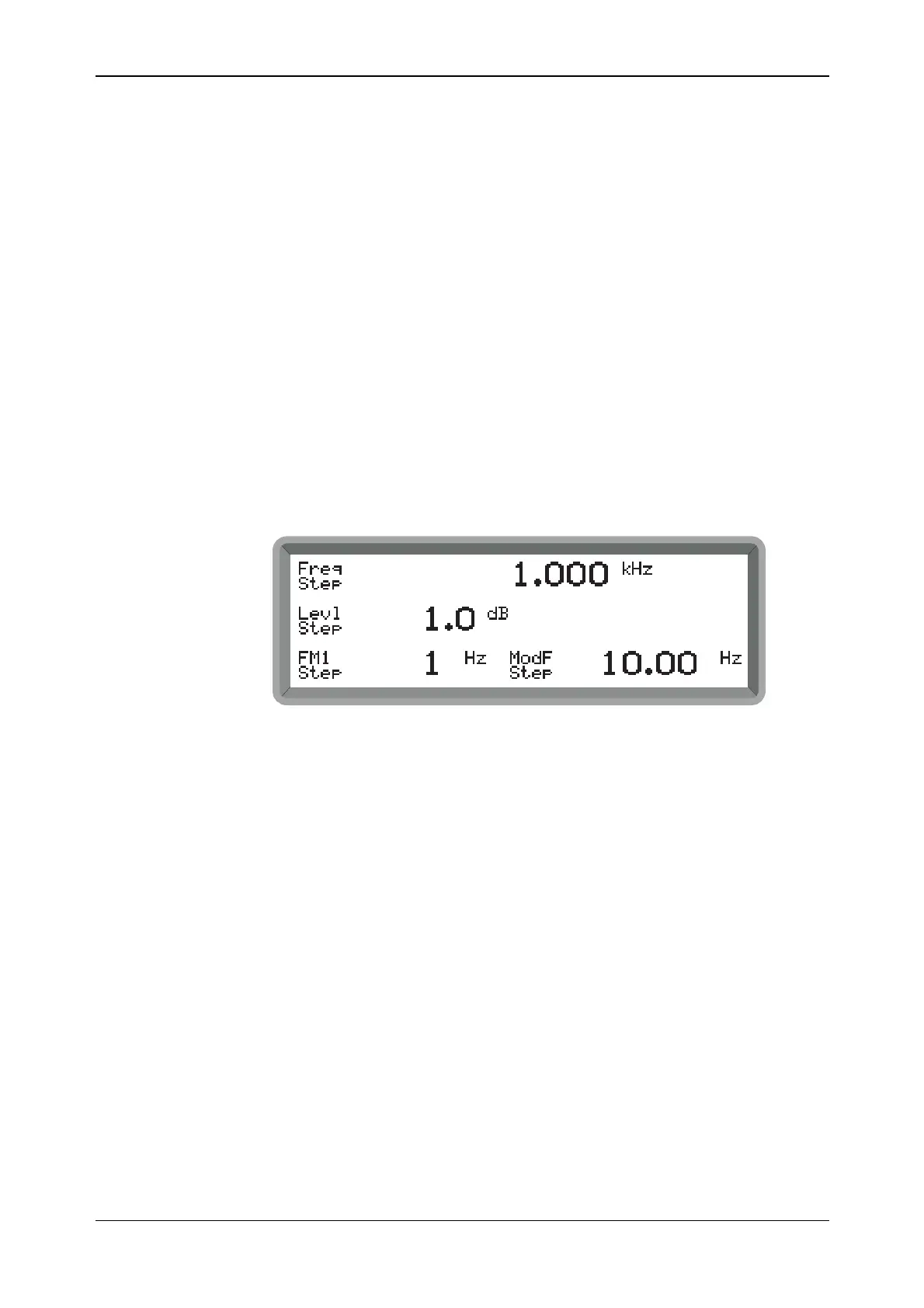
(9) Press [SET Δ]. The screen changes to display the default step settings for frequency, level
and modulation as shown in Fig. 4-8.
(10) Press [CARR FREQ]. Freq Step is highlighted. Enter the step value on the key pad and
terminate with the [MHz], [kHz] or [Hz] key.
(11) Press [CARR FREQ] again to return to the main screen.
Note that pressing one of the function keys at any time returns you to the main screen at
once.
(12) Now repeatedly press the [×÷10] and [Ø×10] keys and note how the displayed carrier
frequency changes in steps of the desired amount. Holding either of these keys pressed
provides continuous stepping.
(13) As for control knob operation, you can check the current amount of offset from the
reference carrier frequency by pressing and holding [TOTAL Δ].
(14) As for control knob operation, pressing [RETN] returns you to the reference carrier
frequency; pressing [SET REF] selects the currently displayed frequency as the reference
frequency.
B2032SS01
Fig. 4-8 Step setting display showing default settings



 To Next Page