LOCAL OPERATION MODULATION: ΦM
ANALOG
MOD
B5453
SIG
GEN
B5454
...
B5242
3-101
Analog mod.
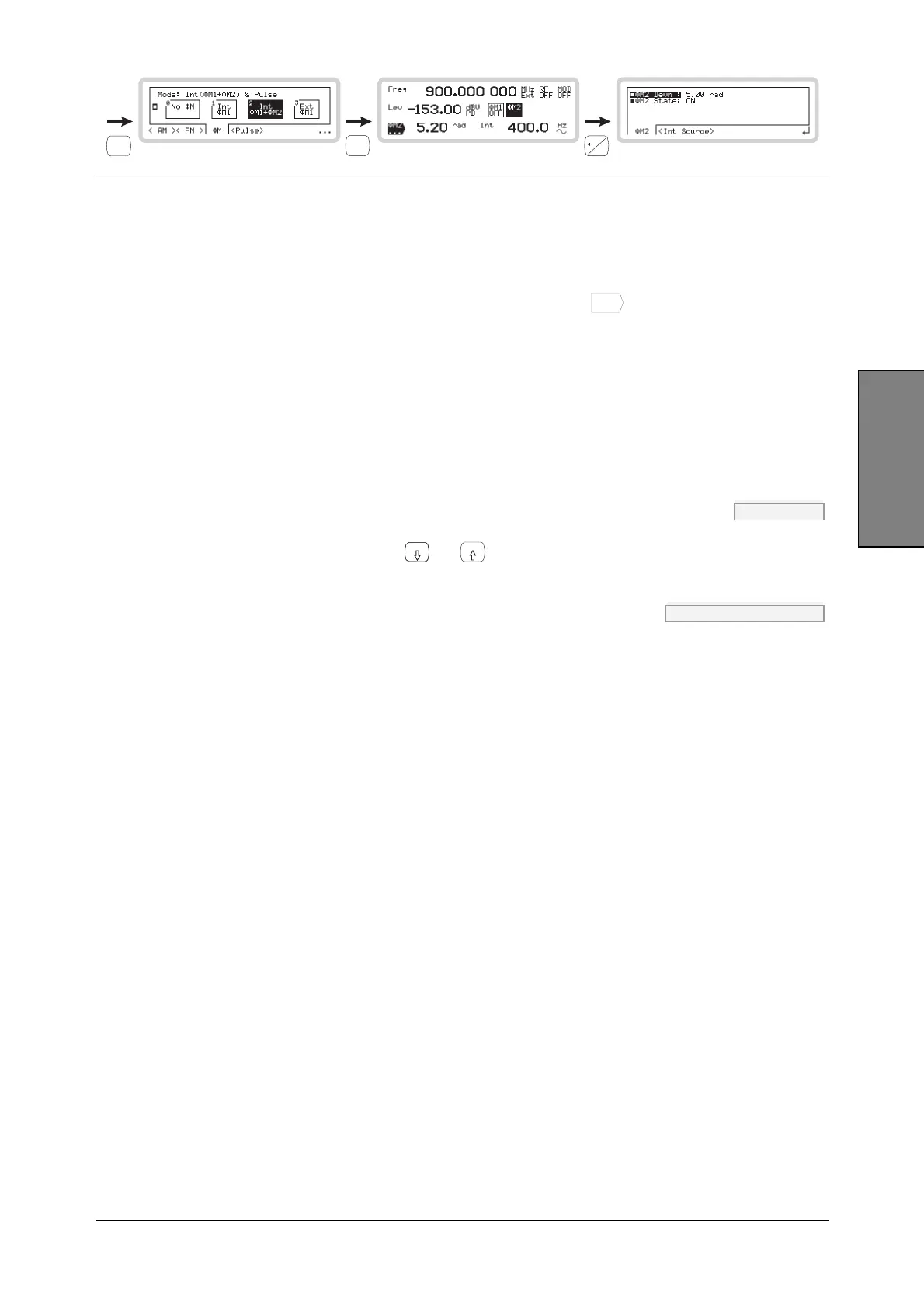
ΦM2 set-up
Use this menu to apply phase modulation (on path 2) to the internal source.
The ΦM2 path only becomes available when you select composite modulation (ΦM1 + ΦM2).
Set up the ΦM2 path exactly as the ΦM1 path, but using the
M2
...
function label.
ΦM2 sub-menu — <ΦM2>
From this menu you can:
• Specify the deviation of the modulating frequency
• Turn ΦM2 modulation source on and off.
Φ
M2 Devn PM page 4-135
Use the numeric keypad or the
x10
and
10
keys to specify the ΦM2 deviation.
Φ
M2 State OUTP:MOD:PM page 4-23
Use the numeric keypad to turn ΦM2 modulation source on or off:
0 Off
1 On
ΦM2 sub-menu — <Int Source>
From this menu you can:
• Specify the source’s frequency and waveshape
• Define the phase relationship of one path to another
• Set the resolution of the rotary control when defining the phase relationship.
Follow the instructions for Int Freq, Int Shape, Phase Diff and Sensitivity on page 3-104.



 To Next Page