APPENDIX D: RS-485 COMMUNICATION
LW500A/LW600A PULSED Nd:YAG LASER
990-539 D-5
Data Read Command (R)
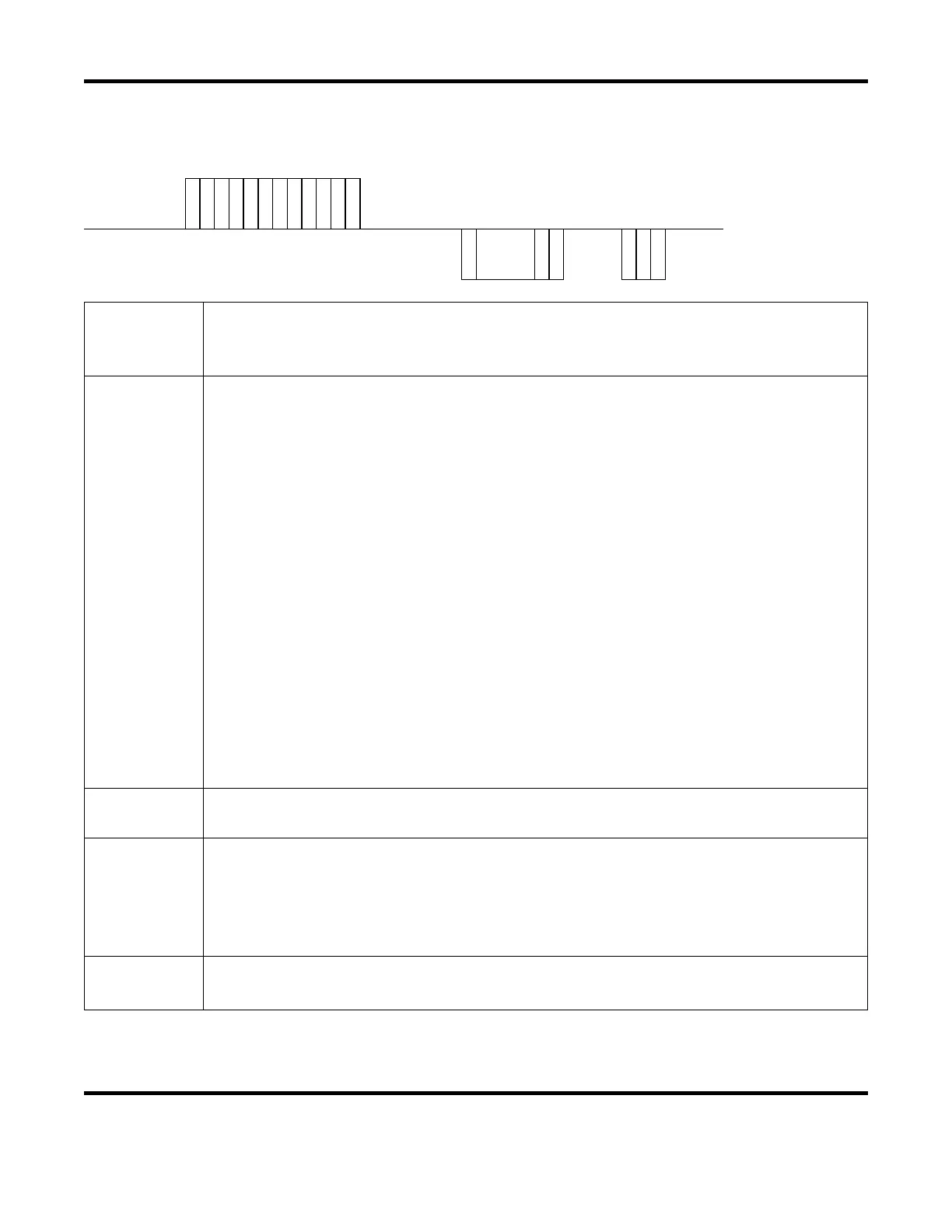
The Reading Data command (code: R) is used to read weld schedule and monitor parameters.
Host
Computer
S
T
X
C
H
1
C
H
0
R
L
A
1
L
A
0
S
H
1
S
H
0
D
T
1
D
T
0
E
T
X
B
C
C
Laser
Response
S
T
X
DATA
E
T
X
B
C
C
or
C
H
1
C
H
0
N
A
K
CH1 / CH0
The Laser Unit (CH1 = tens, CH0 = ones). Valid data range = 00 to 31 (default = 00).
Each Laser needs its own unique network address (when connected serially).
Refer to page D-2 for details on setting the Network # (i.e. Laser Unit address).
LA1 / LA0
Classification Number (LA1 = tens, LA0 = ones). Enter a classification number based on the
task you want to perform. Refer to page D-6 through D-11 for classification details.
Valid Classifications for the R command:
99 Cooler Settings (Note: set Schedule Number [SH1 / SH0] to 00).
84 Common Schedule settings for both FIX and FLEX modes.
85 Schedule settings for FIX mode.
86 Schedule settings for FLEX mode, TIME 01 to 10
87 Schedule settings for FLEX mode, TIME 11 to 20
88 Schedule settings for FLEX mode, POWER 01 to 10
89 Schedule settings for FLEX mode, POWER 11 to 20
75 SEAM ON/OFF setting
76 SEAM setting value, SHOT 01 to 10
77 SEAM setting value, SHOT 11 to 20
78 SEAM setting value, POWER 01 to 10
79 SEAM setting value, POWER 11 to 20
95 Laser Power Monitor – Shot Count, Good Count, Average
00 Laser Power Monitor – Energy, number of waveform data, etc.
01 Laser Power Monitor – Waveform data 000 to 004
: : : : : : : :
22 Laser Power Monitor – Waveform data 105 to 109
SH1 / SH0
(Welding) Schedule Number (SH1 = tens, SH0 = ones). Valid data range = 00 to 31
Use two spaces () to keep the current Schedule Number (no change)
DT1 / DT0
Data No. (DT1 = tens, DT0 = ones).
Enter the appropriate Data No. (data value) for the specified Classification Number.
Refer to Page D-6 through D-11 for Data No. details.
If Classification 99 is entered, data will be read in a batch:
data: (Data No. 1),(Data No. 2),(Data No. 3),… (Note: there is a comma between values).
ACK / NAK
ACK = Transmitted data is valid.
NAK = Transmitted data is not valid or Laser is not in Communication control mode.



 To Next Page