CHAPTER 1: SYSTEM DESCRIPTION
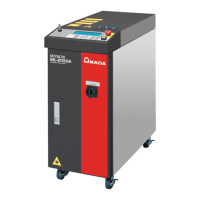
LW500A/LW600A PULSED Nd:YAG LASER
990-539 1-5
Top, Side, and Rear Panels
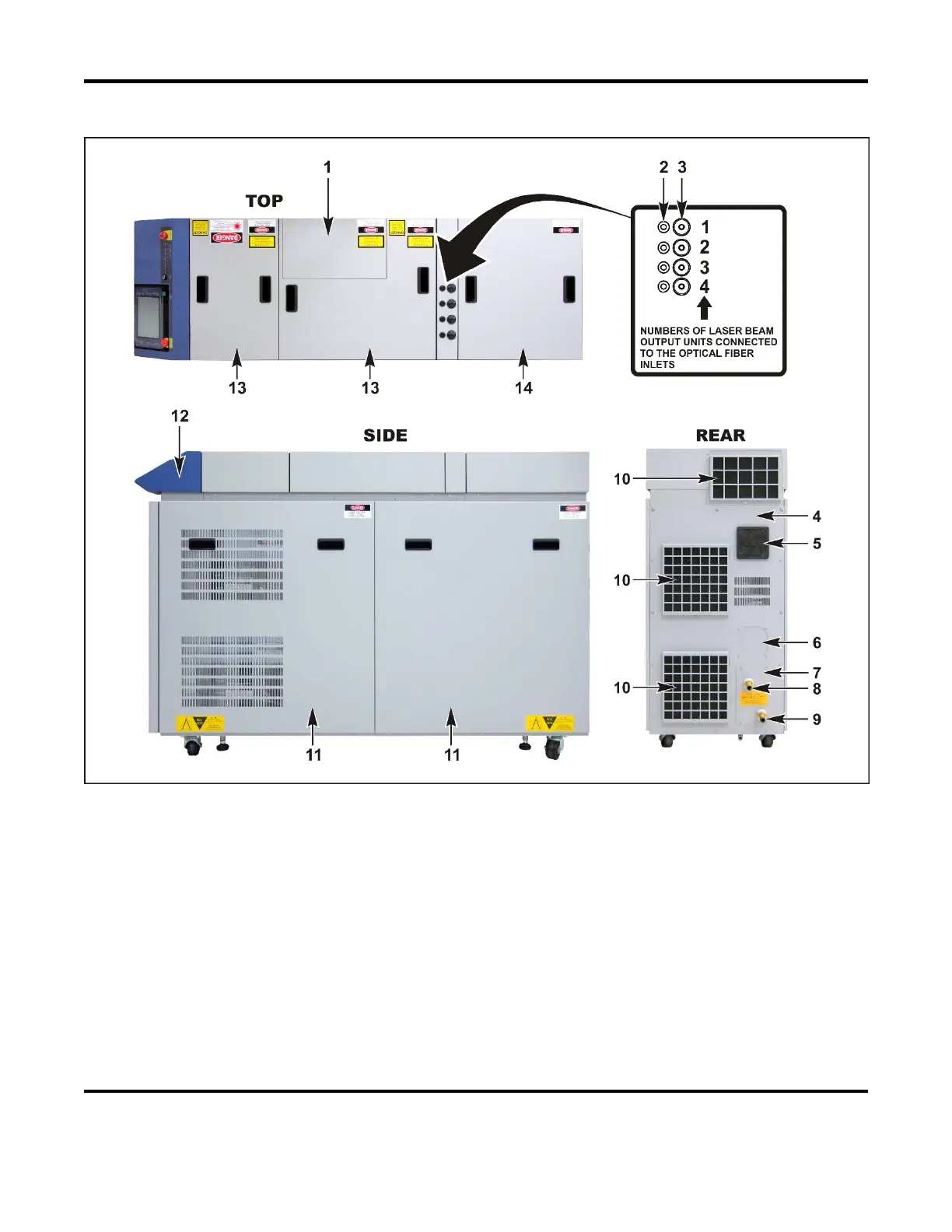
1 Flashlamp Access Cover. Open this cover when replacing the flashlamp.
2 Cable Inlet. Pass the Fiber Breakage/detachment or Multi-Workstation Interlock wires through these
grommets (optional). Depending on the configuration, there may be connectors installed in these
locations.
3 Optical Fiber Inlets. These inlets are on the top of the Laser. Pass the optical fibers through the
grommets and connect them to the “Laser Beam Input Units” (see below).
4 Rear Cover. Covers the Power Supply and Cooler on the rear of the Laser.
5 Air Filter. Covers the air intake to prevent dust and dirt from getting into the Laser. One of the
cooling system fans is located behind this filter.
6 Cover / Air Filter. On 220VAC models, a cover is installed in this location. On 400VAC models,
an air filter is installed in this location.


 To Next Page