CHAPTER 3: PROGRAMMING FUNCTIONS
LW500A/LW600A PULSED Nd:YAG LASER
990-539 3-23
3. REF TEMP – This is the temperature set-point of the internal (secondary) cooling water.
Maximum Laser efficiency occurs at 30°C. The Laser automatically controls the temperature to
maintain this temperature set-point. To avoid poor Laser performance, do not change this
temperature set-value.
4. ALARM HIGH / LOW
– These fields are used to set the water temperature threshold upper and
lower limits. If the temperature exceeds either of these set limits, the Laser will not operate
until the water temperature is within this range. The default temperature settings are:
HIGH = 40°C
LOW = 25°C
5. POSITION AUTO-OFF
– This field is used to control the position guide beam. These settings
are used to automatically turn the position guide beam OFF to extend the life of the diode in the
event the guide beam is accidentally left
ON. This field is adjustable from 01 to 98 minutes.
If the time is set for
00 MIN, the position guide beam will not light.
If the time is set for 99 MIN, the position guide beam will not turn OFF.
NOTE: The factory default setting is 60 MIN
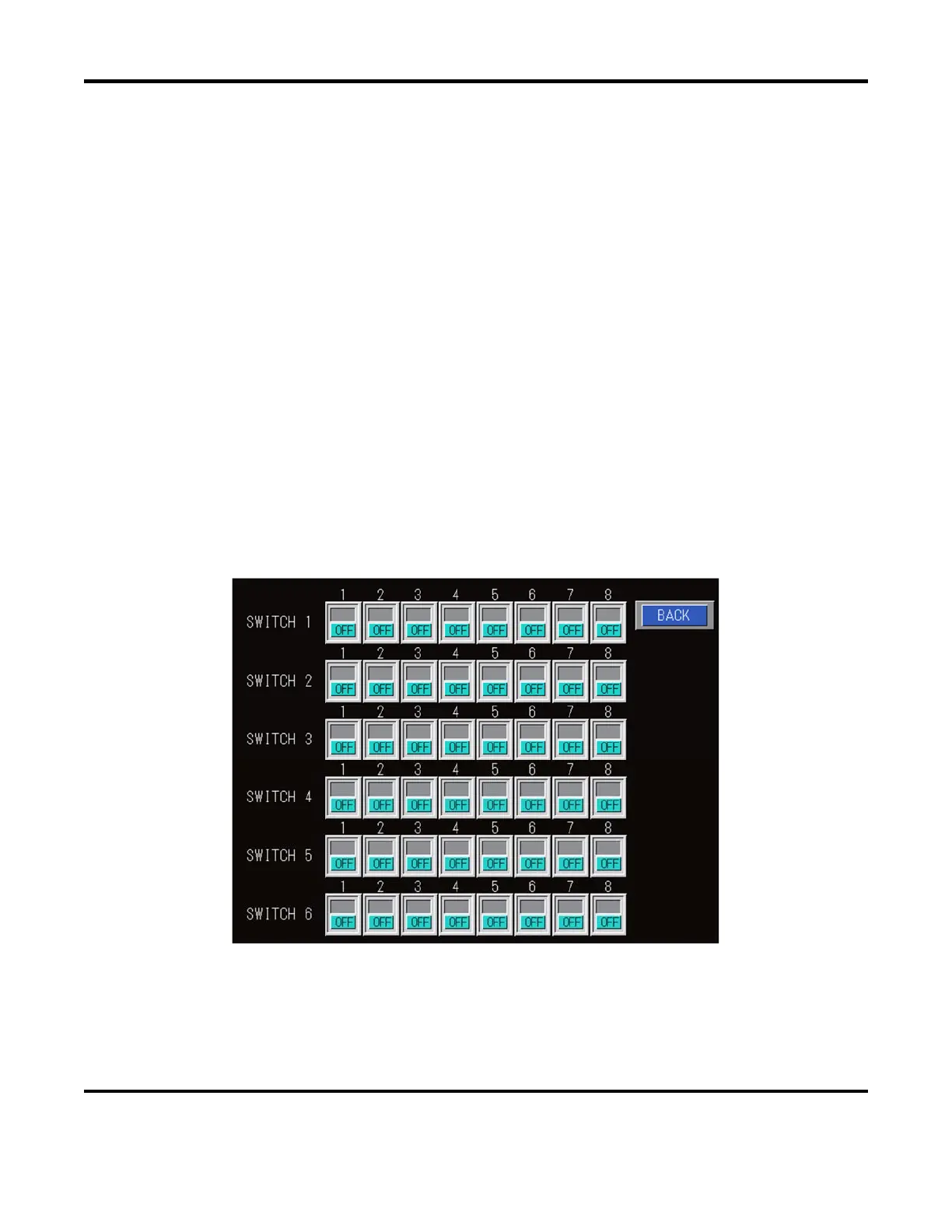
6. MEMORY SWITCH
– This field is used to access the Software Memory Switch screen. The
Memory Switch screen is used to set-up specific Laser functions. When shipped from the factory
, all switches are set in the OFF position. If the Laser is re-initialized (by selecting INITIALIZE:
ON
), all of these switch settings will revert back to the factory setting (all OFF). When the
MEMORY SWITCH button is selected, the following screen will appear:
The
BACK button will return to the previous INITIALIZE screen.



 To Next Page