CHAPTER 1: SYSTEM DESCRIPTION
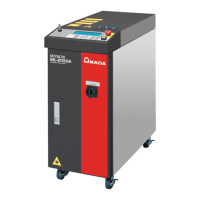
LW500A/LW600A PULSED Nd:YAG LASER
990-539 1-9
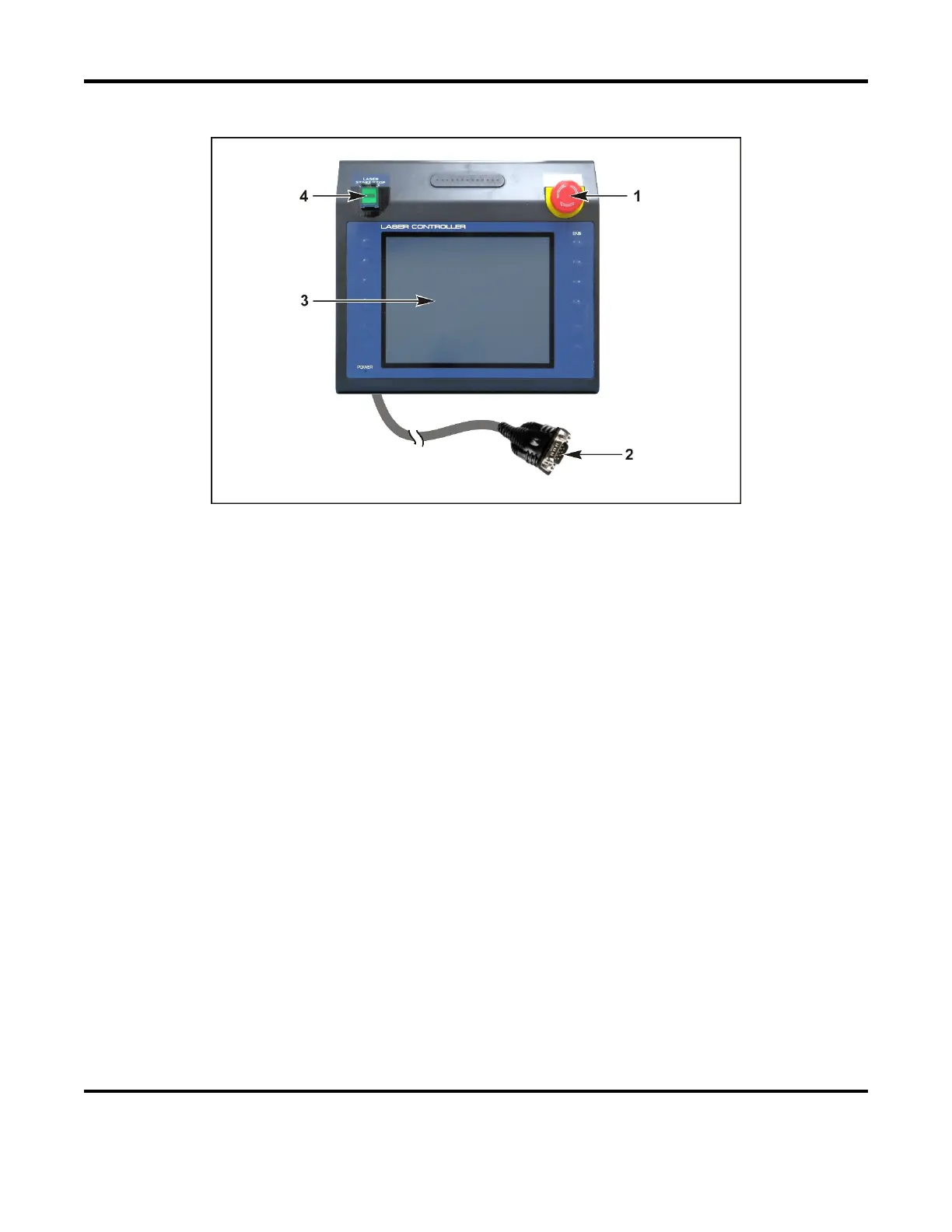
MLE-116A Control Panel
1 EMERGENCY STOP Switch. Press the EMERGENCY STOP switch in an emergency and the
laser will stop immediately. This switch has the same function as the other EMERGENCY STOP
switch on the Laser. Use this function only in an emergency.
2 Line Cable Connector. Connect the supplied line cable to the Laser for operation.
3 Liquid Crystal Display Touch Panel. Displays data such as schedule settings and monitored
data. Laser Operations are controlled through the touchscreen.
4 LASER START/STOP Button with EMISSION INDICATOR. Pressing this button when the
READY lamp is on and the resonator shutters are open; will produce laser emission internal to the
Laser. If the optical fibers are connected and the branch shutters are open, laser emission will be
produced at the optical fiber output. If the Laser is programmed for continuous mode operation,
pressing this button once will start a continuous output of programmed laser pulses. Pressing it
again will stop laser emission (will not occur if the Laser is set for EXT. I/O control). Emission
indicator illuminates when the unit is able and ready to fire the laser.


 To Next Page