CHAPTER 5: MAINTENANCE
LW500A/LW600A PULSED Nd:YAG LASER
5-10 990-539
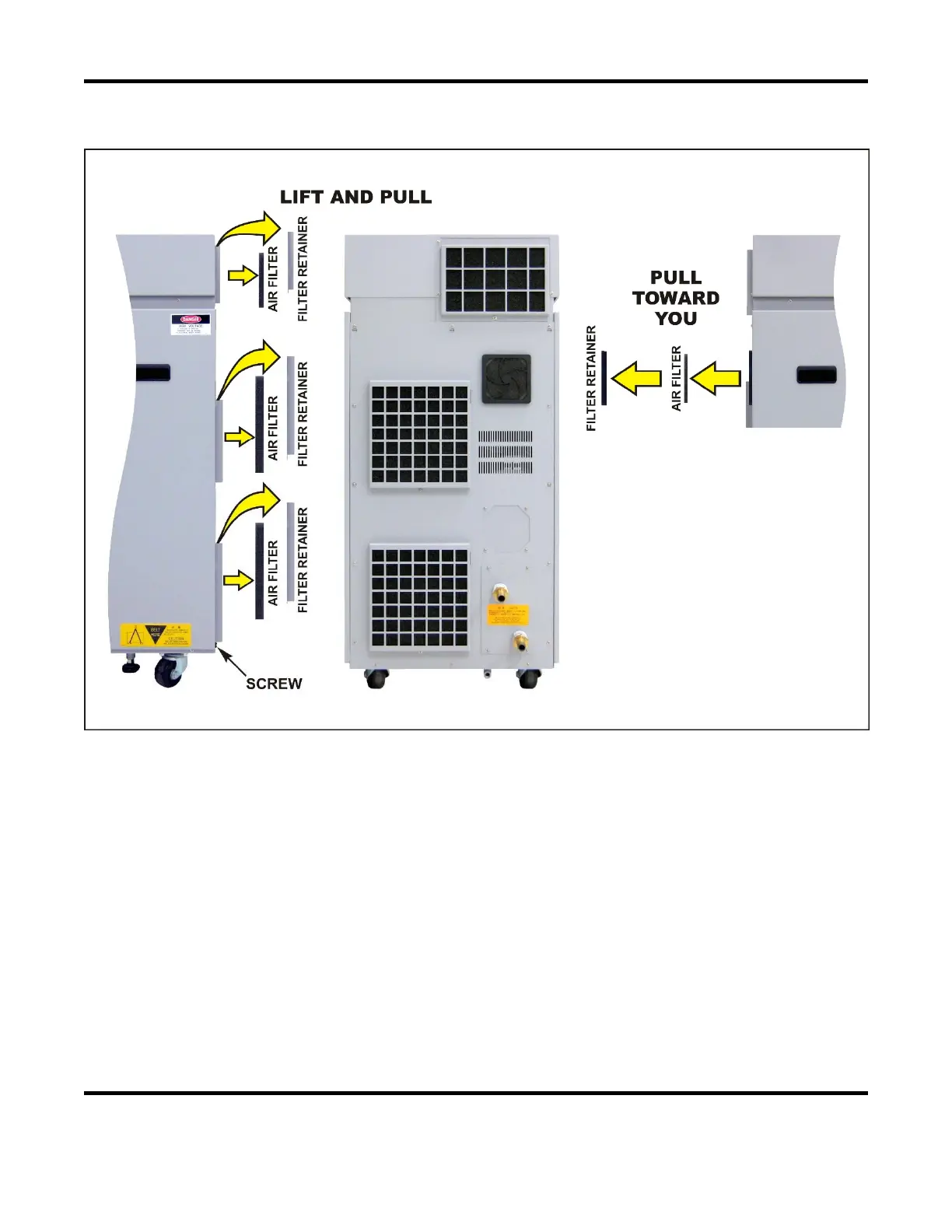
Cleaning the Air Filters
Depending on the Laser configuration, there will be 4 or 5 Fan Filters (400VAC Models have 5 fan filters)
located on the Rear Panel.
Required Items
Phillips screwdriver
Procedure:
1. Remove the filter retainers from the rear of the Laser.
2. Take out the filters and wash them with tap water. If a filter is badly stained, use a neutral
detergent to clean it.
3. Air-dry the filters naturally and then install the filters back onto the Laser.



 To Next Page