CHAPTER 5: MAINTENANCE
LW500A/LW600A PULSED Nd:YAG LASER
990-539 5-15
Cooler Maintenance -- Draining Secondary Cooling Water
Drain the water when marked with a “ • ” on the following occasions:
Maintenance work Secondary cooling water
Replacing Ion-Exchange resin refill
●
Replacing Ion-Exchange Cartridge
●
Replacing water filter
●
Replacing secondary cooling water*
●
Shift and transportation
●
Long period of non-use
●
* Replace secondary cooling water once every 6 months.
Required Items
PH-10 hand pump
Clean container, such as a bucket
Latex Gloves (powder-free)
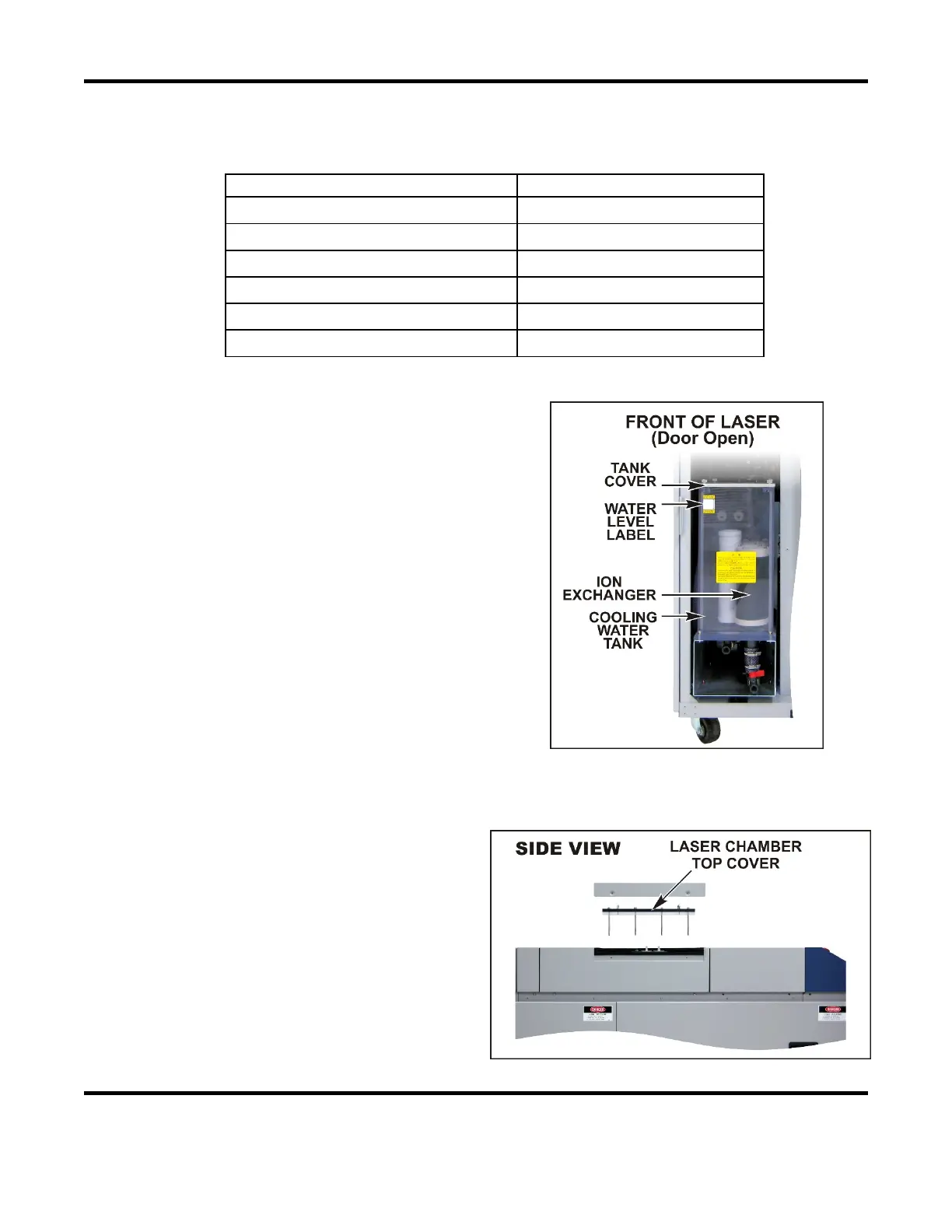
1. Open the front door.
2. Open the cover of the cooling water tank and
remove the floating panel. (keep the floating
panel clean)
3. Pump the water out of the cooling tank using
a hand pump.
4. Return the floating panel in the tank. Return
and secure the tank cover.
Cooler Maintenance – Draining the Cooling Water when Laser Is Not Used
for Long Periods of Time or when the Ambient Temperature is Below 0°C
1. Remove both Left Side panels.
2. Drain the Primary Cooling Water (see
Draining the Primary Cooling Water).
3. Drain the Secondary Cooling Water (see
Draining the Secondary Cooling Water).
4. Remove the flashlamp access cover and
the top cover of the laser chamber.
5. Allow the water in the chamber to drain
into the cooling water tank.



 To Next Page