Latency TimestampLatency Timestamp
MiscellaneousMiscellaneous
66..1111..22..33 AdvancedAdvanced
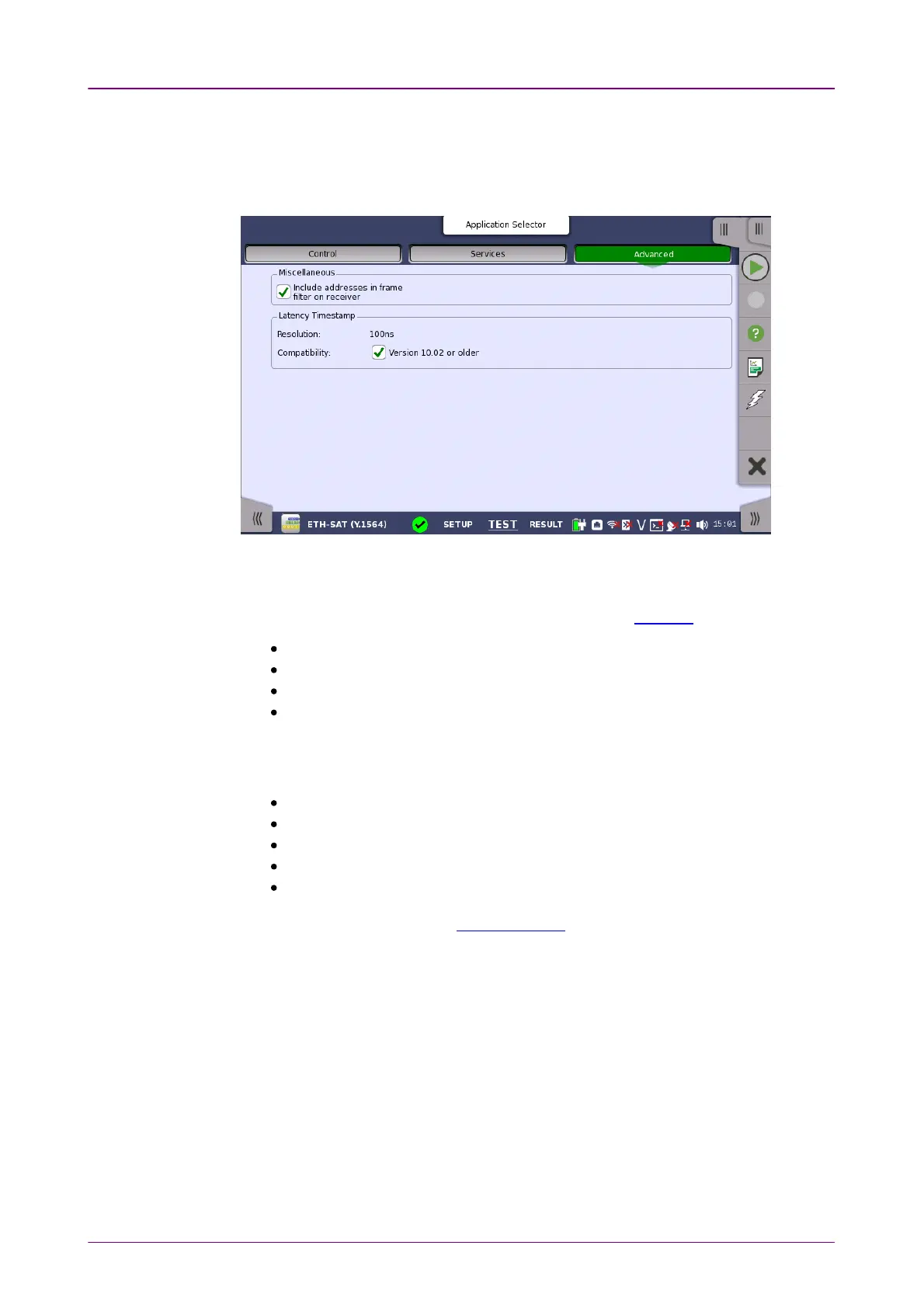
Touching the AdvancedAdvanced button in the navigation area will launch the screen
shown below.
Include addresses in frame filter on receiverInclude addresses in frame filter on receiver
When enabling this function, the Ethernet frames which their destination
addresses match to following items will appear on the Streams screen.
Src MAC
Src IP
VLAN ID
Src Port
This setting makes the effect to only following measurement results on the
Statistics screen.
Multi Stream Transmit
Multi Stream Throughput
Multi Stream Frame Loss
Multi Stream Latency
Multi Stream Jitter
This setting does not effect to Frame Capture.
ResolutionResolution
Displays the resolution (5 ns or 100 ns) of latency measurement in SAT
measurement.
If the software version is 10.02 or earlier, measurement can only be performed
with 100 ns resolution.
CompatibilityCompatibility
In the one-way test, network masters with different resolutions cannot perform
the measurement.



 To Next Page