NetworkNetwork
*1: Erases all files under Internal folder including the following items.
Scenario files included at the time of shipment
*3
Scenario files created by users
MX100001A installer for Windows
*3
Wireshark lua files
*3
Screen capture files
*2: Initialization of application settings
Initialization of configuration screen settings (General, Network)
*3: These files can be restored by re-installing the operation system installer. Refer
to Updating the Software for information on installing the installer.
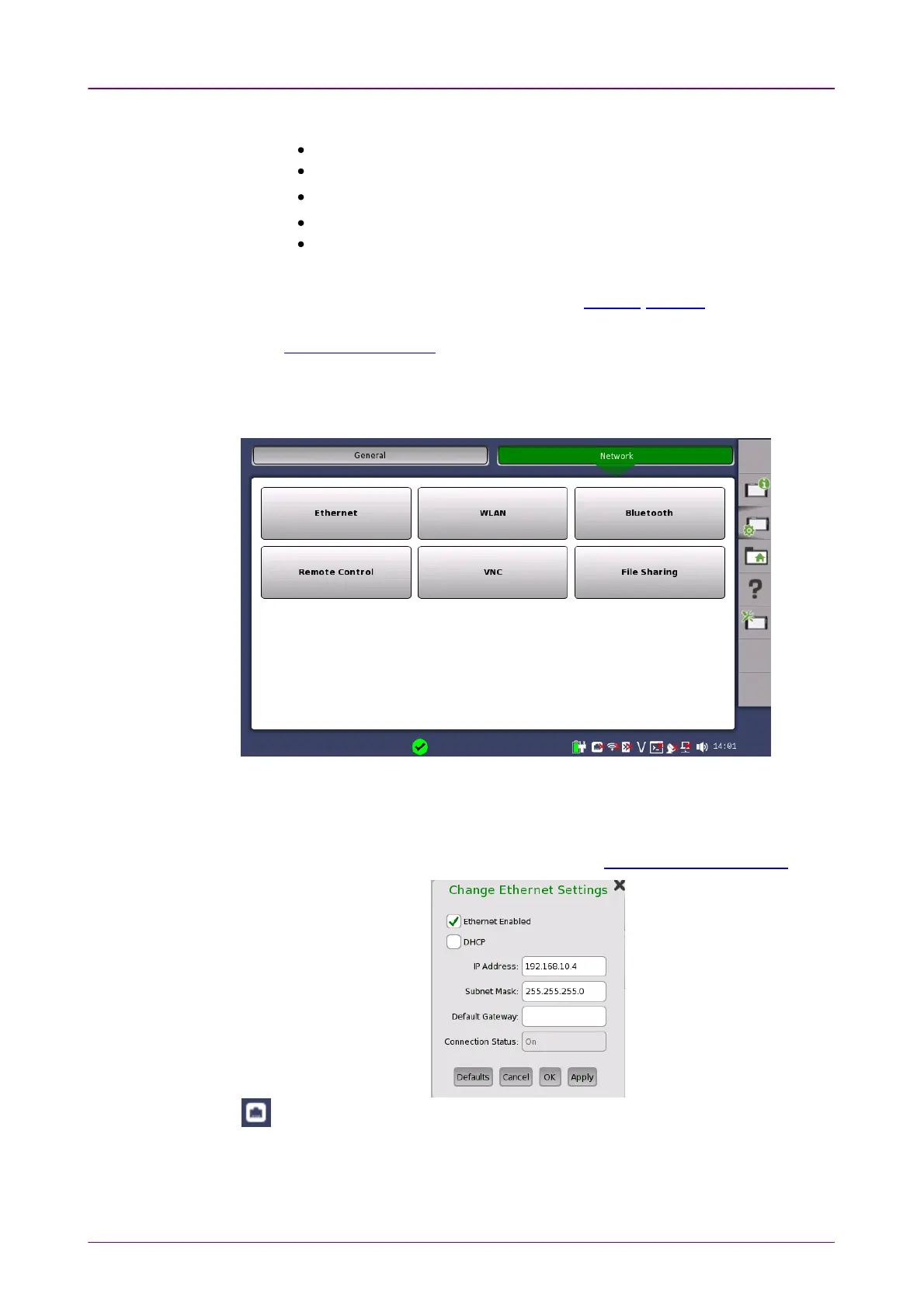
The NetworkNetwork screen contains the following configuration options for the Network
Master's network connection:
EthernetEthernet
Allows the Network Master to be connected to the Ethernet either via dynamic
addressing (
DHCP
) or via manual specification of IP address, subnet mask and
default gateway. These settings are applied for the Ethernet service interface.
This icon on Status bar indicates the link status of the Ethernet service interface.



 To Next Page