Chapter 7 Remote Commands
7-38
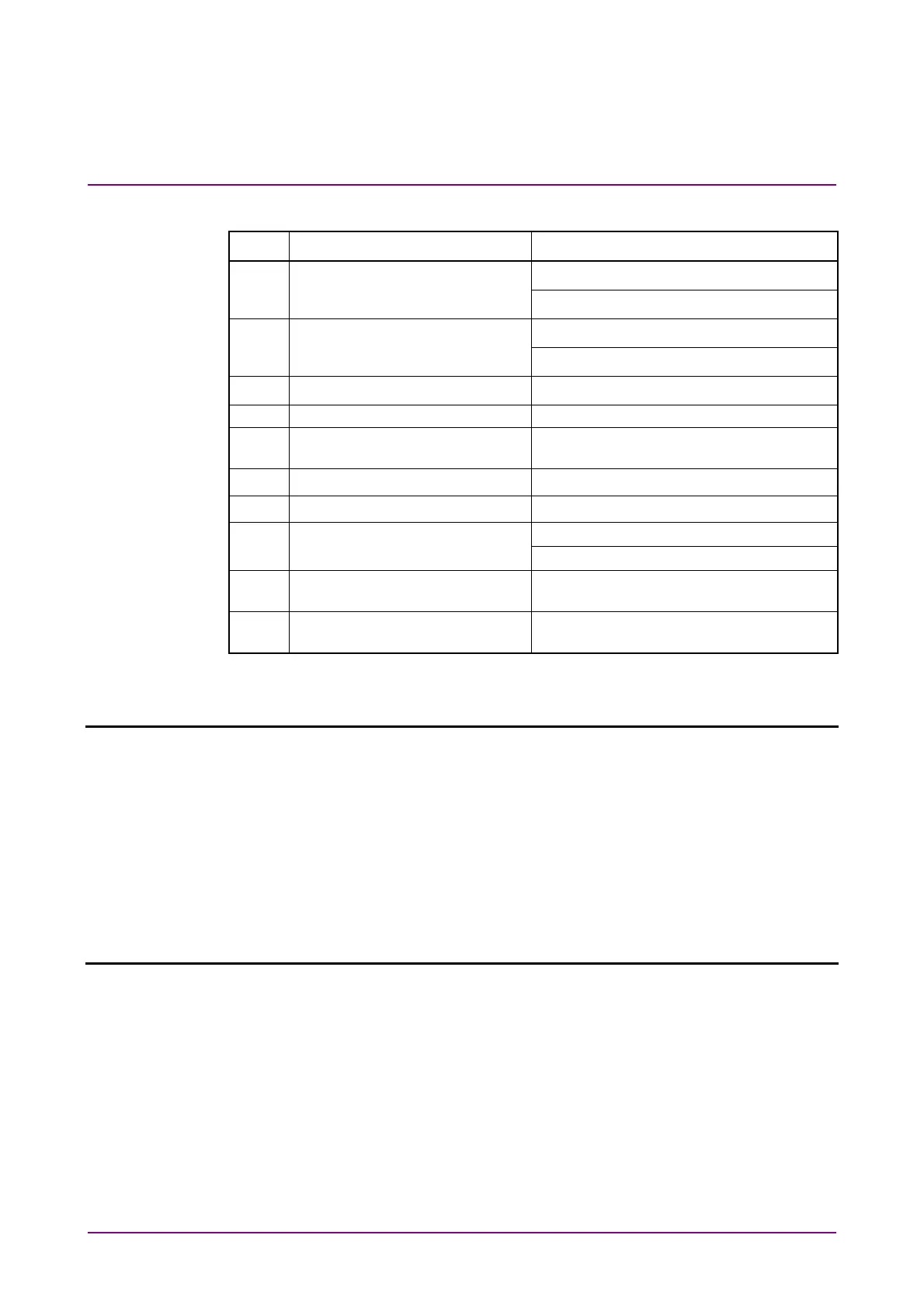
Table 7.4.1-1 Auto Search
Setting Commands
No. Item Command
[1] Mode :SENSe:MEASure:ASEarch:SMODe
:SENSe:MEASure:ASEarch:SMODe?
[2] Item :SENSe:MEASure:ASEarch:MODE
:SENSe:MEASure:ASEarch:MODE?
[3] Start :SENSe:MEASure:ASEarch:STARt
[4] Stop :SENSe:MEASure:ASEarch:STOP
[5] No label
(Query for function state)
:SENSe:MEASure:ASEarch:STATe?
[6] Set All :SENSe:MEASure:ASEarch:SLASet
[7] Reset All :SENSe:MEASure:ASEarch:SLAReset
[8] Slot Select :SENSe:MEASure:ASEarch:SELSlot
:SENSe:MEASure:ASEarch:SELSlot?
[9] No label
(Query for slot state)
:SENSe:MEASure:ASEarch:SLOT?
[10] No label
(Query for auto search results)
:CALCulate:DATA:ASEarch?
:SENSe:MEASure:ASEarch:SMODe <mode>
Parameter <mode>=<CHARACTER PROGRAM DATA>
FINE Fine mode
COARse Coarse mode
Function Sets the Auto Search mode.
Example To set the Auto Search mode to Fine:
> :SENSe:MEASure:ASEarch:SMODe FINE
Compatibility Compatible with MU183040A/B.
:SENSe:MEASure:ASEarch:SMODe?
Response <mode>=<CHARACTER RESPONSE DATA>
FINE, COAR
Function Queries the Auto Search mode.
Example > :SENSe:MEASure:ASEarch:SMODe?
< FINE
Compatibility Compatible with MU183040A/B.















 To Next Page