F-2 Ethernet Configuration LAN and DHCP
F-4 PN: 10580-00301 Rev. D MS20xxB UG
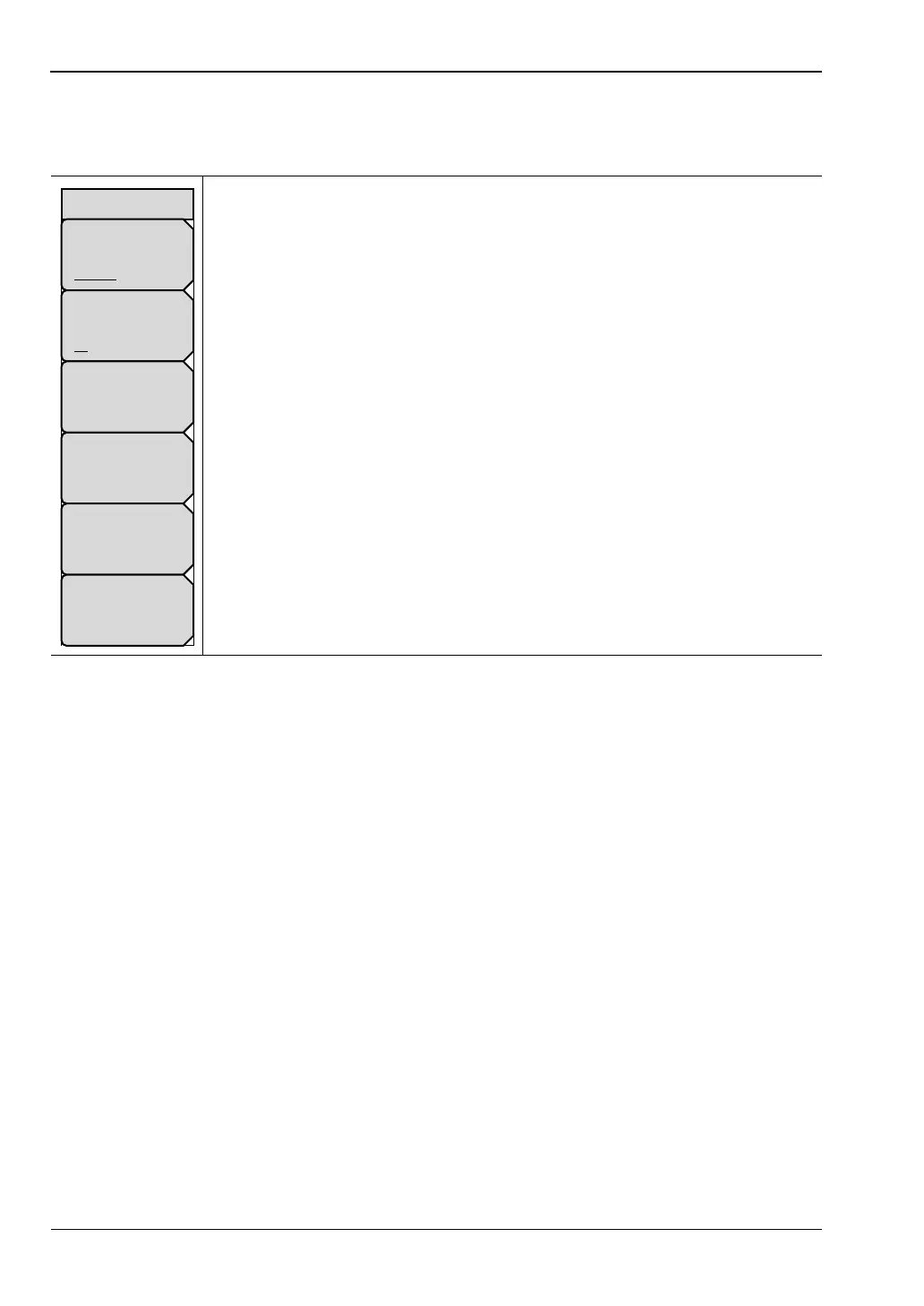
Ethernet Menu
Key Sequence: Shift, System (8)>System Options > Ethernet Config
Type
Manual DHCP: Press this submenu key to select whether the address will
be entered manually, or will be supplied automatically by a network DHCP
server. If Manual is selected, then use the submenu keys or the Left/Right
arrow keys to select the field that is to be modified. Use the keypad, the
Up/Down arrow keys, or the rotary knob to enter the input. Press Enter to
accept the changes, or press the Esc key to return to normal operation with-
out changing anything.
Field
IP G-Way Sub: Press this submenu key to select the desired Internet Pro-
tocol Property to be edited.
First Octet: Moves the cursor to the left most column of the selected IP prop-
erties field.
Second Octet: Moves the cursor to the second column from the left of the
selected IP properties field.
Third Octet: Moves the cursor to the third column from the left of the
selected IP properties field.
Fourth Octet: Moves the cursor to the forth column from the left of the
selected IP properties field.
Figure F-3. Ethernet Menu
Ethernet
Type
Manual DHCP
Field
IP G-Way Sub
First Octet
Second Octet
Third Octet
Fouth Octet



 To Next Page
 Loading...










