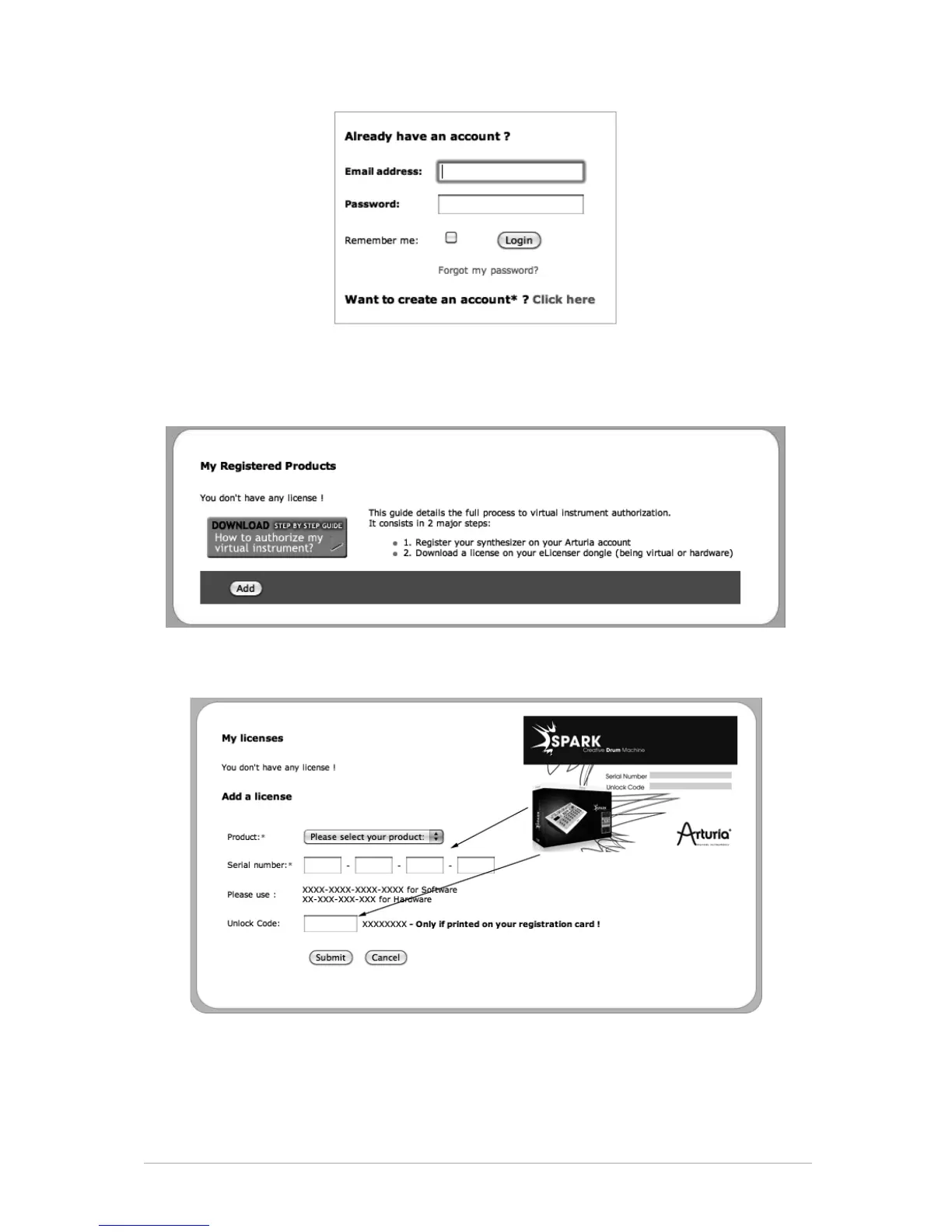
Once you are logged into your account, you can register your Spark and request your
activation code.
Go to the “My Registered Products” section of your account and click on the “Add”
button:
In the form that appears, select “SPARK Software” from the drop down menu, and key in
your software serial number and unlock code (as written on the registration card), and
click Submit:
You should then see the confirmation screen, click Submit:



 To Next Page