ARTURIA – SPARK CREATIVE DRUM MACHINE – USER’S MANUAL
7.3.2.2 Pads Calibration
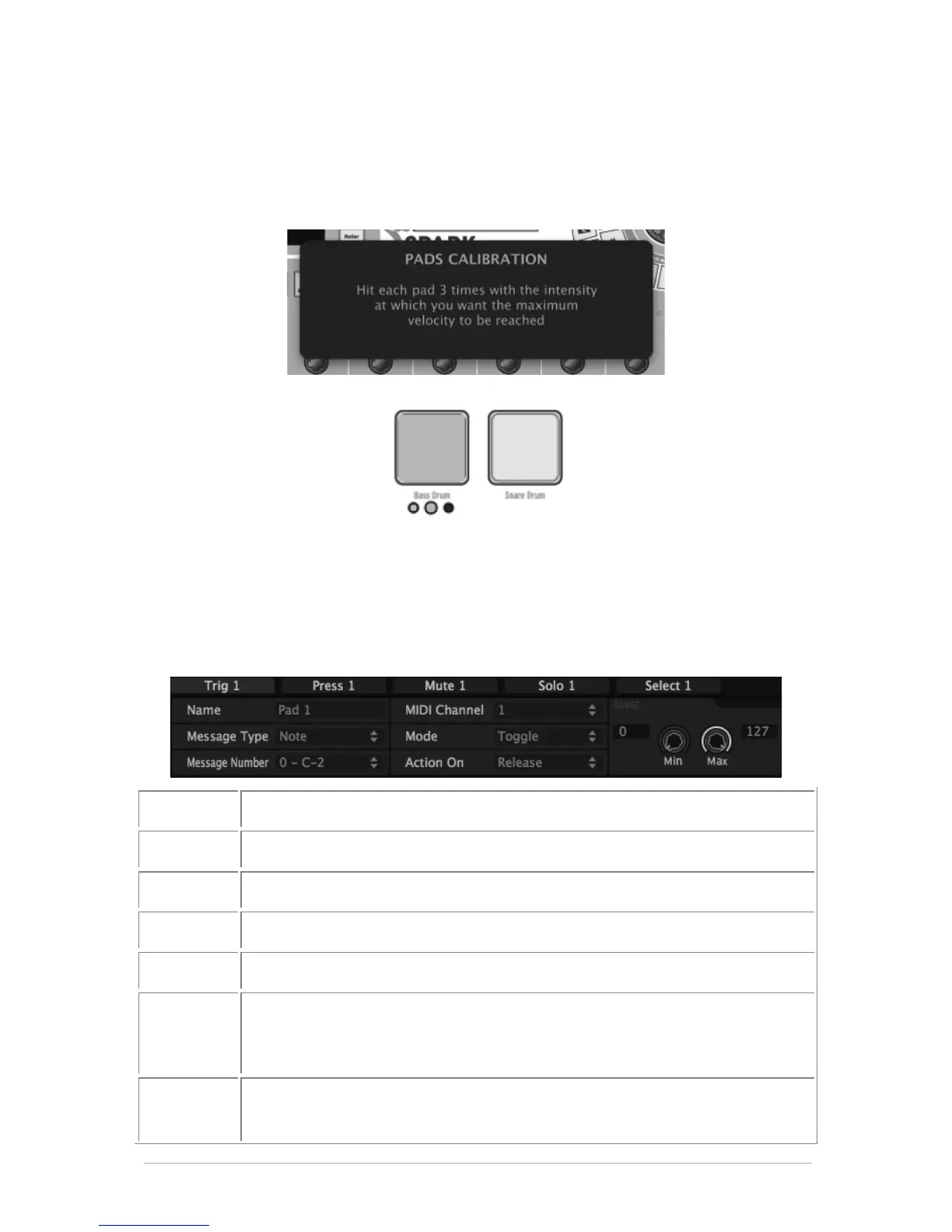
You can calibrate the hit intensity at which the maximum velocity will be reached on the
Pads of your Spark controller. Use 'Action>Calibrate Pads' command to start the
calibration process. You will be asked to hit each pad 3 times.
Led indicators show you the progress of the calibration:
You can restore the Factory calibration using Action>Restore Factory Calib" command.
7.3.3 Edit Instrument Pad window
When clicking on a pad, a window appears with several tabs and drop-down menus to
let you change the parameters assigned to pads.
Edit Pads Trig MIDI Message
Edit Pads Press MIDI Message
Edit Pads Mute MIDI Message
Edit Pads Solo MIDI Message
Edit Pads Select MIDI Message
Choose Switch (and Pad) MIDI Message Type
(Choice between CC, Note, Start, Stop, Continue, Program Change,
Channel Pressure, Aftertouch and Off).
Choose Switch MIDI Message Number
(Not available for Start, Stop, Continue)



 To Next Page