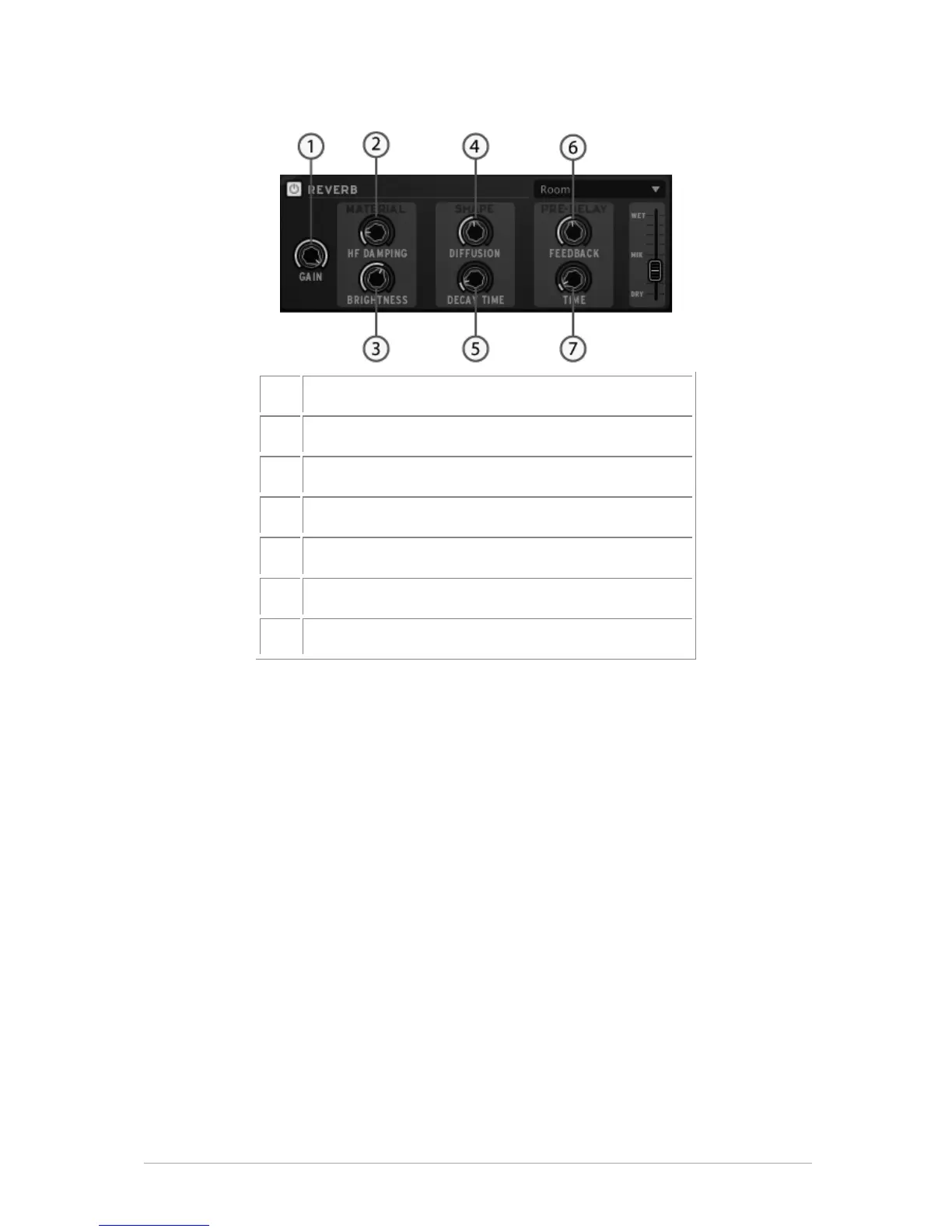
A reverb emulates the reflections of a sound in a different space (room, hall,
etc). The material section (HF Dampening and brightness) sets the timber for
the reverb (dark or bright sounding). The shape section (Diffusion and Decay
time) sets the size and duration of the reverb. The pre-delay section (Feedback
and Delay) adds a small delay to the reverb to emulate early reflections.
5.3.3 The Library
Click on "Library" to display the Library panel.
The library is divided into 2 main windows: the library window and the current project
window.



 To Next Page