Click on "Change image" next to the current cover image. Choose a picture in your own
picture library and click on “Open” to replace it.
5.3.3.7 Saving a project
To save your project, click on the "Save as" button.
A drop down menu will appear. Chose "Save as…" in the current project window. Give a
name to your project and choose a style from the drop down menu. Click "OK". Your
project is now saved.
If you make changes to a project you already saved just click on the button "Save".
5.4 THE TOP PANEL
5.4.1 Overview
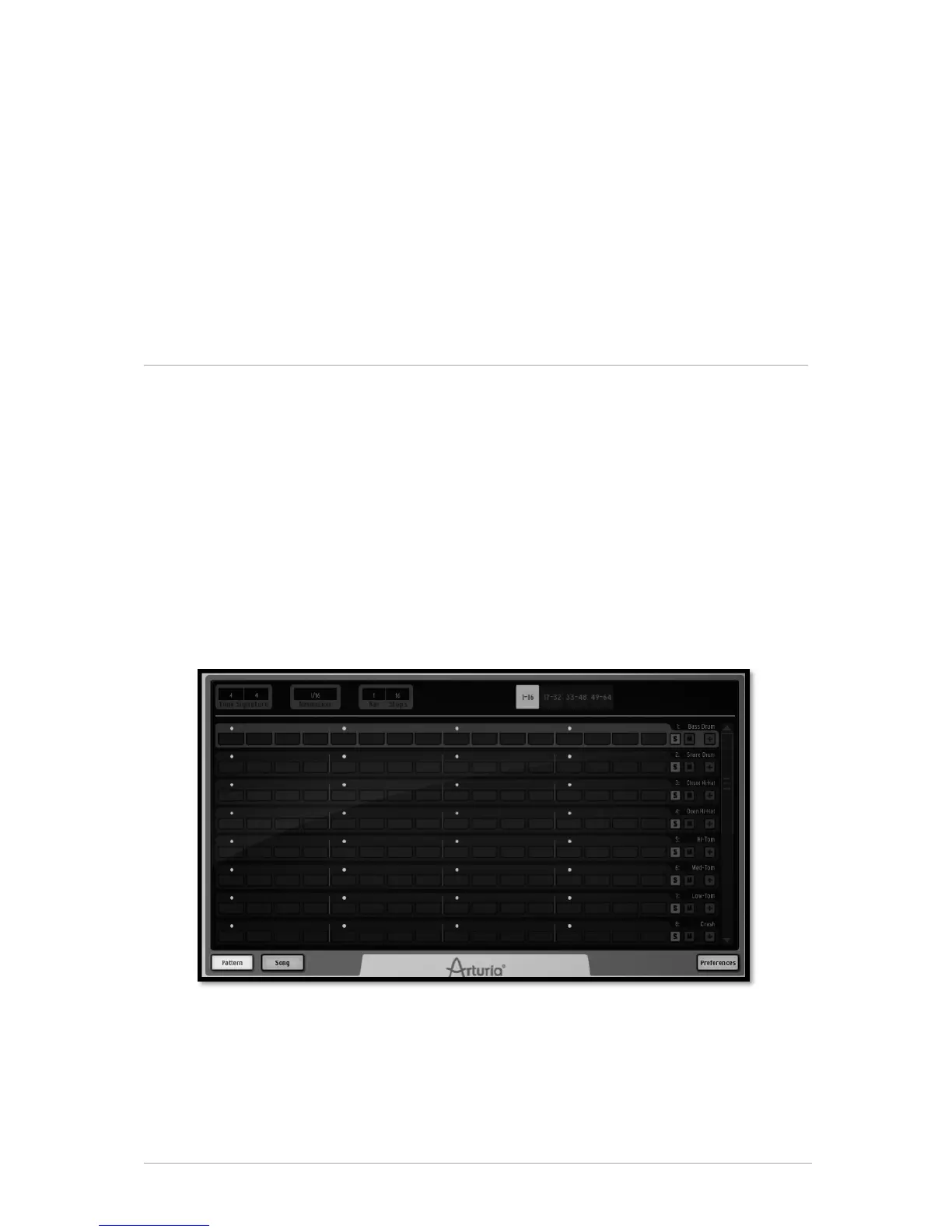
The top panel features the Pattern panel and the Song panel as well as SPARK
preferences menu.
When you click on the "TOP" button in the toolbar the pattern window opens by default.
At the bottom of the panel you will find the Pattern Panel button, the Song panel button
as well as the Preferences button.
5.4.2 The Pattern Panel
The Pattern panel features SPARK's sequencer. It is both a composing tool as well as a
powerful editing tool.



 To Next Page