7.1.6 Use as Spark Controller
To use your SPARK hardware controller as a SPARK controller, launch Spark Software
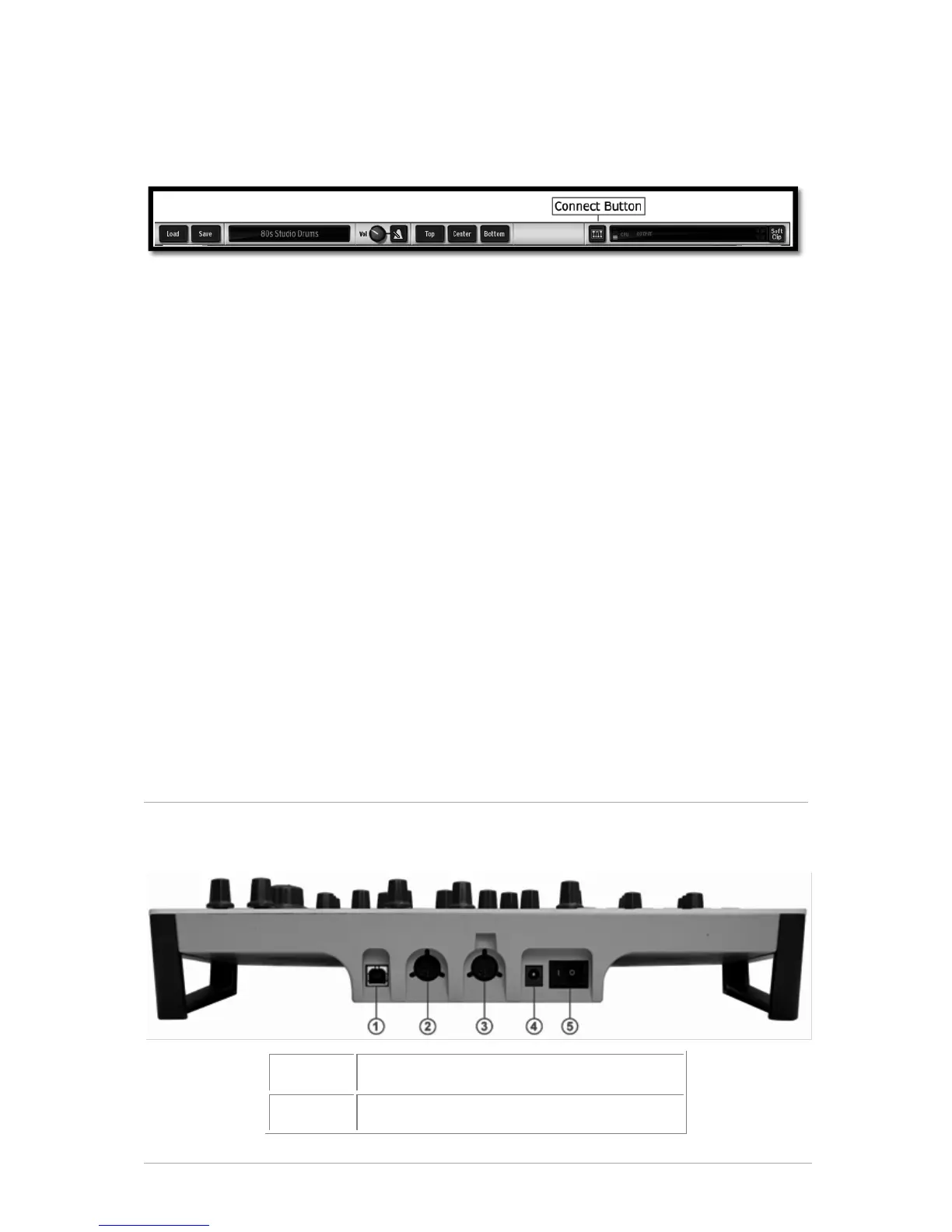
(then press the Connect button on SPARK's toolbar if needed).
If you were in MIDI Controller mode Press the [Filter]+[Slicer]+[Roller] buttons.
7.1.7 Use as MIDI Controller
To use your SPARK Controller as MIDI controller, Press [Filter] + [Slicer] +[Roller] (then
open public MIDI port or connect a MIDI cable to MIDI Out).
7.1.8 Use as USB/MIDI interface
To use your SPARK Controller as USB/MIDI interface, open the public MIDI port in your
host program and connect the MIDI cable(s) to your Spark Hardware controller.
7.1.9 Power Supply
Connect to USB 2.0 host. Avoid using a non-powered USB-Hub. The device is self-
powered by USB.
If you don't need or want to power your Spark Hardware controller via USB, use the DC
jack input with the following power supply unit:
Voltage: 9 Vdc
Current: 800 mA
Polarity: center positive
7.2 REAR PANEL (OVERVIEW)
7.2.1 Rear panel Connectors and power supply



 To Next Page