5.2.2.2 The Shuffle Knob
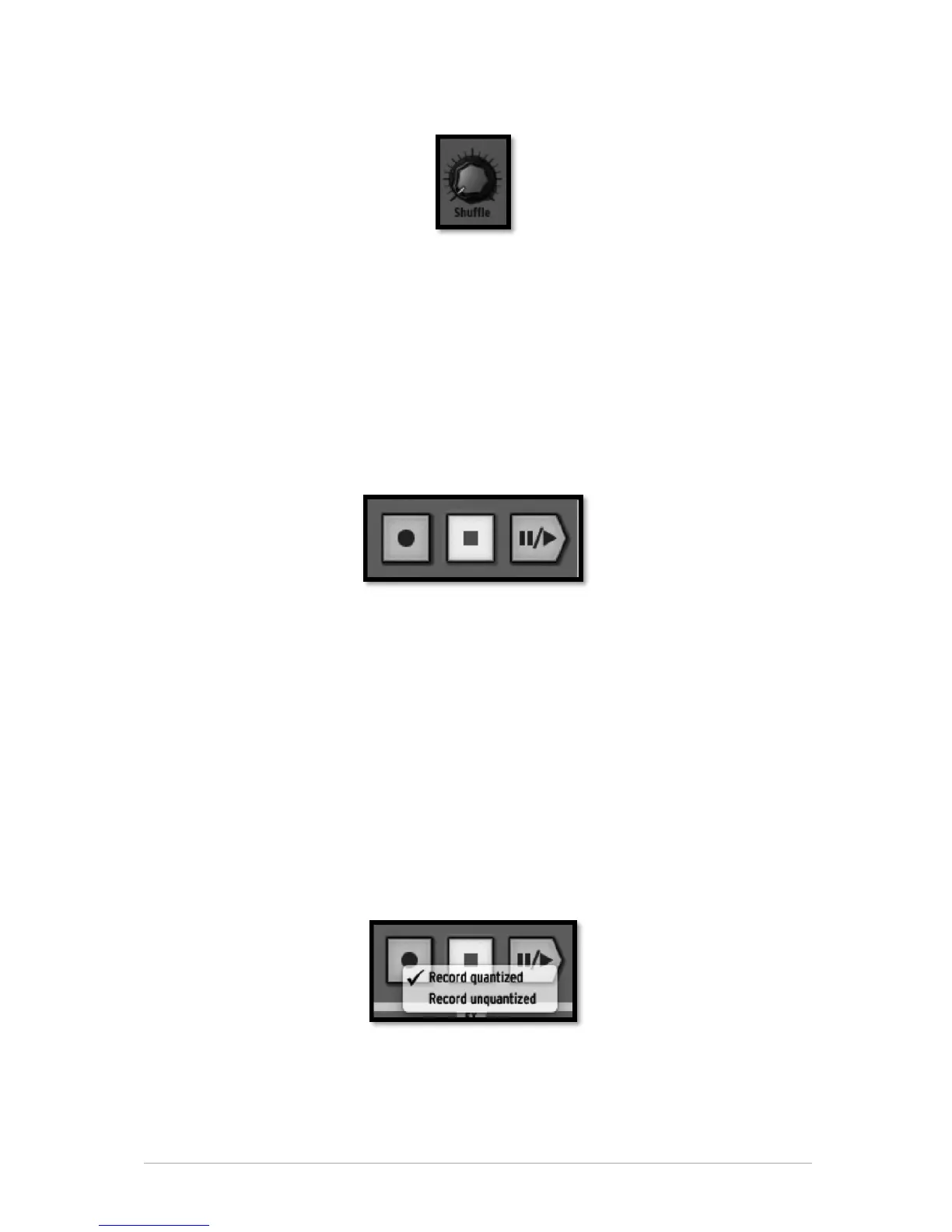
This knob sets the amount of shuffle applied to a pattern. Shuffle is a rhythmic shifting
of a Pattern in which the first note in a series of two plays for a longer time than the one
that follows.
When the Shuffle knob is turned all the way up, the first note in a series will play twice
as long as the one that follows.
Right click on the shuffle button to set the swing range (1/4, 1/16, 1/32 of a note). This
will define the value of the note on which the swing will be applied.
Click on velocity mode to apply shuffle to the note velocity.
Shuffle is a function better heard than described. Try it!
5.2.2.3 The Transport Zone
These buttons, from left to right, are:
• Record
• Stop
• Play/Pause
To record, click on the Record button and then on the Play/Pause button. The Record
button will turn to red to indicate recording mode is on.
To stop recording, click on the Stop button.
To disable recording mode, click on the Record button again.
While a pattern plays, clicking on the Play/Pause button will pause the playing. Click
again on Play/Pause to resume playing.
Click on Stop to reset current position to the beginning of the pattern.
Right-click on the Record button to choose between quantized or unquantized recording
function.
In Quantize mode; the recorded notes will be set exactly to the nearest step position.
When quantize mode is disabled, the recorded notes will keep the exact position they
were played on. Spark uses the Shift parameter (see Chapter 5.4.5) to remember the
exact triggering time relative to a step position.
This setting (shift-editing pattern) is not available on the hardware version of Spark.



 To Next Page