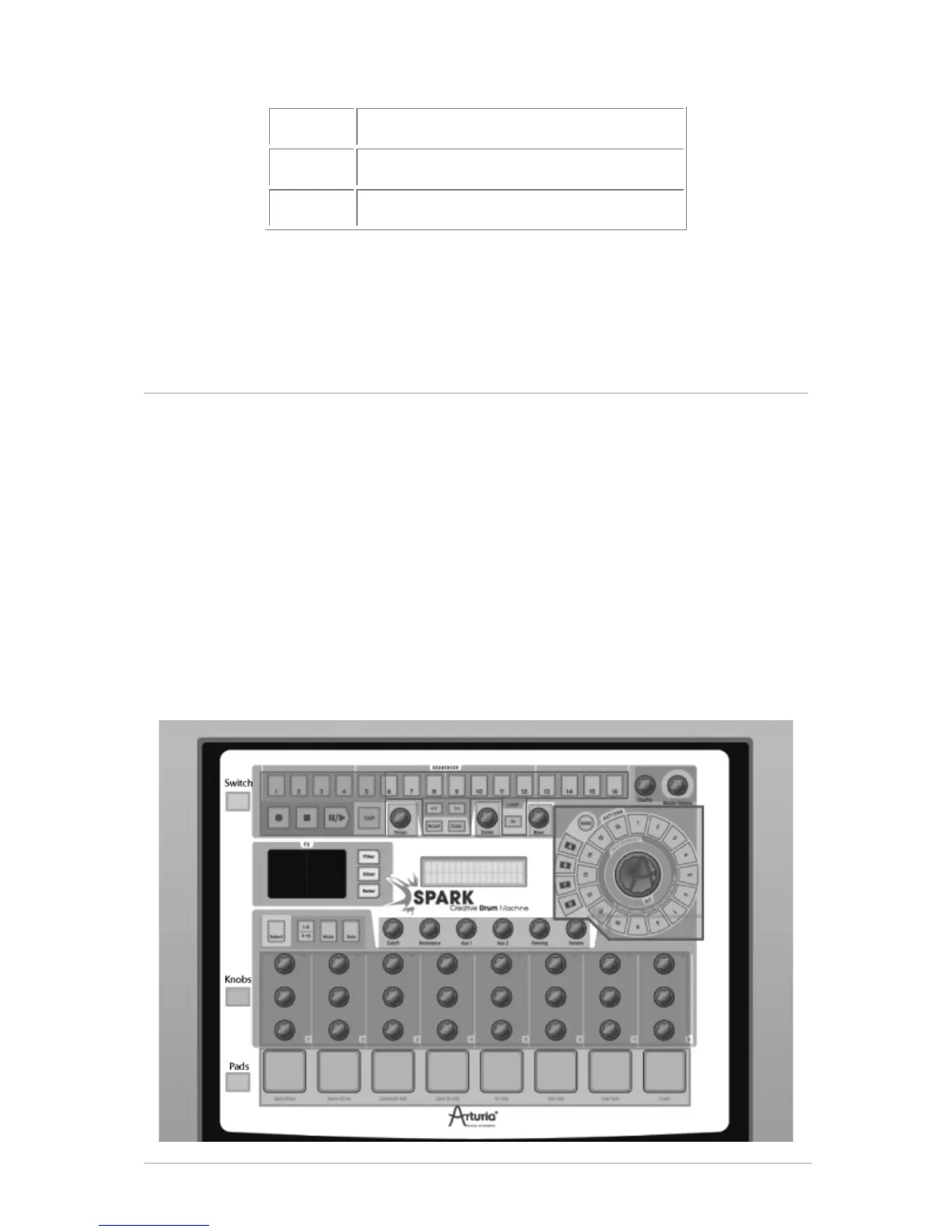
7.3 SPARK MIDI CONTROLLER SOFTWARE
With the SPARK MIDI controller software you can customize the functions of the Pads,
Knobs and Buttons according to your needs.
When connected, you can use the Hardware controller itself instead of the Controller
software interface to select the buttons, switches or knobs you want to work on.
Spark Midi Controller Software needs Spark Controller to be in Midi Controller mode to
be able to connect to. Press [Filter] + [Slicer] +[Roller] to use Spark as Midi Controller.
If Spark Controller is set to Midi Controller mode before opening Spark Midi Controller
Software, Spark Midi Controller Software will connect to it automatically at launch. If
Spark Midi Controller Software is started before setting Spark Controller to Midi
Controller Mode, you will need to explicitly connect to Spark controller using Connect to
Spark Controller command in the Action Menu.
7.3.1 Overview



 To Next Page