4.5 FIRST STEPS WITH SPARK
4.5.1 Loading a project
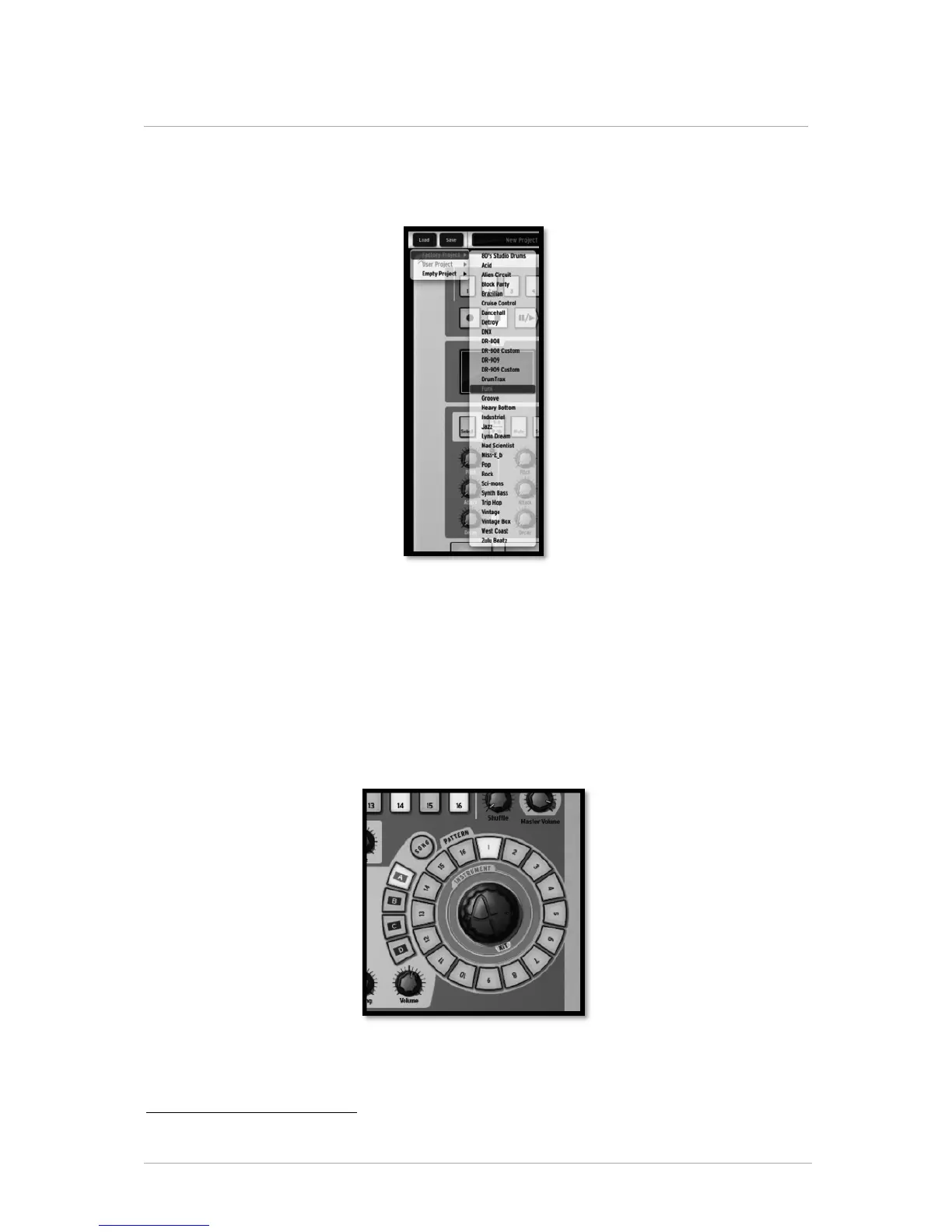
To load a project, go to the tool bar and click on LOAD.
Move your cursor over "Factory Project" and click on a project in the drop-down list, for
example "FUNK".
This project is now loaded into SPARK and its name appears in the window next to the
button "SAVE".
4.5.2 Select and play a pattern
To select and play a pattern, move your cursor to the "Song/Pattern" zone and choose a
Bank of patterns, for example the BANK A (click on "A") and a pattern in BANK A, for
example pattern #1 (Click on "1"). You will notice that your selection is now highlighted.
Now, go to the transport zone and click on the "Play/Pause" button to listen to Pattern
#1 in Bank A. To listen to a different pattern, just click on another pattern number. You
1 When reading "Click" for the software version of SPARK, replace by "Press" for the Hardware version or refer
to chapter 7 of this manual: THE SPARK MIDI CONTROLLER.



 To Next Page