ARTURIA – SPARK CREATIVE DRUM MACHINE – USER’S MANUAL
Choose Switch MIDI Message Channel
(Not available for Start, Stop, Continue)
Choose Switch MIDI Message Mode. Choice between Gate and Toggle.
(Not available for Start, Stop, Continue)
Choose Switch MIDI Message Minimum Value
(Not available for Start, Stop, Continue)
Choose Switch MIDI Message Maximum Value
(Not available for Start, Stop, Continue)
Choose Switch MIDI Message Action On. Choice between Push or Release
(Not available in Gate Mode)
7.3.4 Edit Instrument knob window
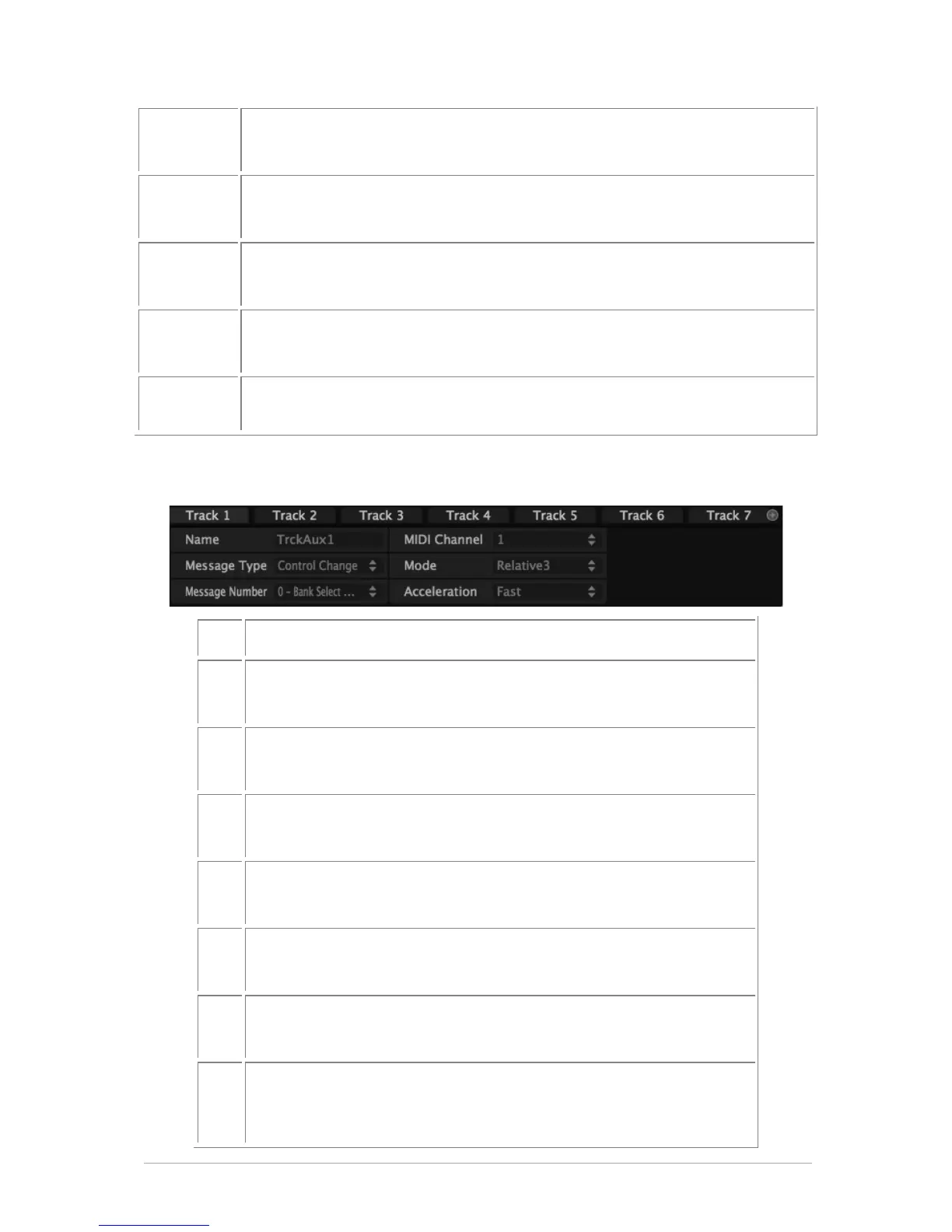
Edit Instrument 1 to 8 Knob MIDI Message
Choose Knob MIDI Message Type
(Choice between CC and Off)
Choose Knob MIDI Message Number
(0 to 127)
Choose Knob MIDI Message Channel
(1 to 16)
Choose Knob MIDI Message Mode
(Choice between Absolute, Relative1, Relative2, Relative3)
Choose Knob MIDI Message Min Value
(0 to 127 (should be < max val))
Choose Knob MIDI Message Max Value
(0 to 127 (should be > min val))
Choose Knob MIDI Message Acceleration
(Choice between None, Slow and Fast - not available for encoder
with detent: Encoders with detent are Move, Jog Dial, Loop)



 To Next Page