ARTURIA – SPARK CREATIVE DRUM MACHINE – USER’S MANUAL
6.1.3.2 Mac OS X
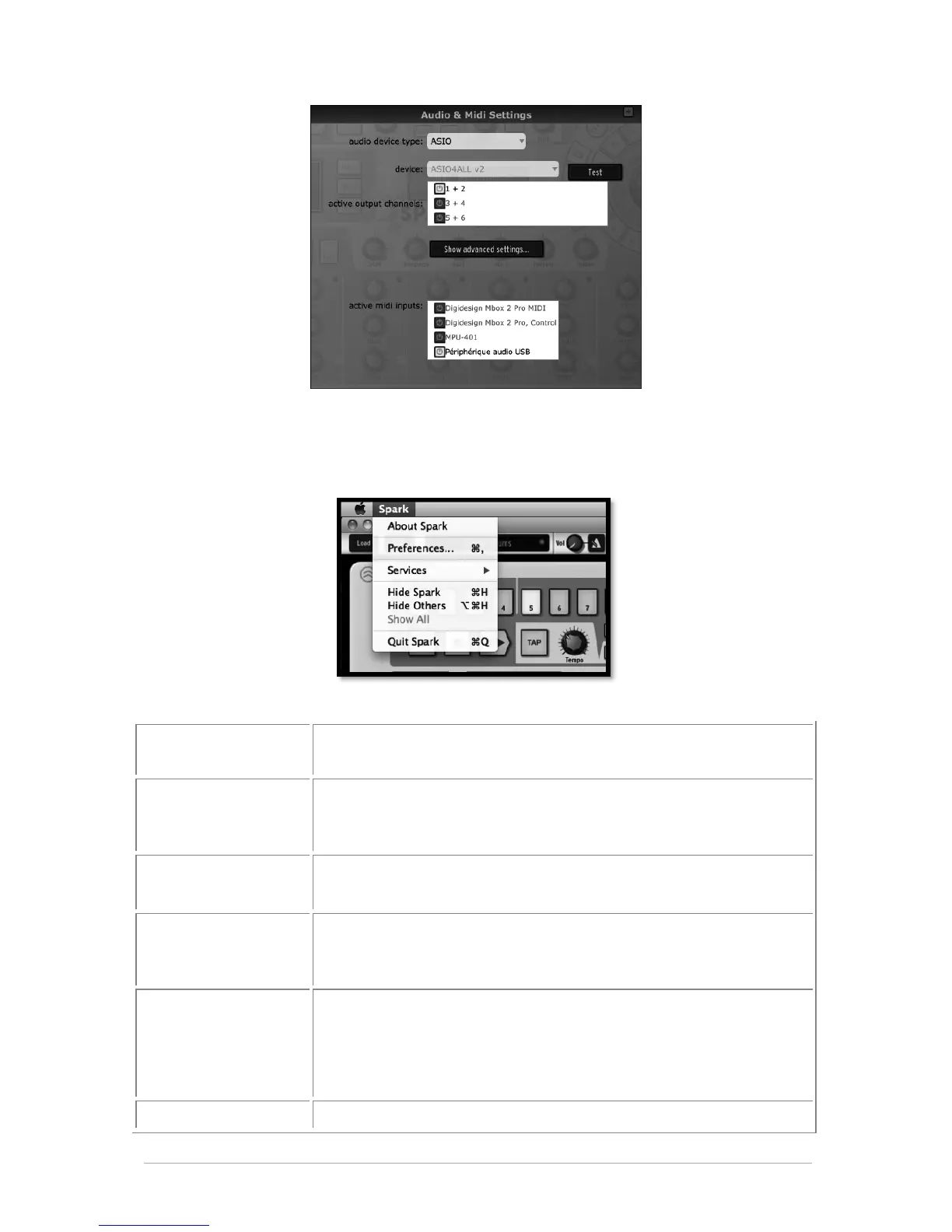
To access the preferences window click on the SPARK menu > Preferences. The Audio
settings window will appear. This window allows you to set the global preferences of
SPARK. These are saved automatically.
(Windows)
AUDIO DEVICE TYPE
Selects the appropriate driver for your audio device.
(Mac_OS) OUTPUT
(Windows) DEVICE
Chooses which audio output SPARK will send sound out of.
Default is “Built-in Output” on the Mac; for Windows we highly
suggest to use an adequate ASIO driver for your sound card.
Send out a short sine wave tone to help make sure sound is
being sent out the correct device.
Choose the sample rate; default is 44,100 Hz. Increasing the
sample rate increases the quality of sound, but adds a bigger
load to CPU.
Chooses the audio buffer size, displayed in samples and
milliseconds. Default is 512 samples. Decreasing this number
lowers latency, but adds more load to CPU. Increasing lessens
load on CPU but augments latency (latency is the delay between
a note played and actual sound output).
Displays the available MIDI inputs that can be used to control



 To Next Page