6 MODES OF OPERATIONS
6.1 STANDALONE (OVERVIEW)
6.1.1 Launching the standalone application
To launch the standalone application:
• On Windows: Start menu > Programs > Arturia > Spark… and choose
Spark.
• On Mac OS X: Finder > Applications > Arturia > Spark… and double-click
on the Spark application icon.
6.1.2 Preferences configuration – Audio & MIDI settings
6.1.2.1 Windows
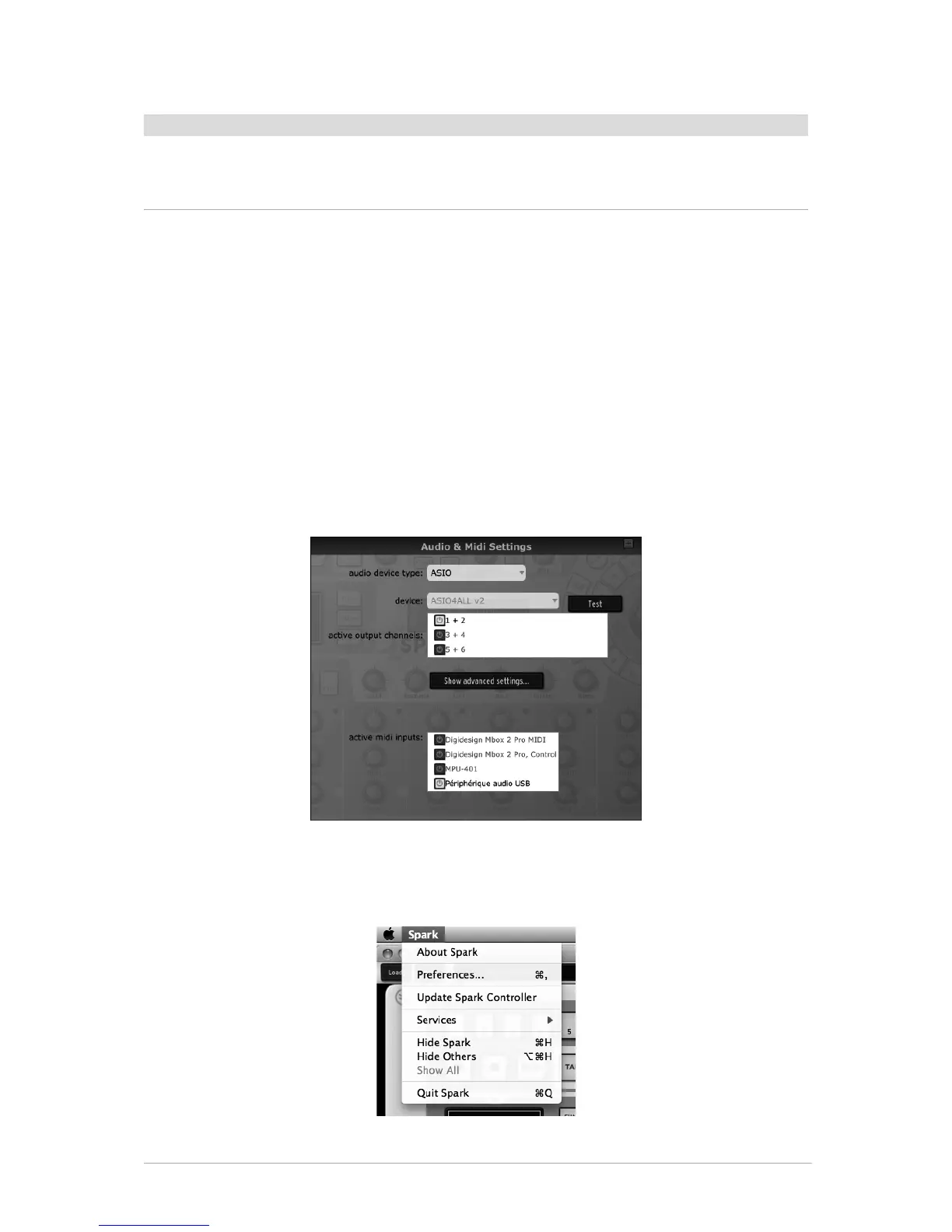
To access the preferences window click on the SPARK menu > Setup > Audio & MIDI
Settings. This window allows you to configure the global preferences of SPARK. These
are saved automatically.
6.1.2.2 Mac OS X
To access the preferences window click on the SPARK menu > Preferences. The Audio
settings window will appear. This window allows you to set the global preferences of
SPARK. These are saved automatically.



 To Next Page