ARTURIA – SPARK CREATIVE DRUM MACHINE – USER’S MANUAL
Assign an output for instrument 1 (available when Spark
is inserted into a host sequencer with Multi-output Mode.
See chapter 6.2 Plug-in mode for more details).
Set Aux1 amount for instrument/Channel 1
Set Aux1 amount for instrument/Channel 1
Set Pan for instrument/Channel 1
Open FX1 window for instrument/Channel 1
Open FX2 window for instrument/Channel 1
Set Solo/Mute for instrument/Channel 1
Change volume for instrument/Channel 1
To select a track click on the bottom of the track, on the instrument's name.
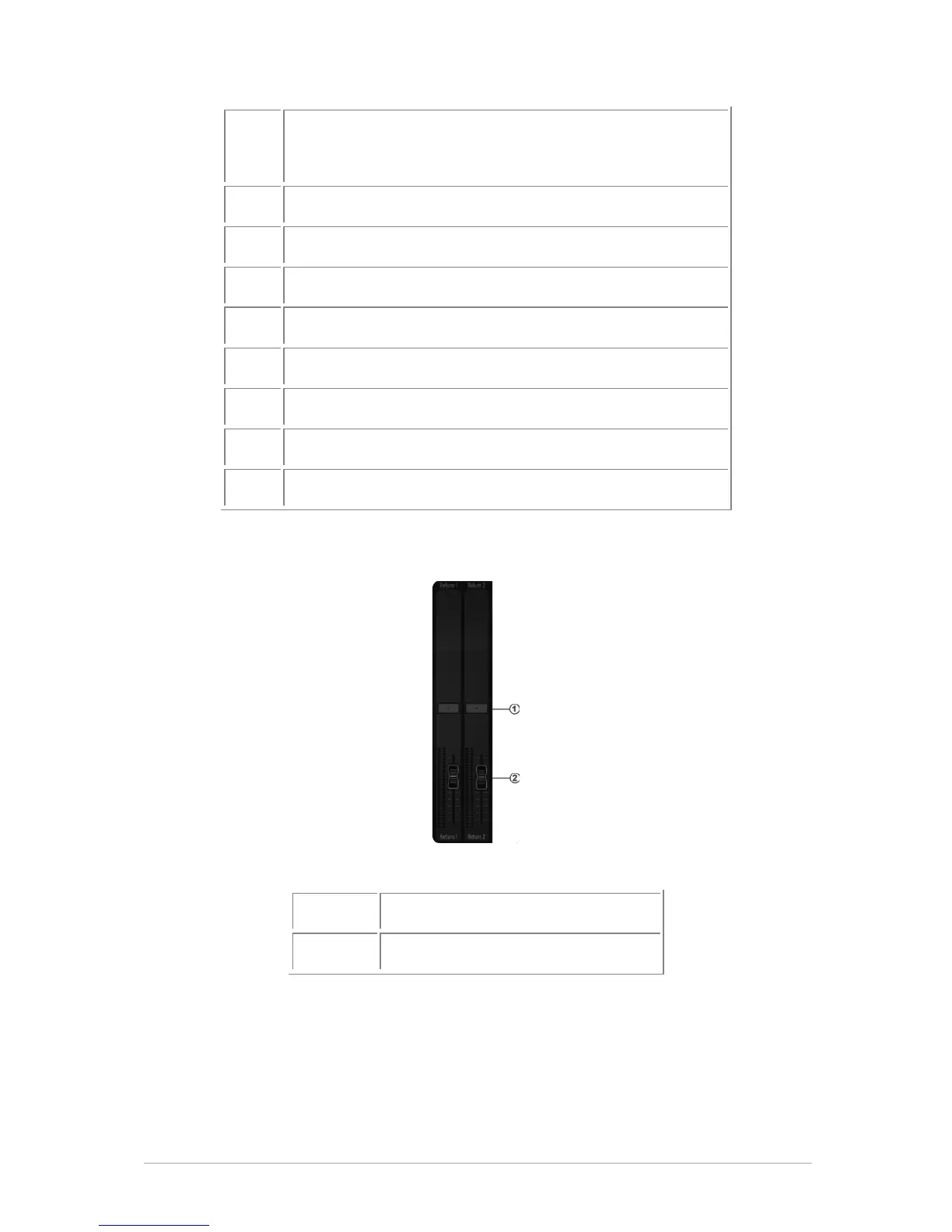
5.3.2.2 The Return 1 and 2 tracks
Set volume for AUX return



 To Next Page