ARTURIA – SPARK CREATIVE DRUM MACHINE – USER’S MANUAL
Layer display window. Drag and drop audio file here
to change the layer’s sample.
Change Center panel knob assignment.
Change value for parameter 1 (out of 6 total) of
edited instrument.
Link button: links layers together so that gain,
reverse, start and end points are the same on all
layers. To edit these parameters individually on each
layer, Link should be off.
5.3.1.2 Studio Buttons
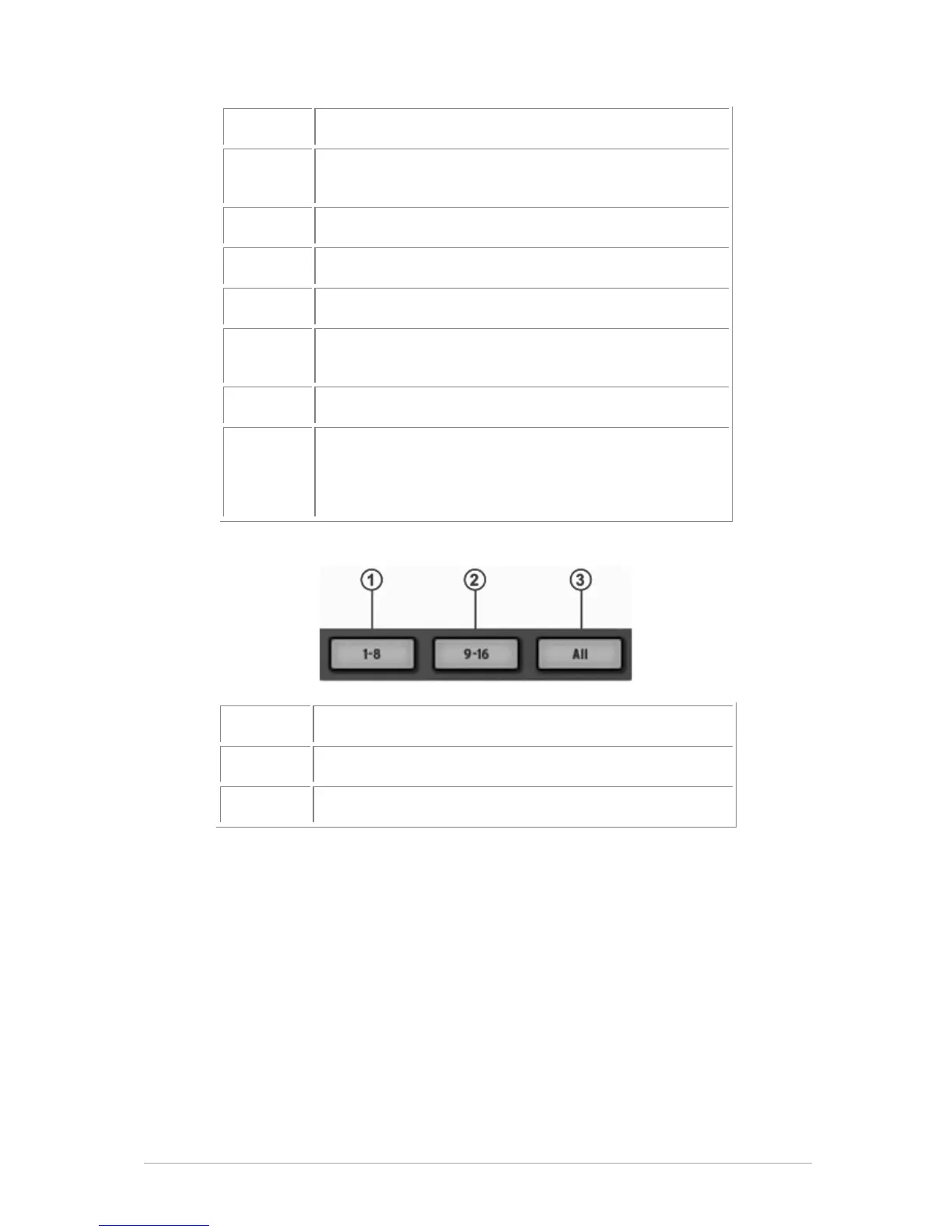
Click on the 1-8 button to display the first eight Instruments.
If you want to see all of your instruments displayed at once, click on "All".
Display Instruments 1 to 8
Display Instruments 9 to 16
Display all instruments / Hide Instrument view



 To Next Page