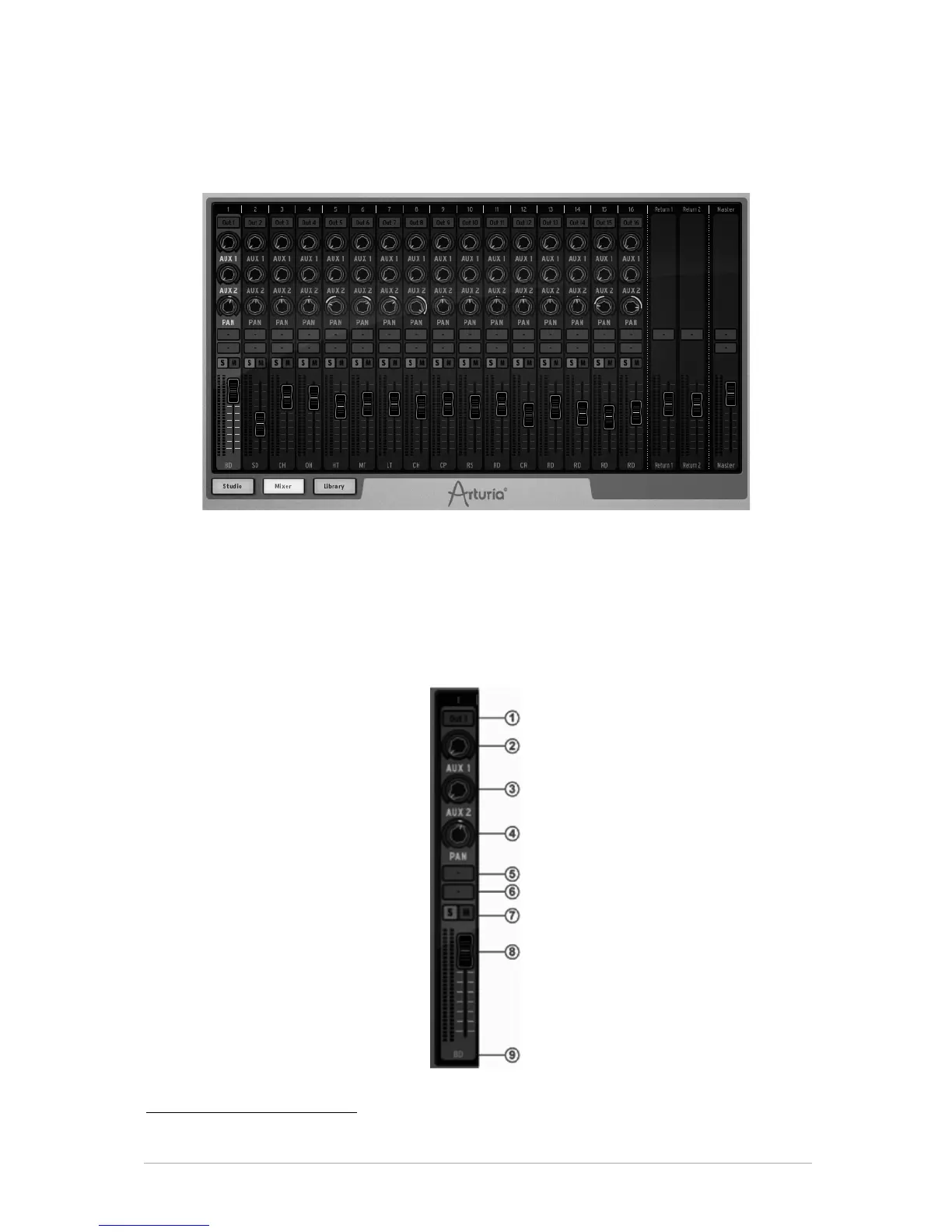
5.3.2 The Mixer
6
Click on "Mixer" to display the Mixer panel
This panel is your 16 channel mixer panel. This is where all your instruments will be
mixed together. Here, the modified signals will be summed to produce the combined
output signals.
Each track is numbered from 1 to 16 at the top of the window. To the right of the mixer
window are Return1 – Return 2 and finally the Master track.
Let's take a close look at the Mixer.
5.3.2.1 The Instrument tracks
6 Not available in the Hardware version of SPARK.



 To Next Page