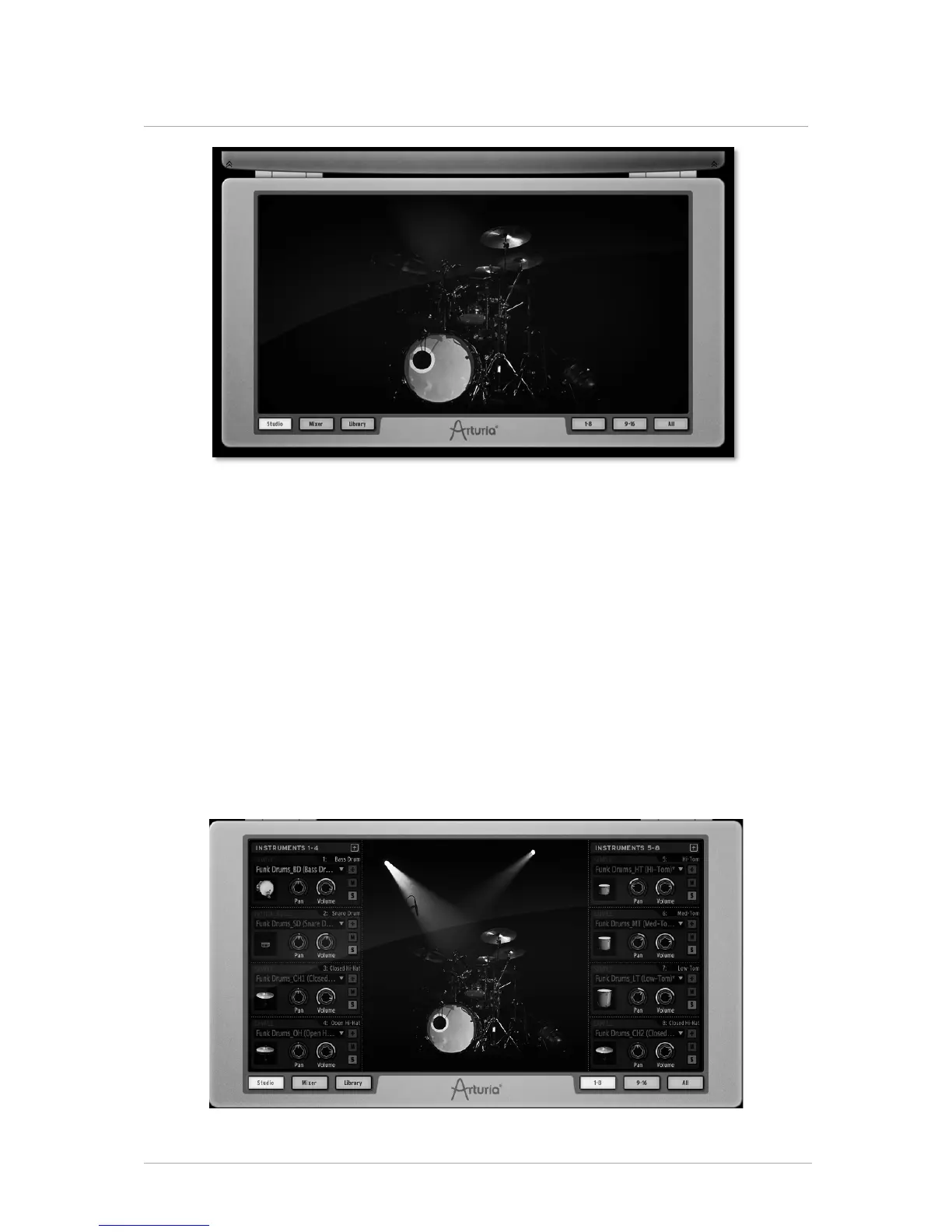
5.3 THE BOTTOM PANEL (OVERVIEW)
The Bottom panel features the Studio, the Mixer and the Library.
To access the Bottom panel from the Main panel, go to the toolbar and click on
"Bottom".
Right click on the picture to change the background. A pop-up menu will let you choose
between:
• No background
• Classic drums
• Electronic drums
• Physical drums
• Electro box
5.3.1 The Studio
4
The studio panel displays all your instruments as well as their parameters.



 To Next Page