5.4.7.2 How to move and paste/insert slots
You can select a slot or a group of slots and paste or insert them in another location.
To do so, once the slot (or group of slots) has been selected, drag the selection and drop
it onto another slot: If your mouse pointer is on the first half of a bar this will insert the
dragged pattern at the location. If your mouse pointer is in the last half of a bar, it
will be pasted and will replace bars at location
5.4.7.3 How to set song playing position
Double click on a slot to set the song playing position.
5.4.7.4 How to select several slots
To select several song slots, just click on a slot and drag your cursor over the
neighboring slots.
5.4.8 Preferences Button
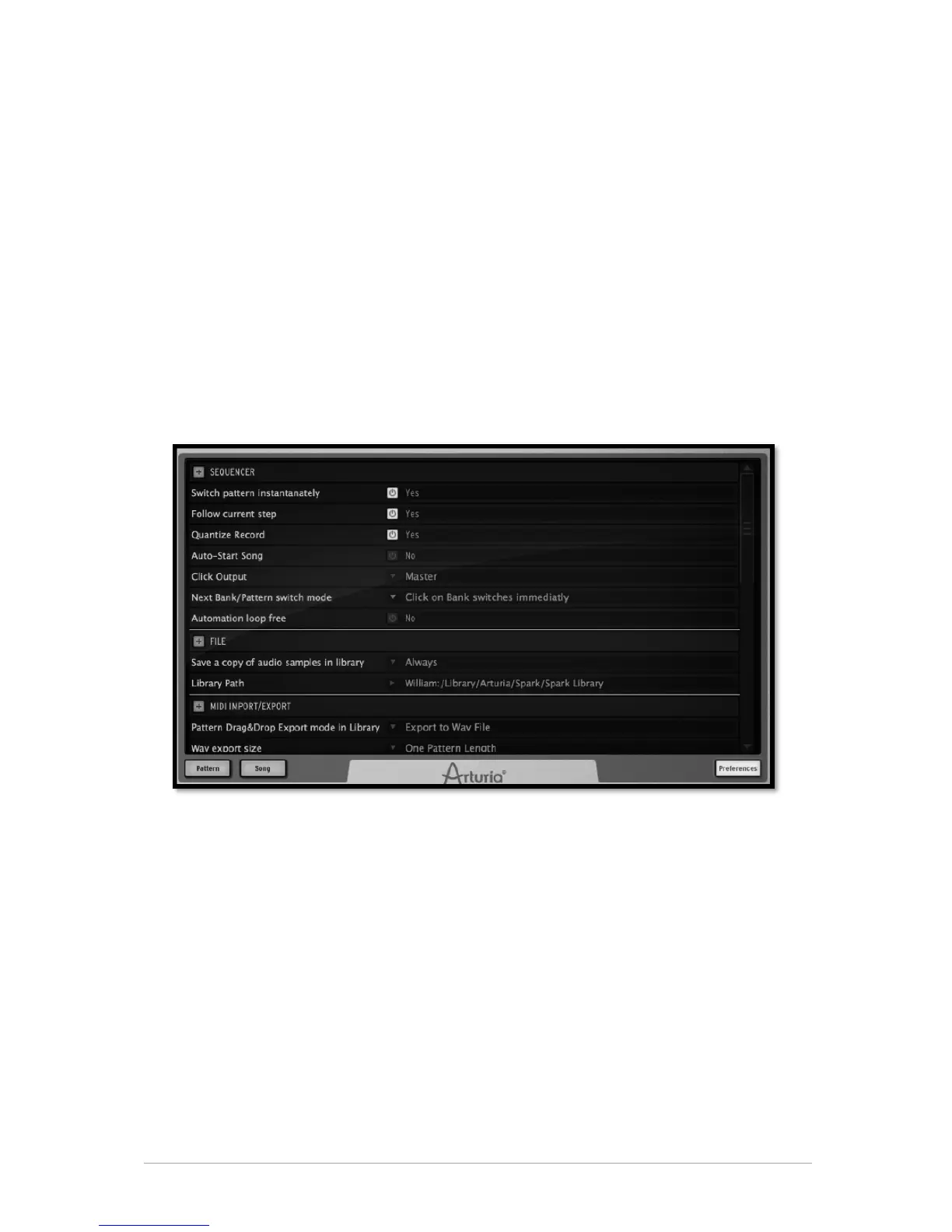
The preferences are divided into:
• Sequencer
• File
• MIDI Import/Export
5.4.8.1 Sequencer preferences
Switch pattern instantaneously: If set to "Yes", a new pattern will play instantaneously
when it is selected. If set to "No", it will be played when the current pattern is finished
playing.
Follow current step: When set to "Yes", and when on Sequencer panel, the step pads on
the center panel will automatically display the step part that contains the current played
step.
Quantize record: When set to "Yes", all pads playing as well as any recordings will be
quantized.
Auto-start song: When on, clicking on the Song button in the center panel will open the
song panel and start playing the song automatically.



 To Next Page