SIOL-EI8B-USER-M
40
Startup Powered by
Version 1, May 2022
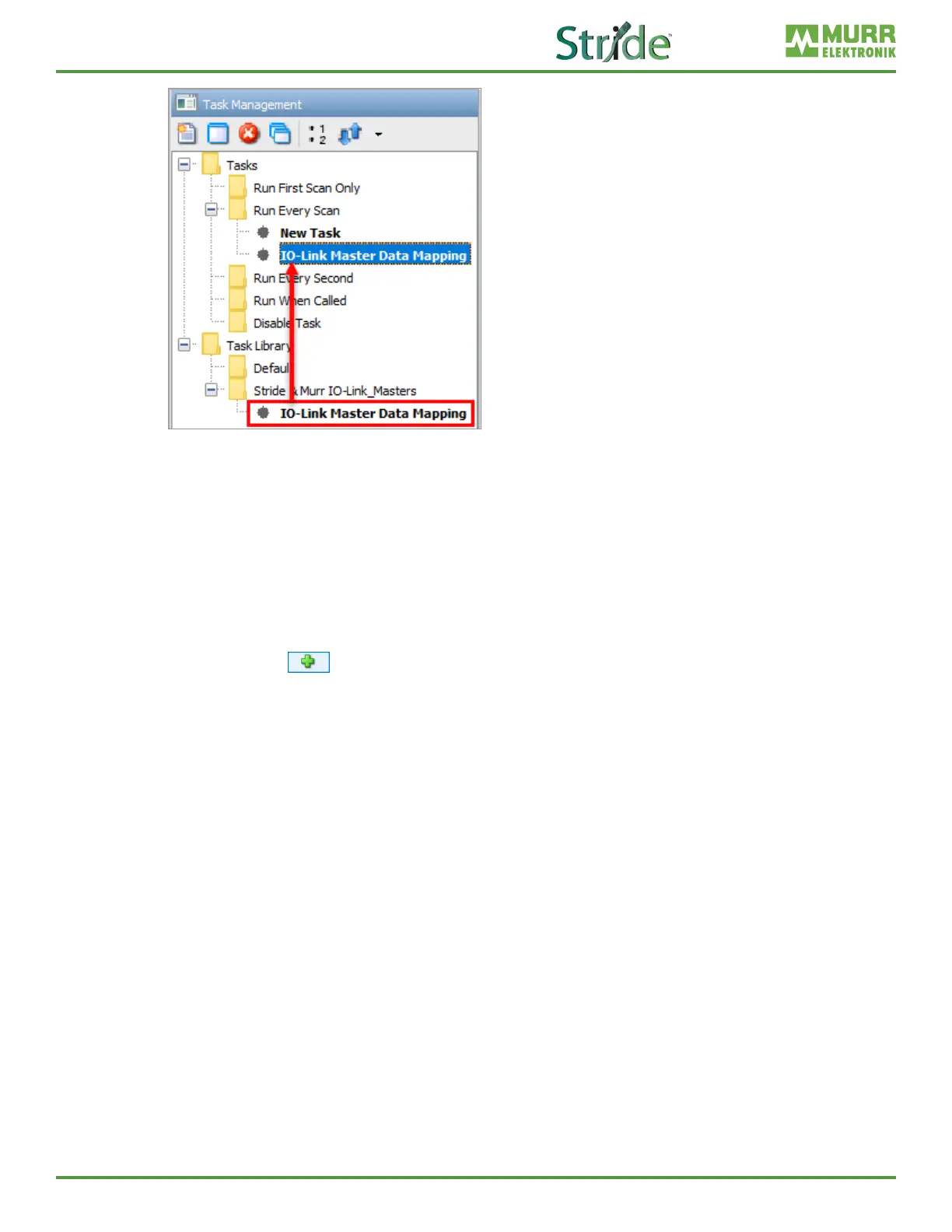
Fig. 7-16: Task Library – Drag and Drop Tasks.
6. Under the EtherNet/IP tab of the Hardware Cong, double-click or drag the IO-Link Master EDS le to
the device area underneath the hardware tabs (see section 7.2 for more details).
7. In the EtherNet/IP Client Properties do the following:
a. Select Use Structure and enter/select the IO-Link Master.EIP_Device structure that was
created as part of step 5.
b. For the Device Name type “IO-Link Master” – the name must be exact to work with the quick start
code.
c. Enter the appropriate IP Address.
d. Click the icon and select the Exclusive Owner (32B) Message.
e. In the Extended Status eld enter/select the IO-Link Master.EIP_Device_Extended_Status tag
that was created as part of step 5.
f. In the T->O tab Data Array eld enter/select the IO-Link Master.Cyclic_Input_Data tag that was
created as part of step 5.
g. In the O->T tab Data Array eld enter/select the IO-Link Master.Cyclic_Output_Data tag that
was created as part of step 5.



 To Next Page