Using the Compounder
Operator Manual for the Baxter ExactaMix 2400 Compounder
53007410 Rev. C Page 95
WARNING
The remainder value in the software must accurately represent the
actual volume remaining in the source container. Change a remainder
value only when you know the precise amount remaining in the source
container. Incorrect remainder values can lead to bubbles, occlusions
and under-delivery of an ingredient if its source container runs empty.
NOTE: Using a different container may require you to change and prime the inlet.
Refer to Attaching the New Ingredients and Inlets on Page 48 and Priming and
Verifying on Page 58.
• Tap Stop filling and throw bag away to cancel the order. At the pump screen, tap
Stop and follow the on-screen instructions.
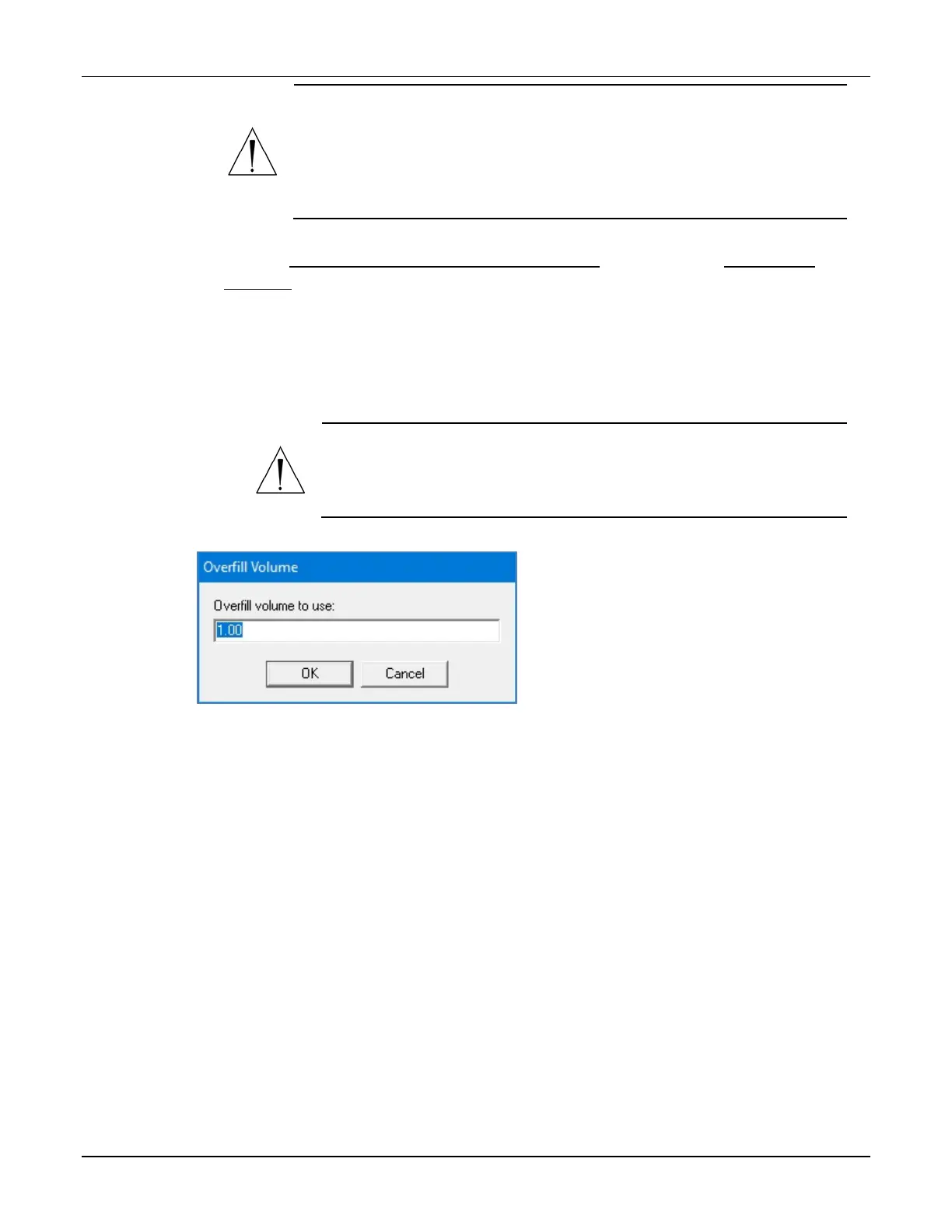
• Tap Use some overfill to use the fluid remaining in the current container to
complete the order. At the Overfill Volume window:
a. Enter the Overfill volume to use.
WARNING
Adjusting the value improperly in the Overfill volume to use field
can lead to bubbles, occlusions and under-delivery of an
its source container runs empty.
b. Tap OK.
Overfill Volume window



 To Next Page