Setting Up the Options
Operator Manual for the Baxter ExactaMix 2400 Compounder
53007410 Rev. C Page 121
Select Required for MixCheck Authorization if you want to require a second user to log in and
verify the MixCheck Report on the screen after compounding.
Solution Limit
Select Limit formula runs if you want to limit the number of times a specific formula can be
used for compounding.
For Max, enter the maximum of times an individual formula can be used.
Tip! Baxter recommends entering 1 for the Max.
SETTING UP THE DIRECTORIES OPTIONS
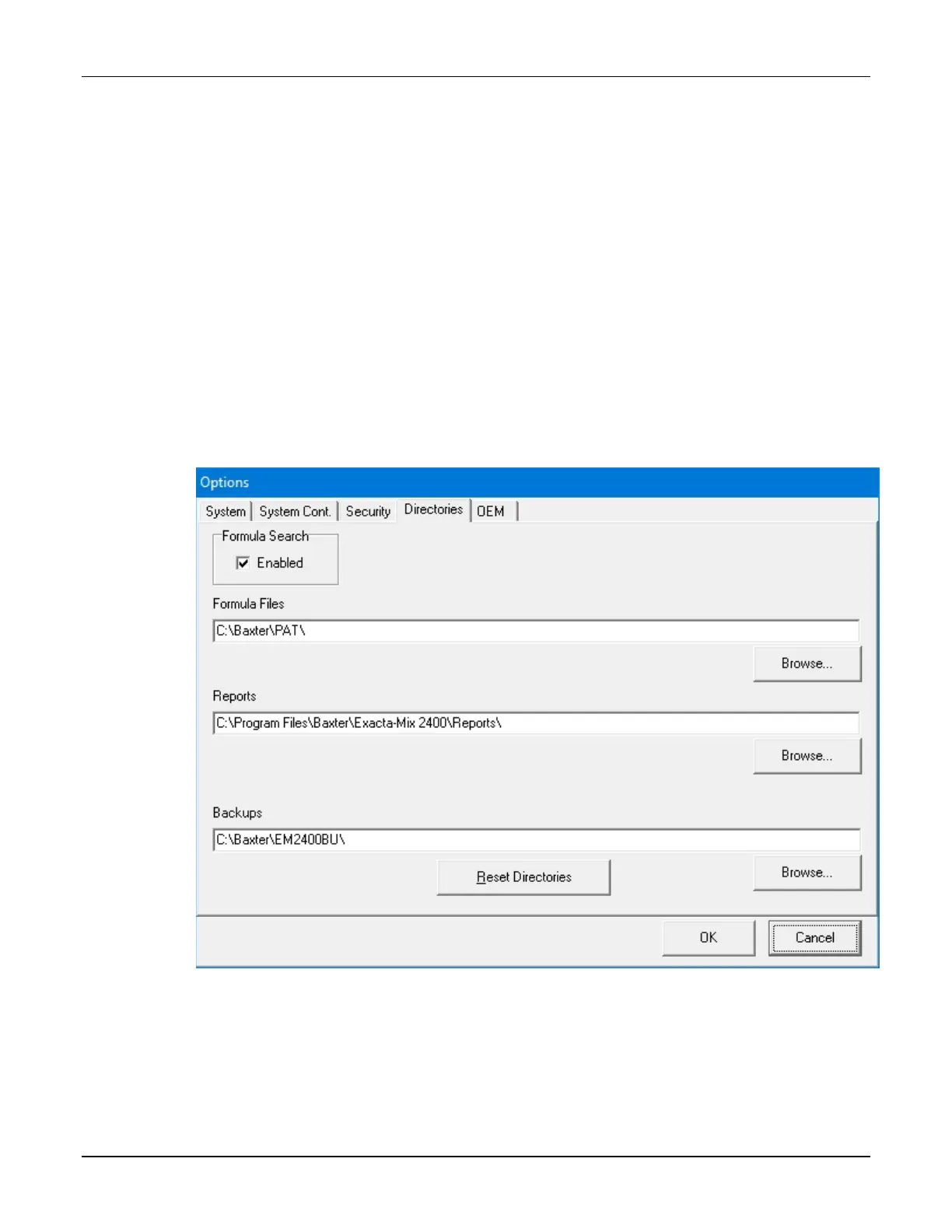
Use the Directories tab to set the locations of formula files, reports and backups.
To access the directories options:
1. At the menu screen, tap Tools > Options.
2. At the Options window, tap the Directories tab.
Options window, Directories tab
3. If you want to allow users to retrieve formula files, select Formula Search.



 To Next Page