Using the Formulary Editor
Operator Manual for the Baxter ExactaMix 2400 Compounder
53007410 Rev. C Page 143
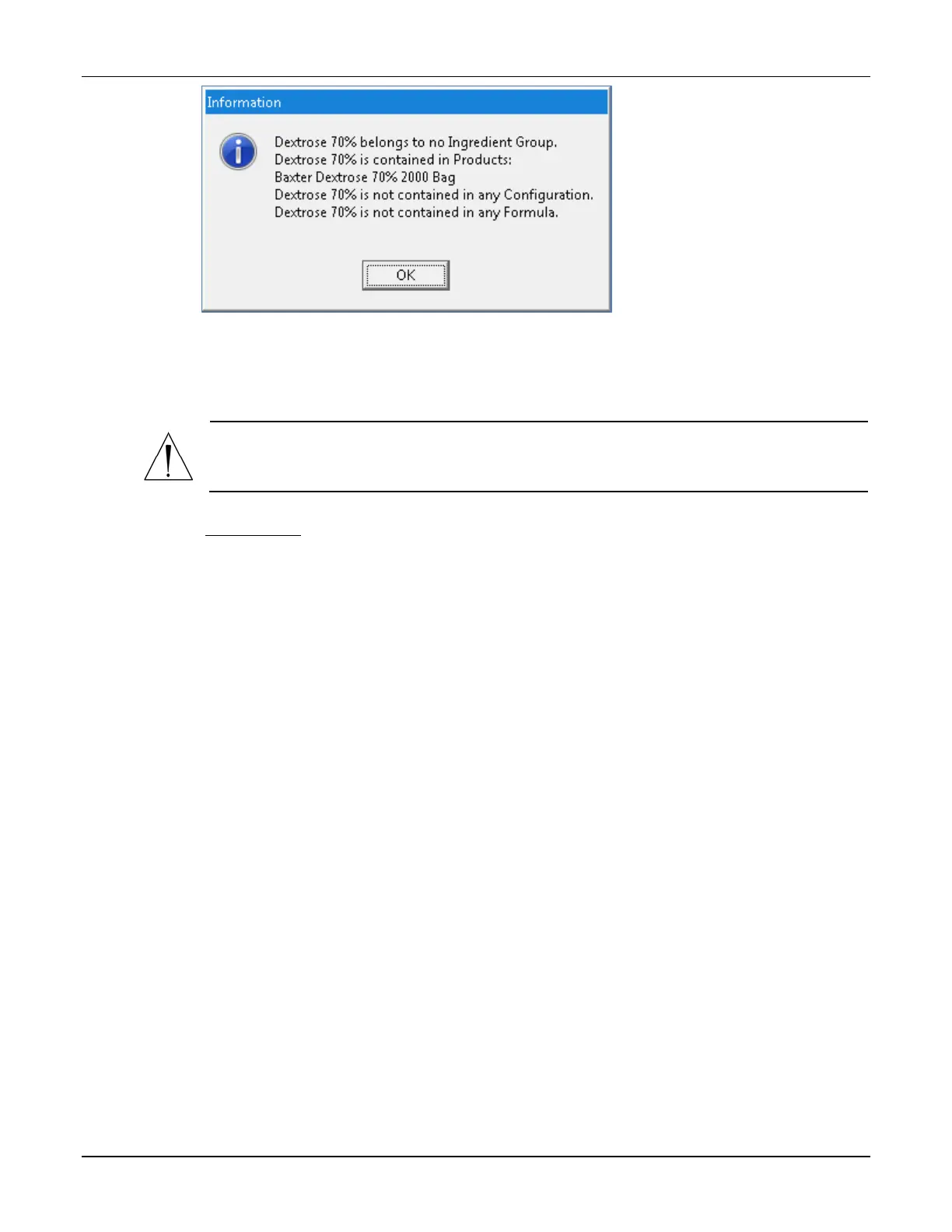
Message
The Calibration Ingredient
The calibration ingredient is used for calibrating the compounder’s pump.
WARNING
A sterile water product is required as the calibration ingredient.
If you think the calibration ingredient needs to be changed, contact Baxter Technical Services.
Refer to Getting Help on Page 22.
Viewing the Calibration Ingredient
1. At the Formulary Editor window, in the top half, tap Show Cal. Ingredient.
The calibration ingredient is highlighted.
2. Tap OK.
WORKING WITH PRODUCTS
Adding or Editing a Product
1. At the Formulary Editor window:
a. In the top half, select the ingredient from the Name list.
b. In the bottom half, do one of these options:
• Tap Add to add a product.
The Add Product window appears.
• Select the product you want to edit from the Product Name list, then tap
Edit.
The Edit Product <name> window appears.



 To Next Page