Setting Up the Users
Operator Manual for the Baxter ExactaMix 2400 Compounder
Page 126 53007410 Rev. C
Deleting a Group
IMPORTANT! This function requires Administration permissions.
1. At the menu screen, tap Tools > Users > Edit Users and Groups.
2. At the Edit Users and Groups window, in the top half:
a. Select the group you want to delete from the Name list.
b. Tap Delete.
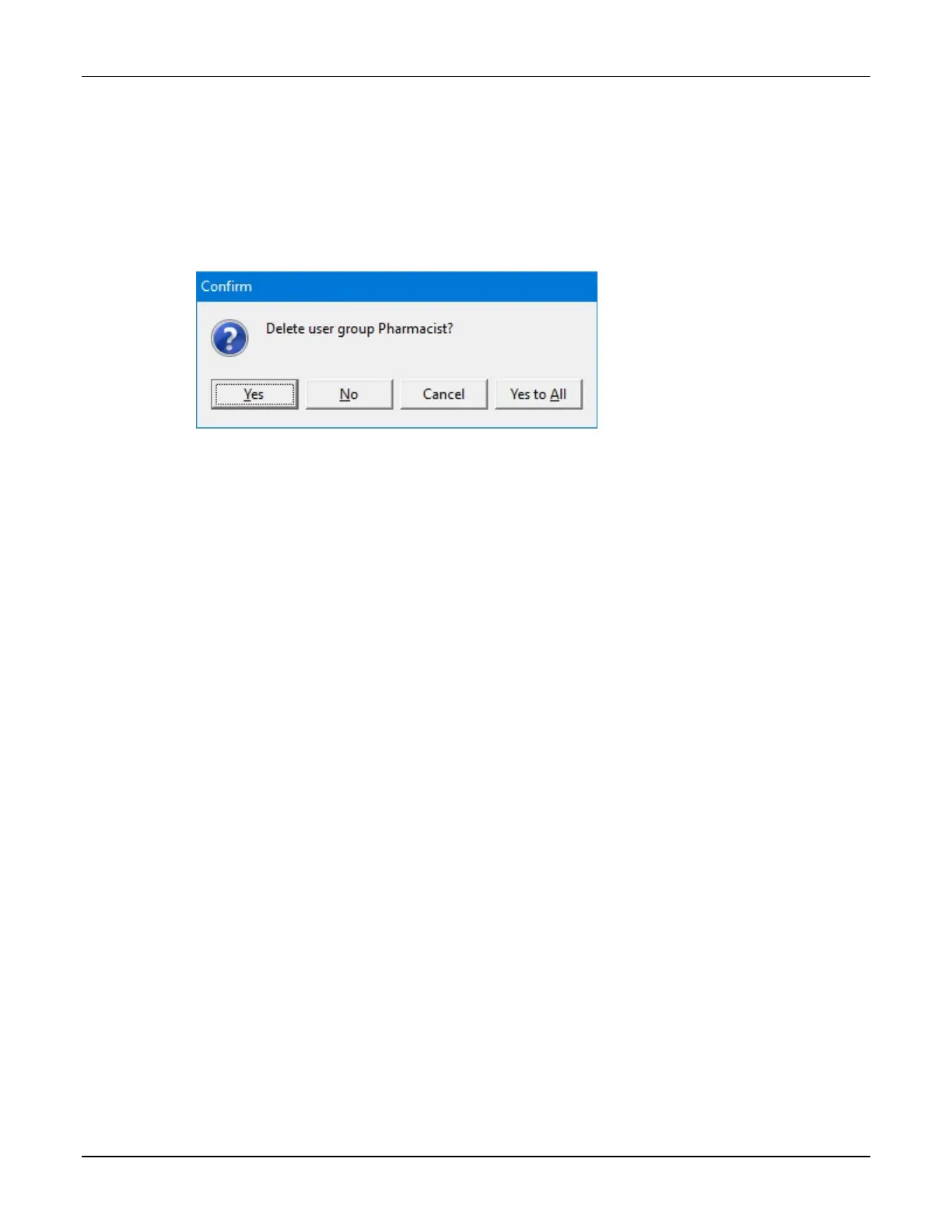
3. At the Delete user group <name>? message, tap Yes to delete the group.
Message
4. At the Edit Users and Groups window, tap OK.



 To Next Page