Using Reports
Operator Manual for the Baxter ExactaMix 2400 Compounder
53007410 Rev. C Page 181
BLACKBOX REPORT
The Blackbox Report is a chronological list of all important system activity for a specific period
of time. If necessary, Baxter may use this information for troubleshooting.
To view the Blackbox Report:
1. At the menu screen, select Reports > Standard > Blackbox.
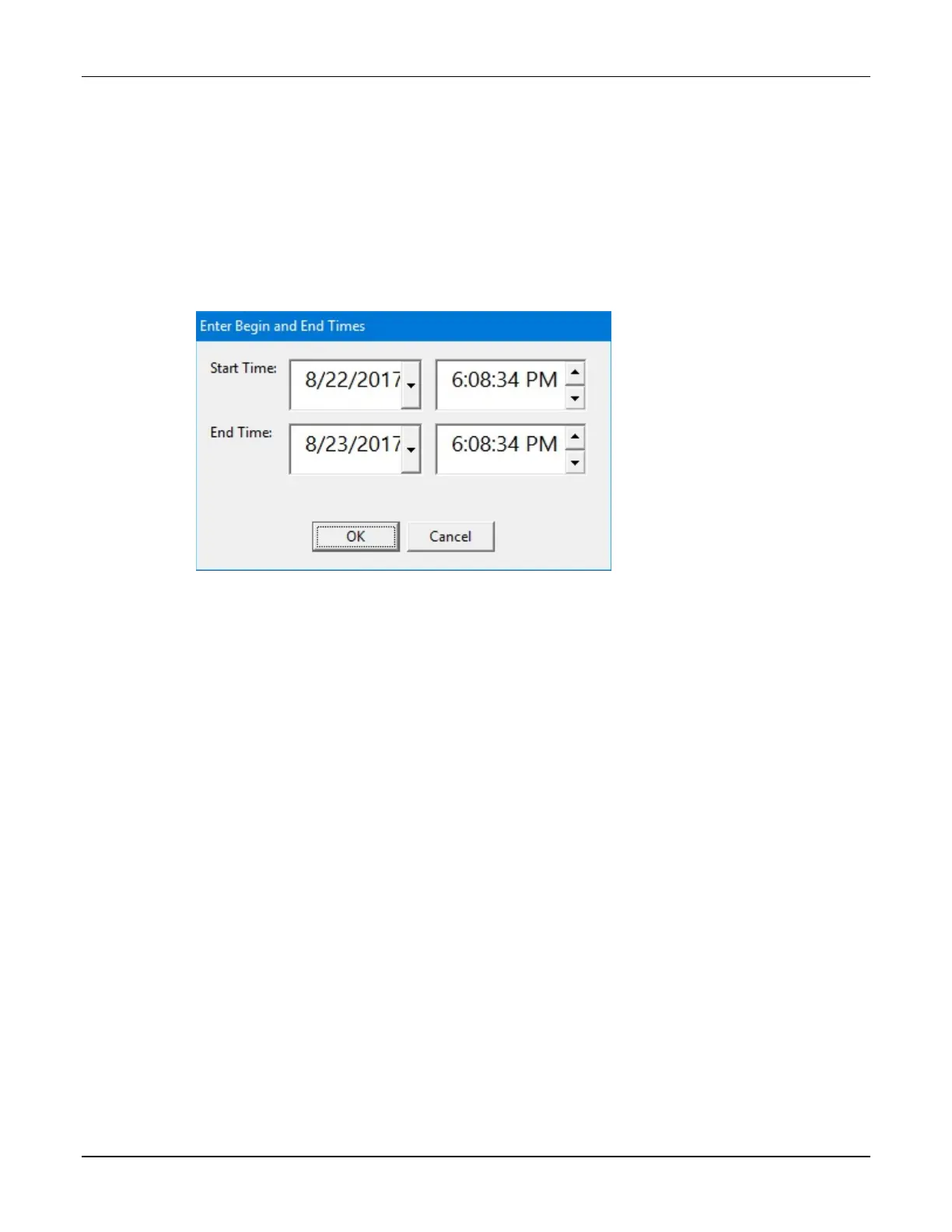
2. At the Enter Begin and End Times window:
a. Enter the starting and ending times for the report.
b. Tap OK.
Enter Begin and End Times window



 To Next Page