Using Reports
Operator Manual for the Baxter ExactaMix 2400 Compounder
53007410 Rev. C Page 183
CALIBRATION SUMMARY REPORT
The Calibration Summary Report summarizes the calibration processes for the pump and the
load cell during a specific period of time. It also distinguishes between automatic and manual
calibrations.
To view the Calibration Summary Report:
1. At the menu screen, tap Reports > Standard > Calibration Summary.
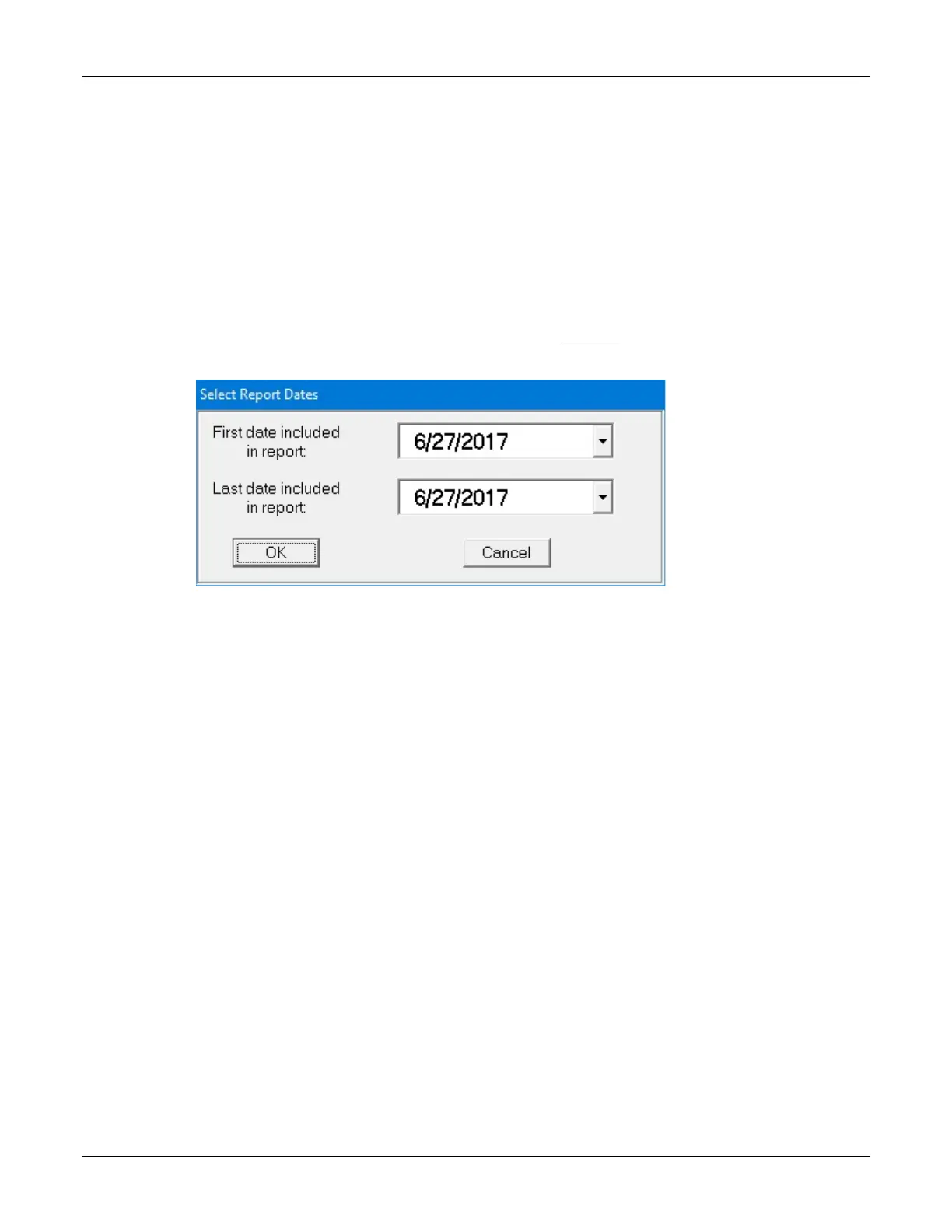
2. At the Select Report Dates window:
a. Enter the First and Last dates for the report.
NOTE: The available dates are still limited by the amount of time this information
is stored. For more information, refer to Storage on Page 114.
b. Tap OK.
Select Report Dates window



 To Next Page