Setting Up the Compounder
Operator Manual for the Baxter ExactaMix 2400 Compounder
53007410 Rev. C Page 69
If a cosigner was logged in, the software automatically logs out the cosigner and logs in
the original user.
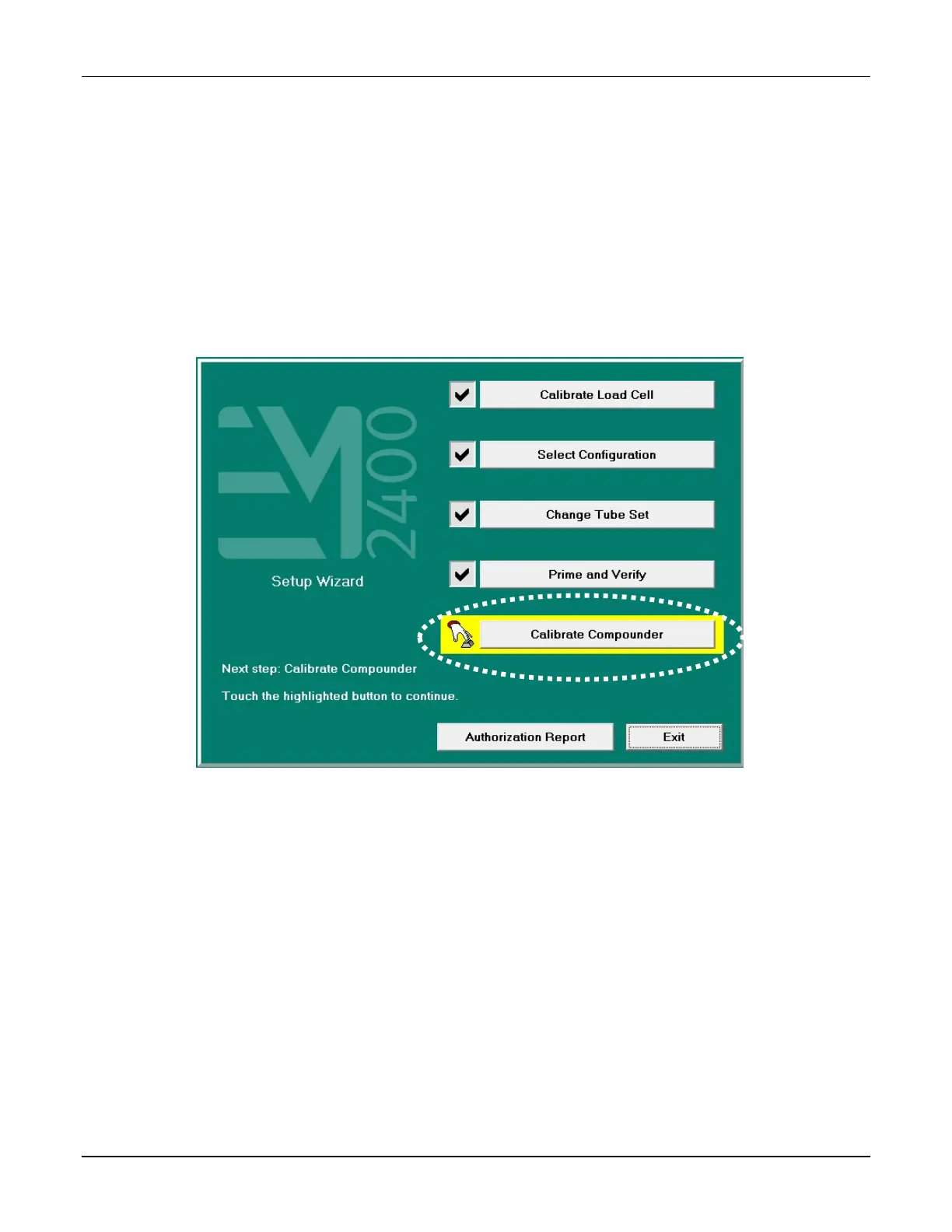
If you started this procedure from the Setup Wizard screen, a check mark now appears
next to Prime and Verify at the Setup Wizard screen.
CALIBRATING THE COMPOUNDER
This procedure calibrates the compounder’s pump to ensure that it delivers the intended
volume of each ingredient.
1. At the Setup Wizard screen, tap Calibrate Compounder.
Setup Wizard screen, calibrating the compounder
NOTE: You can calibrate the compounder at any time by tapping Compound > Calibrate
Pump at the menu screen.



 To Next Page