Using the Ingredient Group Editor
Operator Manual for the Baxter ExactaMix 2400 Compounder
53007410 Rev. C Page 147
USING THE INGREDIENT GROUP EDITOR
Use the Ingredient Group Editor to manage the ingredient groups, assign the products that are
in the formulary to the correct groups and specify which groups are incompatible.
WARNING
Any calcium-containing products must be assigned to the calcium members group,
and any phosphate-containing products must be assigned to the phosphate members
group to ensure the software will warn users about formulas that may cause a
precipitate in the tube set during the compounding process.
IMPORTANT! These functions require Formulary permissions. For more information about user
groups and permissions, refer to Setting Up the Users on Page 123. Before making any changes
in the Ingredient Group Editor, contact Baxter Technical Services. Refer to Getting Help on
Page 22.
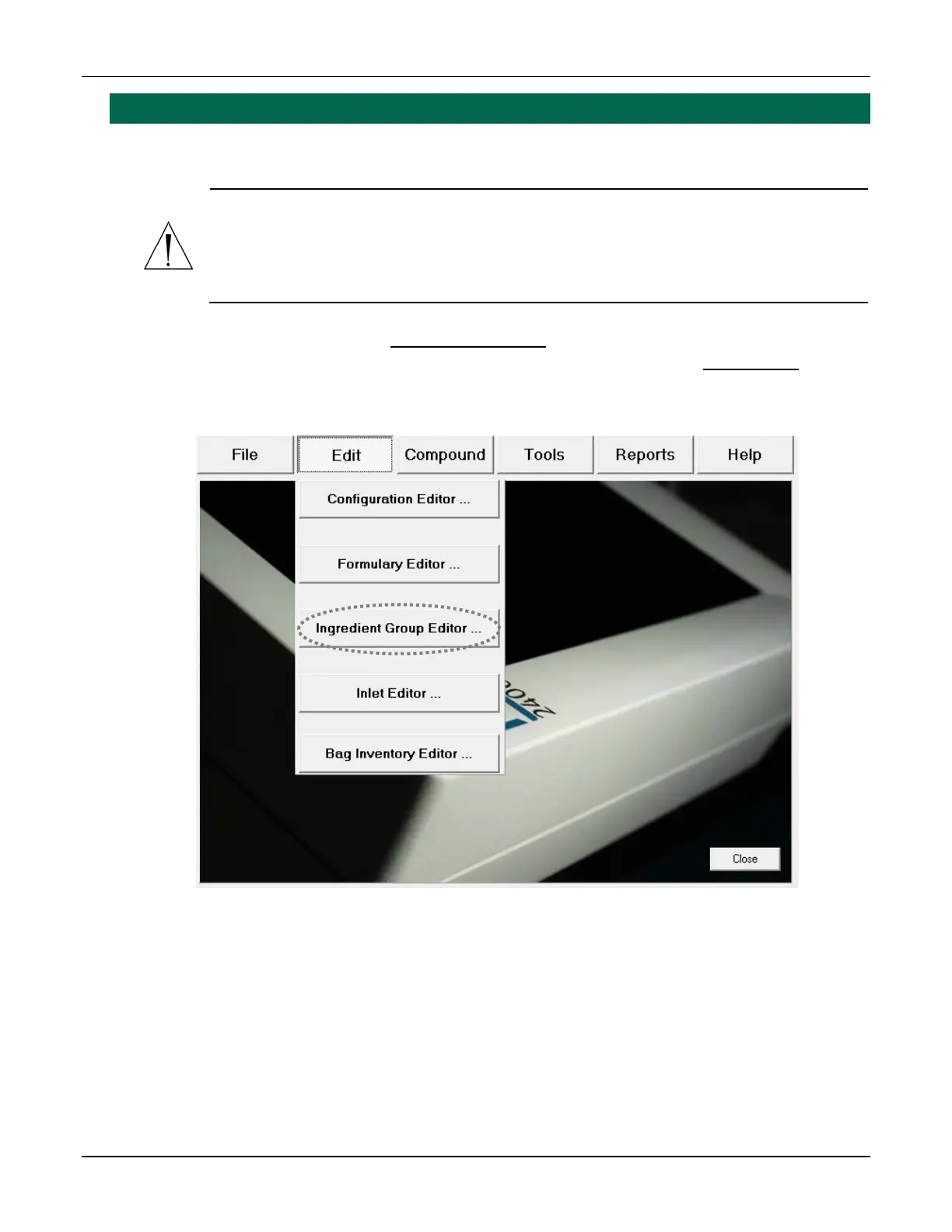
At the menu screen, tap Edit > Ingredient Group Editor.
Menu screen, Edit menu



 To Next Page