Setting Up the Compounder
Operator Manual for the Baxter ExactaMix 2400 Compounder
Page 40 53007410 Rev. C
SELECTING THE CONFIGURATION
The configuration identifies which ingredients are attached and at which ports on the
compounder.
This procedure is required only if both of the following conditions exist:
• More than one configuration is available.
• You want to use a configuration that is different from the last one that was used.
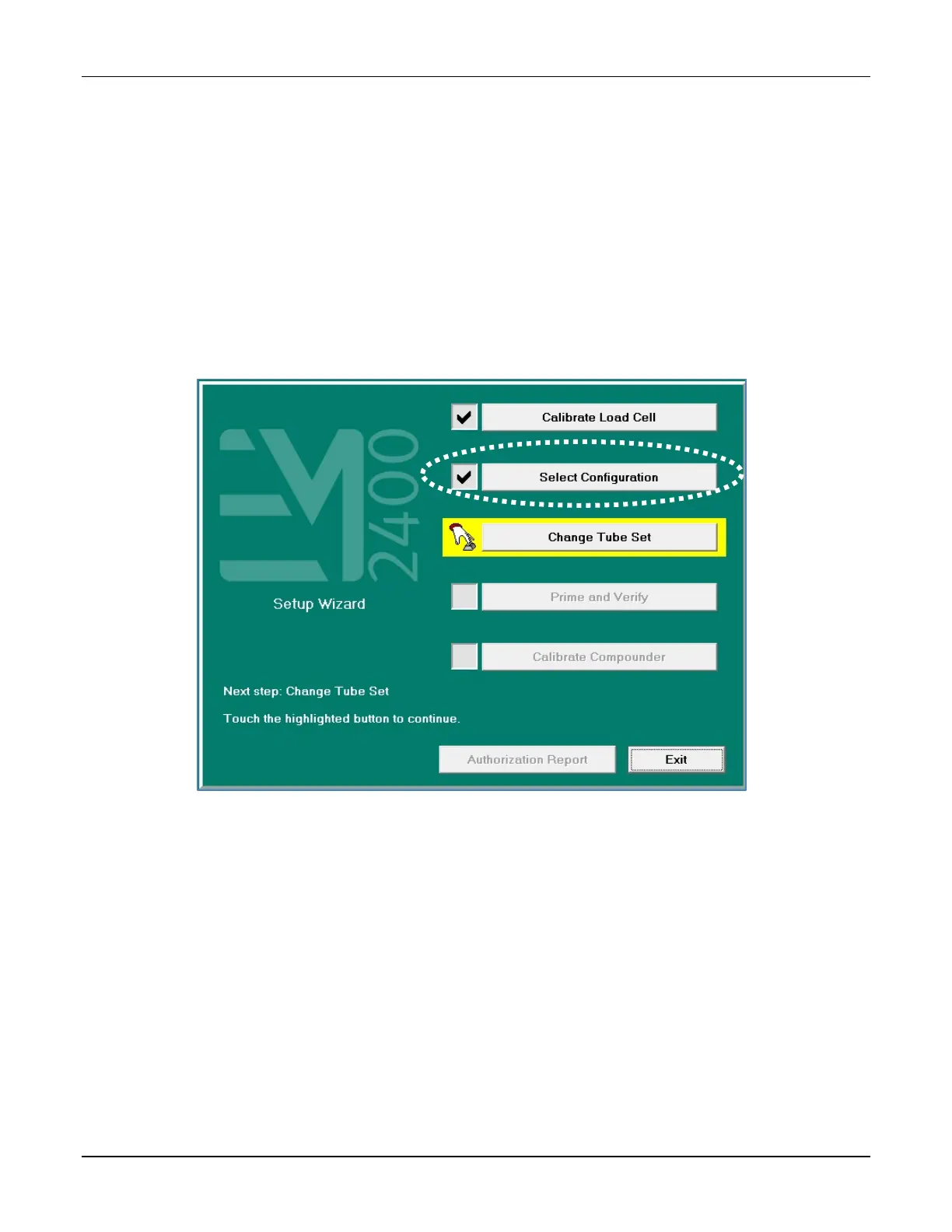
The software automatically selects the last configuration that was used, and a check mark
appears next to Select Configuration.
If you want to change the configuration:
1. At the Setup Wizard screen, tap Select Configuration.
Setup Wizard screen, selecting the configuration
NOTE: To select the configuration without using the Setup Wizard, you can tap
Compound > Select Configuration at the menu screen.
The Select Configuration screen displays the last configuration that was used.



 To Next Page