Using the Inlet Editor
Operator Manual for the Baxter ExactaMix 2400 Compounder
53007410 Rev. C Page 153
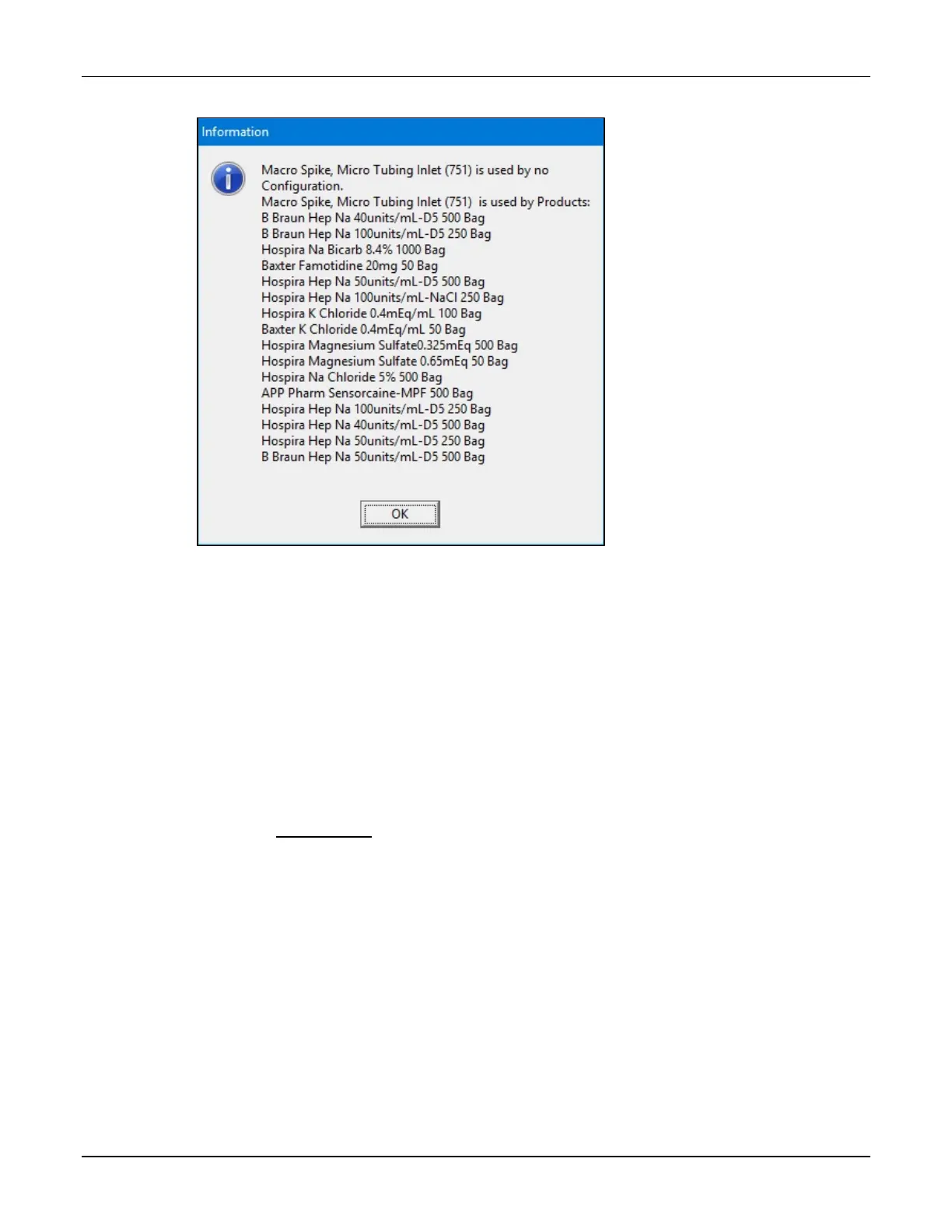
2. At the Information message, tap OK.
Message
3. At the Inlet Editor window, tap Close.
VIEWING AN INLET’S SPEEDS AND FLOW FACTORS
IMPORTANT! All the ingredients need flow factors prior to compounding. Contact Baxter
Technical Services for adding/updating flow factors.
IMPORTANT! These settings affect the delivery volume, so they must be accurate. Do not make
any changes unless directed by Baxter Technical Services. Baxter has determined the flow
factors for all of the ingredients commonly used in TPN. If you think that a flow factor needs to
be changed, or a flow factor for a new ingredient needs to be added, contact Baxter Technical
Services. Refer to Getting Help on Page 22.
NOTE: Only the OEM user is able to view or edit the flow factors.



 To Next Page