Starting Up, Logging In and Out, and Shutting Down
Operator Manual for the Baxter ExactaMix 2400 Compounder
Page 30 53007410 Rev. C
STARTING UP, LOGGING IN AND OUT, AND SHUTTING DOWN
STARTING UP AND LOGGING IN
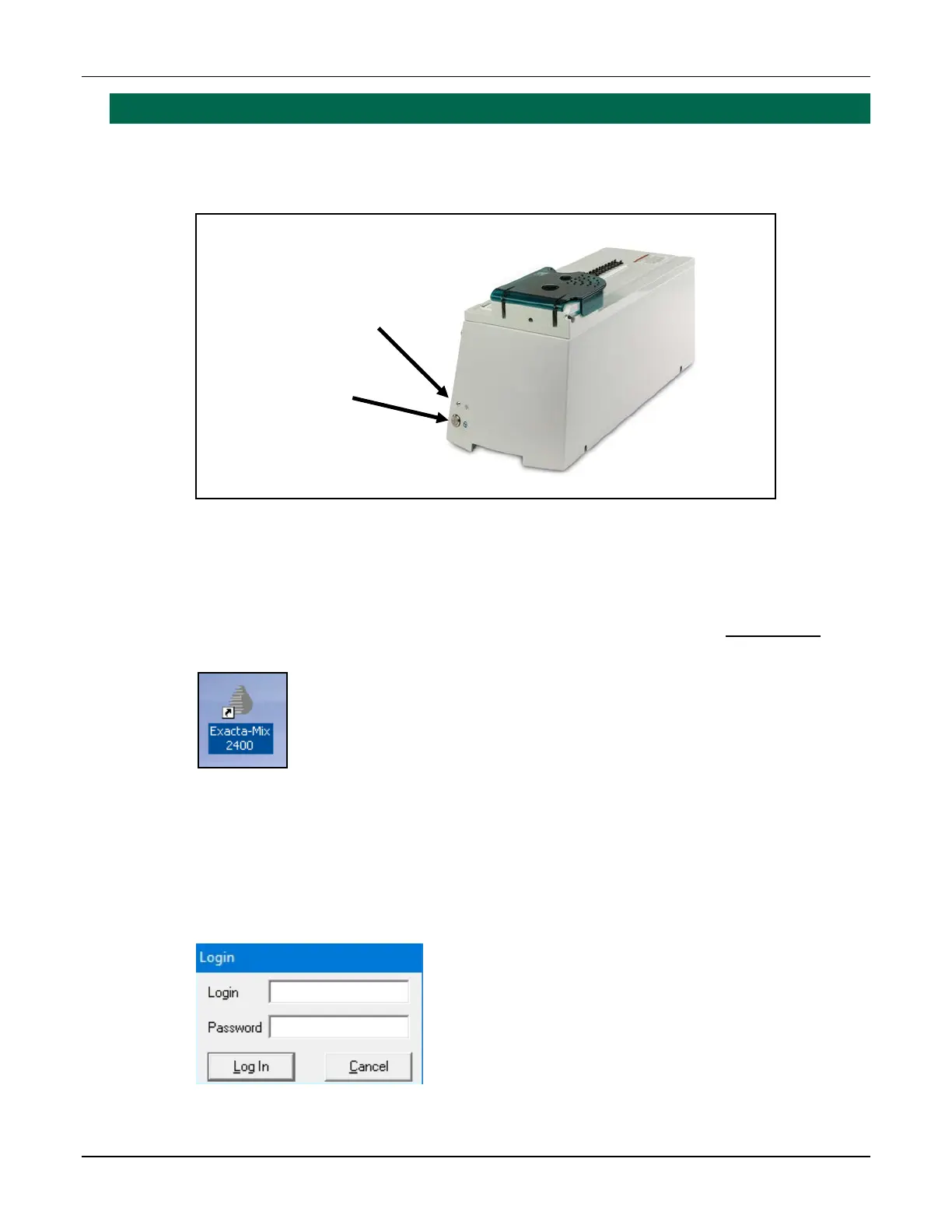
1. On the main module, press and hold the power button until the power light illuminates.
Power light and power button
2. If the software does not start automatically, double-tap the Exacta-Mix 2400 icon on
the Windows® desktop.
Tip! Baxter recommends setting the software to start automatically. Contact Baxter
Technical Services for assistance with setting up this feature. Refer to Getting Help on
Page 22.
Icon
3. If the Login window appears:
a. Enter a Login name.
b. Enter a Password. (NOTE: Passwords are case-sensitive)
c. Tap Log In.
Login window
Power light
Power button



 To Next Page